

- Monthly visits
- 0
- Pricing
- Free
- Listed
- 2025-09-01
- Updated
- 2026-05-16
01Product Positioning
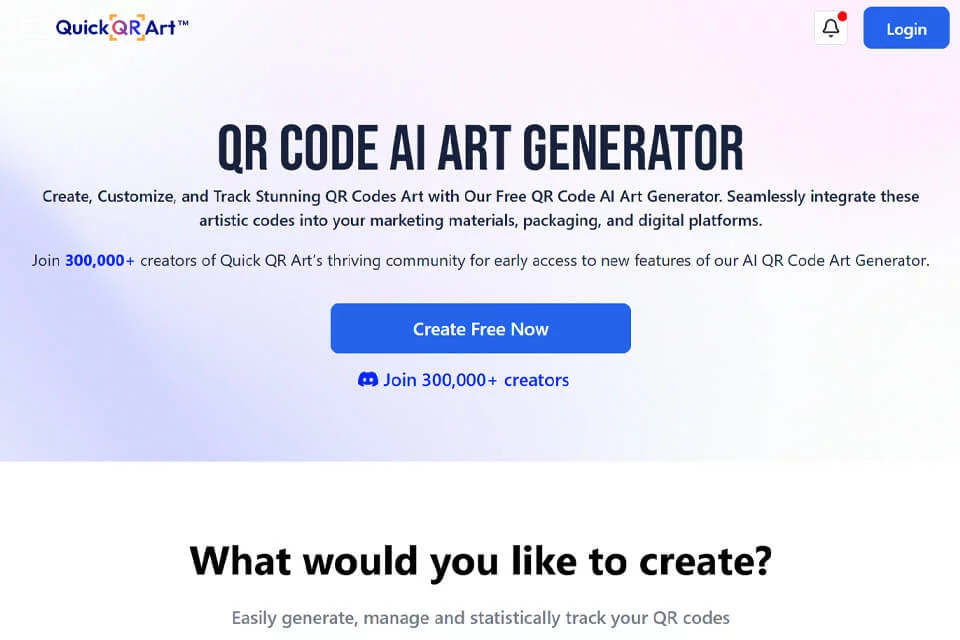
Quick QR Art combines QR code generation with visual style customization as an AI creative tool. It is designed for users who want to reduce manual design work while making QR codes better match their brand or content theme.
The product balances visual presentation with the QR code's role as a scannable entry point, making it suitable for brand promotion, content distribution, and offline materials.
02Key Features
Users can upload an image or logo to generate an artistic QR code, then choose a style and adjust colors with 17 Preset templates. The tool supports high-resolution output for marketing materials, packaging design, event promotion, and personal sharing.
The product also provides QR code usage tracking, helping users understand how the code is used after publication. Generated QR codes can be scanned with mainstream scanning tools, though results still depend on the design and usage environment.
03Use Cases
Corporate marketing teams can embed QR codes in brand campaigns and interactive activities. Content creators and social media operators can use them as visual links to articles, social content, or other entry points.
E-commerce and packaging designers can use them on product packaging, while event organizers can use them for registration, interaction, or information access. Individual users can create personalized sharing links or QR code business cards.
04Usage Notes
Artistic processing may affect QR code scanning performance. After completing a design, test it at the final output size, on different devices, and under real lighting conditions before printing or making it publicly available.
For QR codes used in marketing campaigns, users should also review usage data to monitor performance. Specific export formats, tracking data coverage, and other usage restrictions shown on the page are subject to the product's current interface documentation.
© Disclaimer: domains and linked content may change over time. AIEZZ does not control third-party websites. Review external content and risks independently.
User reviews0