

- Monthly visits
- 0
- Pricing
- Free & Paid
- Listed
- 2025-09-03
- Updated
- 2026-08-25
01Product Positioning
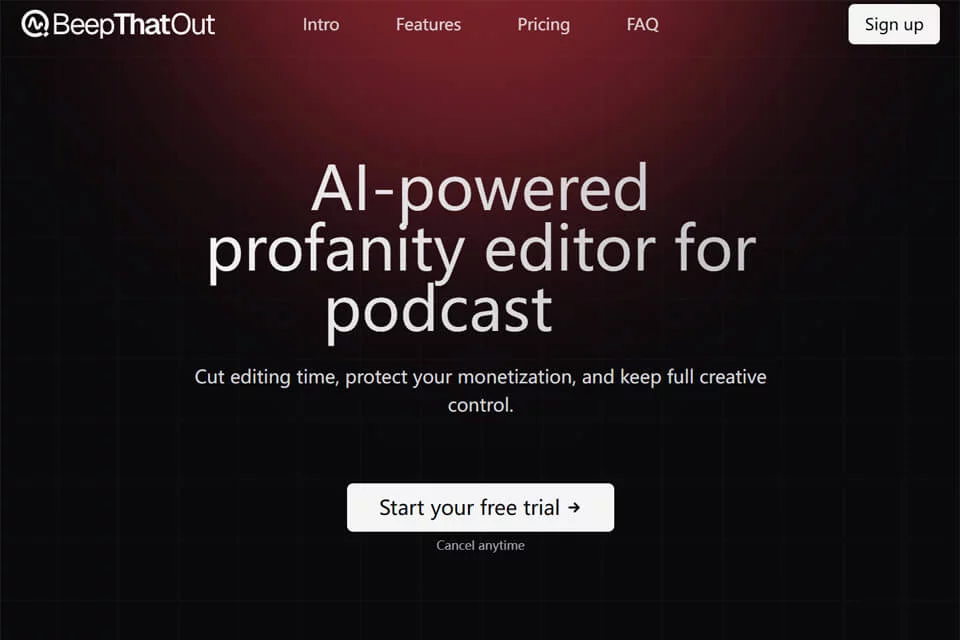
BeepThatOut is designed for content creators who need to process sensitive or inappropriate language. Its primary function is to identify target words in audio and video, then mute or replace them according to the user's selections. It brings word location, review settings, and export into a single workflow for processing videos, podcasts, livestream recordings, and similar content.
The tool provides configurable word lists, masking ranges, and muting methods, allowing users to define processing rules based on their audience and publishing requirements.
02Key Features
After audio or video is uploaded, BeepThatOut automatically analyzes the audio track and marks words that need processing in an interactive transcript. The tool supports more than 55 languages and allows users to adjust the detection range with custom blocked-word lists or blacklists.
Muting options include a classic beep, complete silence, and other preset sound effects, as well as uploaded custom sounds. During processing, users can generate subtitles in SRT format and export the result as an Adobe Premiere Pro, Final Cut Pro, or DaVinci Resolve project file, making it easy to continue editing in an existing workflow.
03Use Cases
YouTube videos, podcasts, and livestream replays can be checked centrally for expressions that need to be blocked, reducing the need to search through content and add muting manually section by section. Editors can complete the content review first, then return the project file to professional editing software for further work.
Marketing teams can use it to prepare external-facing materials such as advertisements and interviews. Educators can also process unsuitable language before playing videos in class. For longer podcasts, interviews, or livestream recordings, centralized scanning and batch location are especially well suited to the workflow.
04Usage Notes
Automatically detected results should not be treated as the final review decision. Proper nouns, homophones, tone, and context can affect the result. Before publishing, each item should be checked in both the transcript and the audio to confirm that the blocked words, start and end positions, and sound effects are appropriate.
After exporting a project file, the timeline, audio effects, and subtitle content should still be reviewed in the target editing software. Platforms have different requirements for sensitive language, advertising, and content ratings, and BeepThatOut's processing results do not replace the review rules of the publishing platform itself.
© Disclaimer: domains and linked content may change over time. AIEZZ does not control third-party websites. Review external content and risks independently.
User reviews0