

- Monthly visits
- 0
- Pricing
- Free & Paid
- Listed
- 2026-06-22
- Updated
- 2026-08-25
01Product Positioning
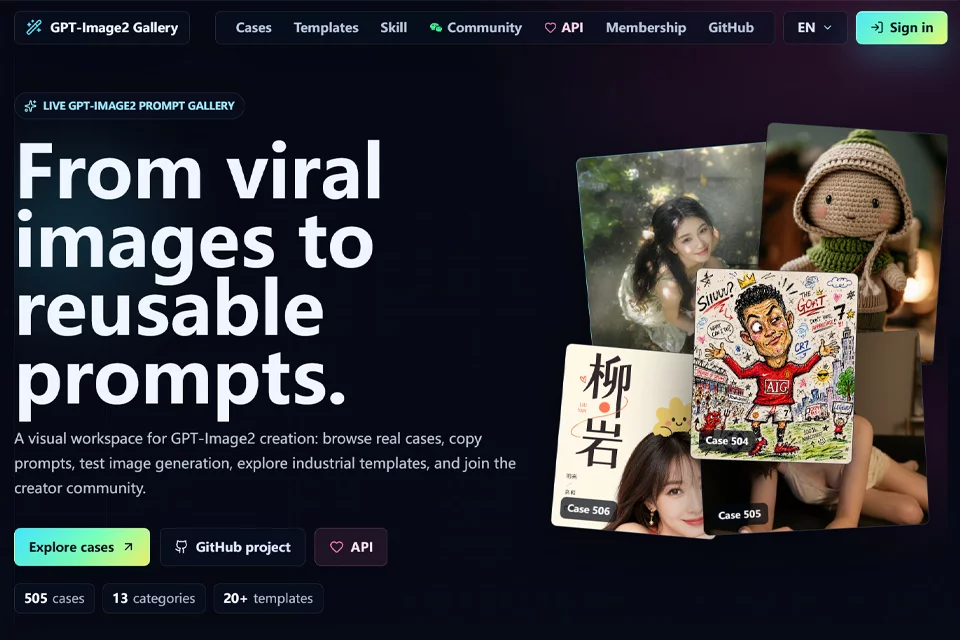
GPT-Image2 Gallery brings GPT-Image2 image-generation examples, complete prompts, and use-case categories together in one visual workspace. Users can first review the generated image, then analyze prompt details such as the subject, composition, materials, lighting, and text hierarchy.
It is useful for exploring visual directions before starting design, operations, e-commerce, or content-creation work, and also serves as a reference library for learning prompts and adapting templates.
02Key Features
The platform supports browsing examples across UI, infographics, posters, product e-commerce, brand logos, realistic photography, illustration and art, and characters and people. Users can view and copy complete prompts.
In addition to showcasing examples, the platform provides structured template references and online generation testing, making it easier to compare visual changes before and after prompt adjustments. Users can also visit the original GitHub examples to explore related content. Online generation testing requires login.
03Use Cases
Designers can reference composition and layout before creating posters, covers, infographics, and brand visuals. E-commerce teams can find ideas for presenting products, selling points, and packaging by reviewing relevant examples.
Content creators can use the gallery to prepare article illustrations and social media covers, while product and UI designers can reference interfaces, web concepts, and dashboard visuals. For prompt learners, the examples are useful for observing how subjects, layouts, lighting, materials, and text information are combined.
04Usage Notes
Start by filtering examples by creative use case, then review the prompt alongside the generated image. After copying it, replace the subject, dimensions, layout, or visual style as needed, and use online generation testing for initial validation.
Examples and prompts should be treated as editable starting points rather than fixed solutions. Different prompt wording and generation environments may produce different results. Before using the output for products, brands, or public-facing materials, independently check the image content, text accuracy, and practical suitability.
© Disclaimer: domains and linked content may change over time. AIEZZ does not control third-party websites. Review external content and risks independently.
User reviews0