

- Monthly visits
- 0
- Pricing
- Free & Paid
- Listed
- 2026-06-08
- Updated
- 2026-08-25
01About Speechify
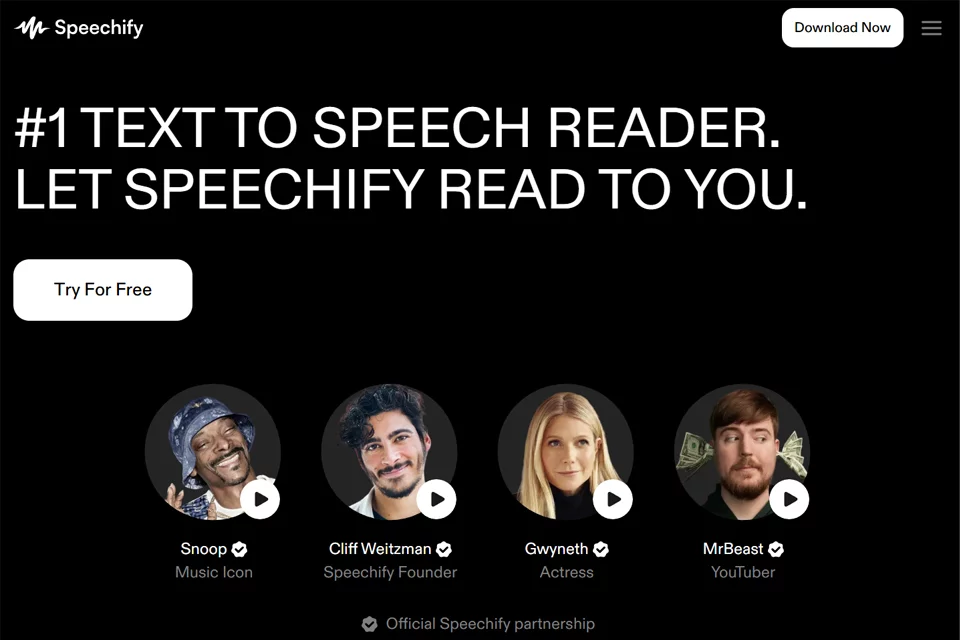
Speechify combines text reading, voice input, and a Voice AI Assistant in one cross-device tool. Users can upload PDFs or open webpages for synchronized read-aloud and text highlighting, record content by voice, dictate text, ask questions about the material they are reading, or generate podcasts from documents and descriptions. Its features support learning, work, accessible reading, and everyday information consumption.
02Who Speechify Is For
Students
Convert textbooks, course materials, and PDFs to speech, then use summaries, Q&A, podcasts, and quizzes to work with course content while studying or reviewing.
Professionals
Process work materials, calls, and meetings by listening to documents and emails, dictating replies, and creating meeting summaries.
Content Creators
Turn ideas, articles, or links into podcasts, use voice input for writing, and organize and explore content in new audio formats.
People With Dyslexia or Reading-Related Challenges
Receive digital and physical text in a way that suits them through read-aloud, text highlighting, voice selection, and playback speed controls.
03Key Speechify Features
Text-to-Speech
Upload PDFs and documents or read webpages aloud by converting text into natural-sounding speech, with different voices and playback speeds available.
Text Highlighting
Highlight the corresponding text in sync with audio playback, helping users follow the original text while listening.
Scan and Read Aloud
Use a device to capture physical text or pages and convert the scanned content to speech, making it possible to process printed materials and text without an electronic version.
Voice AI Assistant
Ask questions about webpages, books, or files being read to receive answers, summaries, and reading reviews that support comprehension of longer materials.
Voice Input
Dictate content in Windows, macOS, or a browser and convert speech to text for writing, replying to messages, and filling in text fields.
AI Podcast Generation
Start with a document or short description to create a podcast, then adjust the content's style and depth to transform written material into audio.
Meeting Notes and Summaries
Act as a voice assistant during meetings and calls by recording conversations, organizing key points, and supporting questions about meeting content.
04Speechify Highlights
Cross-Device Voice Layer
Speechify extends voice reading, voice input, and Q&A capabilities across the web, browser extensions, and multiple desktop and mobile apps.
Reading Meets Conversation
The product does more than read content aloud: it can answer questions, generate summaries, and create quizzes based on the material users are listening to or reading.
Multiple Content Entry Points
It supports webpages, PDFs, documents, and photographed physical text, covering voice processing for both digital resources and printed materials.
Voice-First Workspace
Built around voice, the workspace supports document creation, cross-file questions, meeting notes, and podcast generation, bringing reading, writing, and content organization into one voice workflow.
05Sources
© Disclaimer: domains and linked content may change over time. AIEZZ does not control third-party websites. Review external content and risks independently.
User reviews0