

- Monthly visits
- 1
- Pricing
- Free & Paid
- Listed
- 2026-01-14
- Updated
- 2026-08-25
01Product Positioning
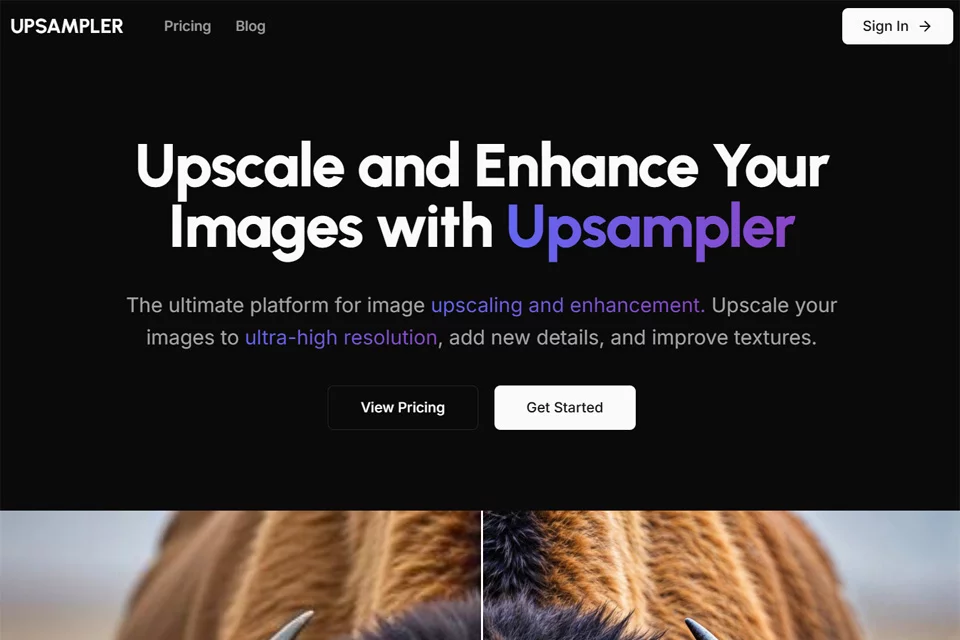
Upsampler brings image upscaling, quality enhancement, old photo restoration, and generative editing together on one platform. It is designed to increase asset resolution, add visual detail, and restore aged images.
It is suitable for designers, photographers, AIGC creators, and users working with anime and illustrations who need to process a variety of image assets. The platform also supports image and video generation, although results depend on the original material and selected mode.
02Key Features
The platform provides three primary upscaling methods: Intelligent Ultra-Clear Upscaling reconstructs a higher-resolution version; Dynamic Detail Upscaling focuses on adding and enhancing textures; and Precise Fidelity Upscaling prioritizes preserving the original content while reducing some noise and compression artifacts.
Upsampler also supports old photo restoration, generative fill, and image and video generation. Generative fill can be used for local redrawing, completing scenes, retouching imperfections, adding elements, or removing unwanted content. The platform uses a credit-based pricing model with free and paid plans. Subscription plans include commercial usage rights and API access.
03Use Cases
E-commerce and brand designers can use it to upscale product images, logos, and promotional visual assets. Photography and retouching workflows can benefit from photo enhancement, compression artifact reduction, and old photo organization.
AIGC creators can generate images first, then apply high-definition upscaling and local restoration. Anime, illustration, and game art users can use it to improve the appearance of lines and textures. For family albums and other archival media, it is suitable for restoring old photos with noticeable scratches, fading, or noise.
04Usage Considerations
Upscaling does not equal recovering the original details. Dynamic upscaling and generative fill may introduce new textures or alter local content. Faces, hands, text, logos, and complex lines should be checked individually before export.
Choose the mode according to your goal: prioritize Precise Fidelity Upscaling when content consistency matters, and use Dynamic Detail Upscaling when stronger visual texture is needed. When processing assets in batches or generating content continuously, monitor credit usage. For commercial projects, confirm the permitted usage under the selected plan.
© Disclaimer: domains and linked content may change over time. AIEZZ does not control third-party websites. Review external content and risks independently.
User reviews0