

- Monthly visits
- 0
- Pricing
- Free
- Listed
- 2025-12-08
- Updated
- 2026-08-25
01Product Positioning
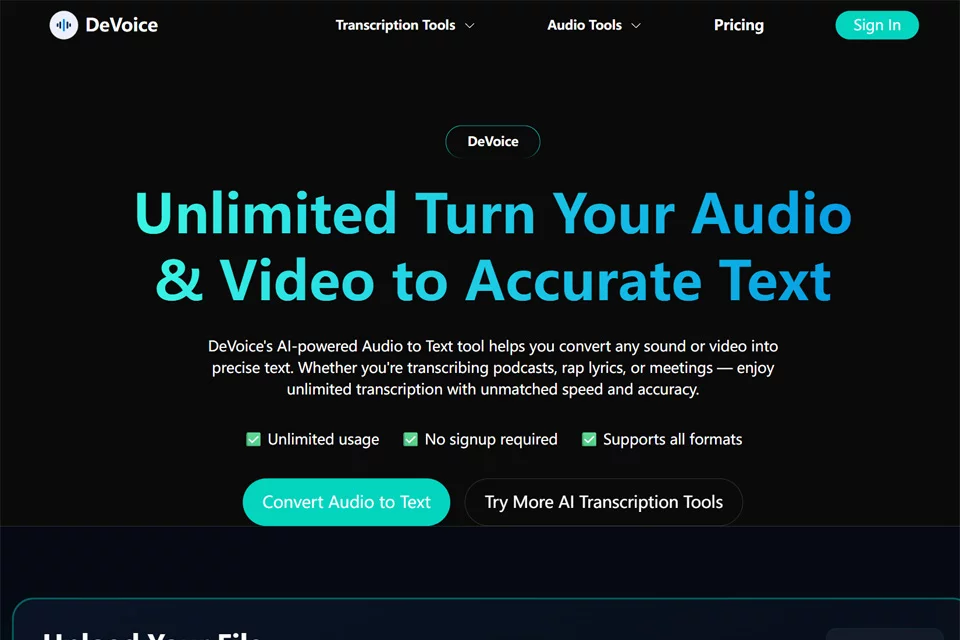
Devoice is an audio and video processing tool that brings transcription, background noise reduction, and creative generation into one workflow. Users can upload and process files without registering, making it suitable for individuals who want to quickly organize recordings, improve audio, or assist with lyric writing.
The product offers free access for students, professionals, content creators, streamers, and musicians. Files are automatically deleted after processing, so users should consider whether they need to retain the results long term before using the tool.
02Key Features
The tool supports transcription of MP3, WAV, M4A, and video files, and can export results in TXT, DOCX, or SRT formats for creating text records and video subtitles. According to the available information, it supports recognition in more than 98 languages.
For audio processing, Devoice provides intelligent background noise reduction to reduce environmental noise in recordings. Its creative features include an AI lyric generator that creates hip-hop lyrics based on a theme and emotion. It also supports downloading videos or extracting audio through YouTube links.
03Use Cases
Students can convert class recordings into text and organize them into study notes. Professionals can use it to process meeting recordings, interview materials, and dictated content. Content creators and streamers can use transcription results to create subtitles and improve materials containing environmental noise.
Musicians and hip-hop creators can enter a theme and emotion to generate lyric drafts. When working with YouTube materials, they can also download videos or extract audio through a link before editing.
04Usage Considerations
Before transcription, confirm that the file format is within the tool's supported range and choose TXT, DOCX, or SRT export according to your needs. Although multilingual recognition covers a broad range, language, accent, recording quality, and background noise can all affect the results. Text and subtitle content should still be reviewed before formal use.
Files are automatically deleted after processing, making the tool suitable for one-time processing but not for workflows that depend on long-term online file storage. When using the YouTube download feature, users must also confirm that they have the necessary rights to use the material and comply with applicable rules.
© Disclaimer: domains and linked content may change over time. AIEZZ does not control third-party websites. Review external content and risks independently.
User reviews0