

- Monthly visits
- 0
- Pricing
- Free & Paid
- Listed
- 2025-09-03
- Updated
- 2026-08-25
01Product Positioning
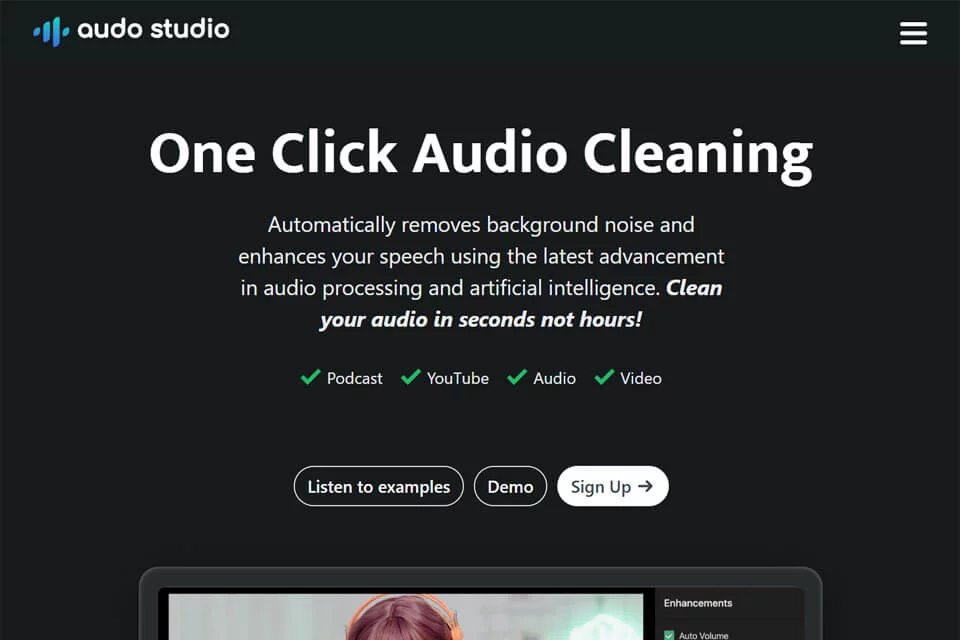
Audo Studio is designed for content creators and individuals who need to improve recording quality quickly. Its primary uses include addressing common problems such as background noise, room echo, and uneven volume.
It uses a one-click, browser-based workflow, so users do not need to install desktop software or learn complex audio parameter settings first.
02Key Features
The tool offers three main processing capabilities: automatically identifying and reducing background noise such as ambient sounds, electrical hum, and other voices; reducing echo and reverberation caused by empty rooms or spaces without acoustic treatment; and analyzing and adjusting overall volume so the output remains relatively consistent.
These processes are automated, making the tool suitable for users who want to reduce the number of post-production steps.
03Use Cases
Podcast creators can use it to clean up recordings from hosts or guests and improve vocal clarity. Video bloggers can process video audio tracks before editing, while online course instructors can use it to prepare instructional recordings.
Audo Studio can also serve as a convenient browser-based tool for occasionally cleaning up audio files such as meeting recordings and voice memos.
04Important Considerations
Audo Studio's main advantage is its simplified workflow, but one-click automated processing also means fewer adjustable parameters. Users who need to control noise reduction intensity, reverberation processing, or volume changes separately for different segments may still need audio software with more detailed editing capabilities.
The product offers free and paid plans. Before using it, check the official website for the current plans, limitations, and specific processing scope.
© Disclaimer: domains and linked content may change over time. AIEZZ does not control third-party websites. Review external content and risks independently.
User reviews0