

- Monthly visits
- 0
- Pricing
- Free & Paid
- Listed
- 2025-09-03
- Updated
- 2026-08-25
01Product Positioning
Mix Audio is positioned as an AI audio mixing and generation tool designed to reduce repetitive tasks such as volume balancing, equalization, and effect setup. It can process existing tracks and generate new musical content from multiple types of input, making it suitable for individual creators and small collaborative teams seeking to simplify their audio production workflows.
02Key Features
The tool supports AI automatic mixing, including volume balancing, equalization, dynamic compression, and effect adjustment for audio tracks.
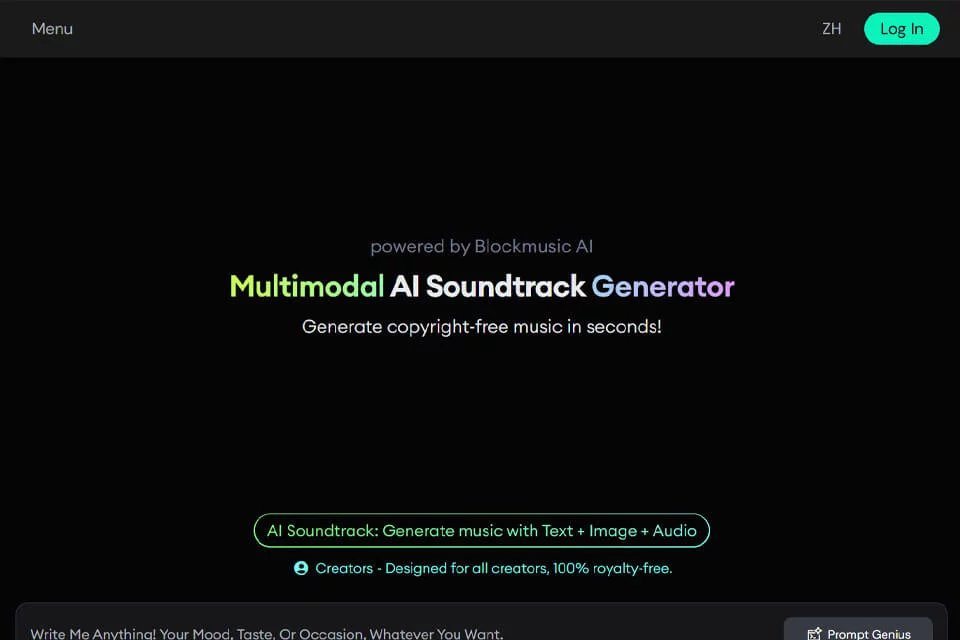
For music generation, Mix Audio can use text, images, or audio as inputs to create background music and remixes. The platform also provides real-time online collaboration and customizable presets for different styles and genres, making it easier to establish a basic effects setup quickly.
03Use Cases
Music creators and bands can use it for initial mixing of singles, albums, or excerpts. Podcasters and content creators can use its audio processing capabilities to improve the overall listening experience of their programs.
For beginners with limited formal mixing experience or professional equipment, presets and automated processing can provide an entry point. Educators and students can also use it to demonstrate processing workflows and complete practical exercises in audio engineering courses.
04Usage Considerations
Automatic mixing is useful for quickly establishing a basic effects setup, but recordings can differ significantly in volume, frequency content, and dynamics. After generation or processing, you should still listen to the result and adjust parameters and presets according to the needs of the project.
When generating music from text, images, or audio, clarify the permitted use of the source materials and publication requirements in advance. For collaborative projects, participants should also agree internally on editing responsibilities and version management.
© Disclaimer: domains and linked content may change over time. AIEZZ does not control third-party websites. Review external content and risks independently.
User reviews0