
- Monthly visits
- 0
- Pricing
- Not set
- Listed
- —
- Updated
- 2026-09-26
01What is ArcLoop?
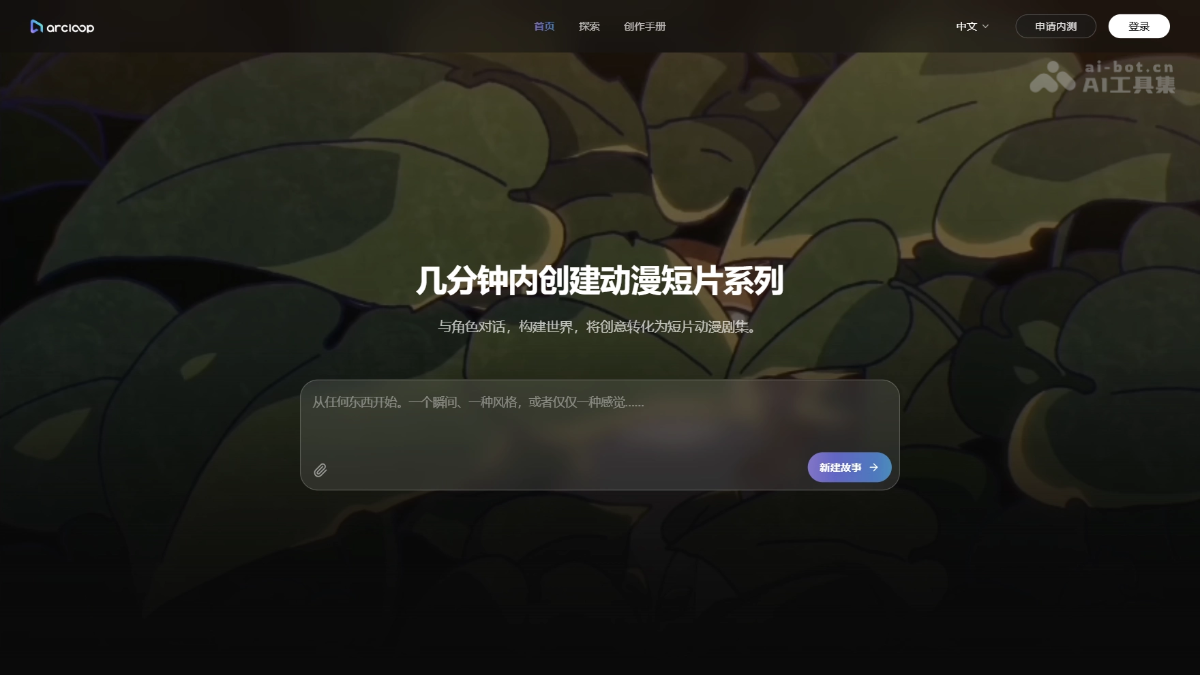
ArcLoop is an AI comic-drama generation platform built around the IP World architecture. It consolidates characters, settings, visual styles, and creative assets in a single project for ongoing Story and Episode creation. The Agent automatically generates plot outlines, storyboards, and shots. It supports calling assets with @character names and locking the visual style with Visual Reference to prevent visual drift across long-running series. ArcLoop supports short dramas, anime, Live2D, voice acting, and more, allowing character worlds to be reused across episodes and seasons.
02Key features of ArcLoop
IP World management: Characters, settings, props, and visual styles are consolidated in the same “world” for long-term reuse across episodes and stories.
Story Brief project settings: Select the language, aspect ratio, visual style, and underlying model in one place when creating a project.
AI script and outline generation: The Agent automatically produces the central conflict, character goals, and episode directions, with support for editing or partially rewriting specified passages.
Character and asset management: Each character has a dedicated asset page. Library manages materials, while Asset manages reusable objects for precise Agent calls.
Episode and storyboard generation: Split a Story into Episodes, then have the Agent generate a Storyboard. Shot cards record actions, composition, dialogue, and camera movement.
@ references and visual locking: Enter @character, setting, or prop names in shot descriptions to automatically call assets. Visual Reference locks the visual style to prevent drift across episodes.
Video generation and online editing: Generate individual Shots or an entire episode, then adjust order and duration on the timeline, replace clips, generate dialogue voiceovers, and add background music.
Multi-format creation tools: Script to Video, AI Short Drama, Anime Generator, Live2D animation, and Character Voice use the same underlying assets.
03How to use ArcLoop
Sign up and log in: Visit the ArcLoop official website at https://arcloop.cn/ and register and log in with an email address or third-party account.
Create a project: Create an ArcLoop project, complete the Story Brief, and select the language, aspect ratio, visual style, and model to use.
Generate a plot outline: The Agent automatically produces a story outline, including the central conflict, character goals, and episode directions. You can edit it directly or partially rewrite specified passages.
Create character assets: On the character asset page, enter the character’s identity, personality, and visual details, then upload reference images. Multiple outfits can be linked, such as training clothes and stage costumes.
Organize materials and assets: Place images, videos, and audio in Library. Create separate Assets for characters, settings, and props, and link the corresponding materials.
Split the series into episodes: Divide the Story into multiple Episodes, with each episode corresponding to a key event.
Generate a storyboard: Open an episode and have the Agent generate a Storyboard. Shot cards specify actions, composition, dialogue, and camera movement.
Reference assets in shots: Enter @character, setting, or prop names in shot descriptions to automatically call existing assets without repeatedly describing appearances or clothing.
Set visual references: Create a Visual Reference and save the approved visual style as a reference to lock colors and lighting and prevent visual drift.
Generate video shots: Choose to generate only selected Shots or generate the entire episode at once.
Edit and add voiceovers: Adjust shot order and duration on the editing page, replace clips, generate character dialogue voiceovers, and add background music.
04Core advantages of ArcLoop
Long-term IP World continuity: Characters, settings, and story details can be reused across seasons, solving the consistency problem of characters gradually looking less like themselves in long-running series.
@-based creation: Entering @character names in shot descriptions automatically brings in their appearance and clothing, eliminating repetitive prompt writing.
Visual Reference style locking: Save the finalized style as a reference asset to reduce visual drift between different episodes.
Layered asset and material management: Library manages original materials, while Asset manages reusable objects for more precise Agent recognition and calls.
Agent-driven end-to-end workflow: From outlines and storyboards to shot generation and partial rewrites, the creative process is far more efficient than manually adjusting every shot.
One-stop workflow: Complete outlining, storyboarding, generation, editing, voiceovers, and music in one project without switching repeatedly between tools.
Model decoupling: Changing the underlying model does not discard project settings; character worlds and assets remain preserved with the project.
One data foundation for multiple formats: Short dramas, anime, Live2D, voiceovers, and other tools share the same underlying character asset library.
Expandable side stories and new stories: After the main story ends, launch side stories or a new Story directly to continue expanding the value of the IP.
05ArcLoop use cases
Long-running AI comic dramas: Works such as 《万妖图录传》, which run for more than ten seasons and over a thousand episodes, can use IP World to maintain long-term consistency in character appearances, outfits, moves, and world-building.
Vertical AI short-drama production: Use the AI Short Drama tool to produce vertical short dramas in batches, with 50 seconds per episode, while the Agent automatically generates outlines and storyboards for rapid scaling.
Anime and Makoto Shinkai-style animation: Use Anime Generator and Live2D tools to turn static character images into anime- or Live2D-style animated videos.
IP side stories and new story development: After the main story ends, create side stories for supporting characters or restart with a new story in the same world, reusing existing character and setting assets to continue expanding the value of the IP.
One-click script-to-video production: Use Script to Video to read a complete script, automatically split it into shots, generate footage, and add voiceovers and music, making it suitable for novel adaptations and narrated comics.
© Disclaimer: domains and linked content may change over time. AIEZZ does not control third-party websites. Review external content and risks independently.
User reviews0