

- Monthly visits
- 0
- Pricing
- Free
- Listed
- 2025-04-07
- Updated
- 2026-02-14
01Product Positioning
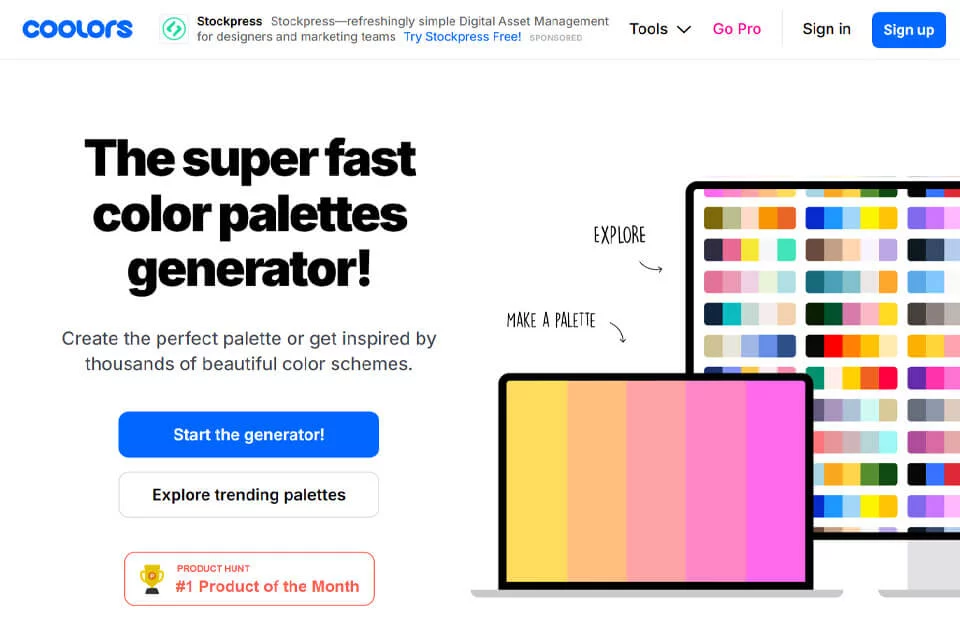
Coolors helps users quickly explore and organize color palettes, with a core workflow centered on palette generation, filtering, and fine-tuning. Users can refresh combinations with the spacebar, keep colors they like, and continue adjusting the remaining swatches.
It suits design work that requires color direction for interfaces, brands, or visual assets, and can also support learning color combinations.
02Key Features
The tool supports random palette generation, locking individual or multiple colors, adjusting hue, brightness, and saturation, and changing color order by dragging.
Users can also upload images to extract dominant colors, use color blindness simulation and contrast checking to review palette performance, export palettes as PDF, PNG, SVG, CSS, or JSON, and share them with others.
03Use Cases
In UI/UX design, users can generate a palette first and then organize interface colors with contrast checks; in brand design, they can extract colors from reference images to establish a direction for visual assets; product managers and team members can use palettes for discussion and sharing.
For users learning color theory, random generation, parameter adjustments, and palette sorting can also help them observe how different color combinations change.
04Usage Considerations
Random generation and image color picking are useful for finding a direction but cannot replace judgment based on brand guidelines, interface hierarchy, or actual display results. Before exporting, confirm that the color order, format, and use case are appropriate.
For websites or product interfaces, contrast should be reviewed alongside text size, background relationships, and actual devices. Color blindness simulation is a supporting reference, so a final manual check is still required.
© Disclaimer: domains and linked content may change over time. AIEZZ does not control third-party websites. Review external content and risks independently.
User reviews0