

- Monthly visits
- 0
- Pricing
- Free & Paid
- Listed
- 2025-12-22
- Updated
- 2026-04-19
01Product Positioning
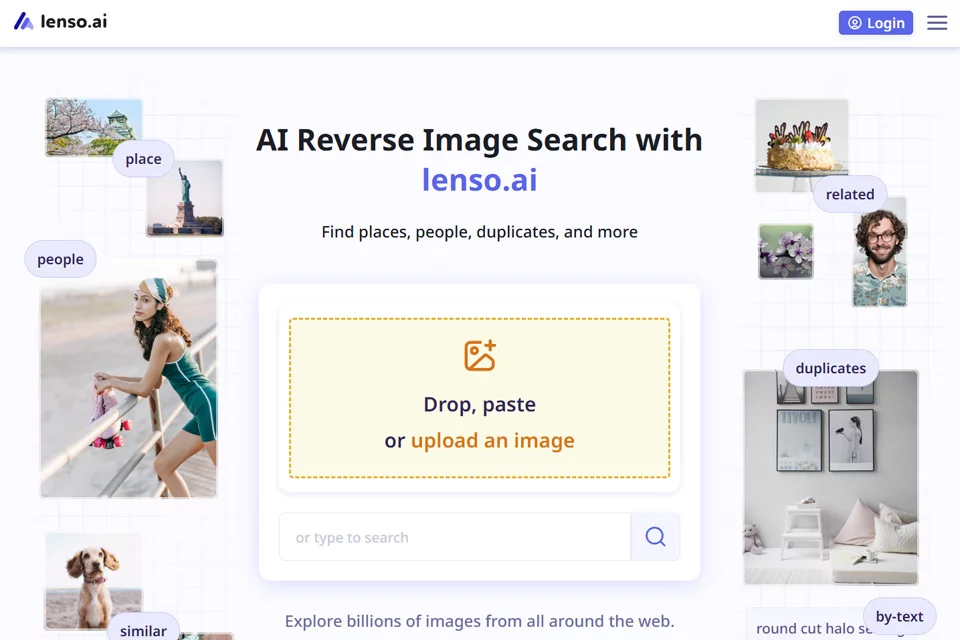
Lenso is positioned as a face detection and image provenance tool centered on finding related web content after an image is uploaded. It can detect faces, landmarks, and other objects in images, helping users organize duplicate uses, similar content, and potential leads.
The platform offers free and paid options for individuals and professional users who need to investigate image sources and review web content.
02Key Features
Lenso supports face detection, landmark recognition, and object detection, along with reverse image search, duplicate image searches, and similar image discovery. For blurry or older images, the platform provides a research mode for exploring additional image leads.
Users can also use built-in crop detection to extract localized objects from an image and search those areas separately. Results can be filtered by domain, keyword, or time.
03Use Cases
Individuals can use it to check whether related faces or image leads appear on the public web, helping them understand how their personal photos are distributed. Photographers, designers, and other copyright holders can use it to find duplicate uses of their images and related pages.
Marketers can use it to study how visual assets spread, while open-source web researchers can organize public image leads by starting with faces, landmarks, or localized objects.
04Usage Considerations
Search results depend on the clarity of the uploaded image, identifiable areas, and the web content accessible to the platform. Blurry, obscured, excessively cropped, or poorly indexed images may produce limited results. Important conclusions should therefore still be manually verified against original pages and other sources.
When faces or personal photos are involved, confirm the purpose of use and relevant permissions, and handle any personal information found through searches with care.
© Disclaimer: domains and linked content may change over time. AIEZZ does not control third-party websites. Review external content and risks independently.
User reviews0