

- Monthly visits
- 0
- Pricing
- Free & Paid
- Listed
- 2026-05-26
- Updated
- 2026-05-27
01Product Positioning
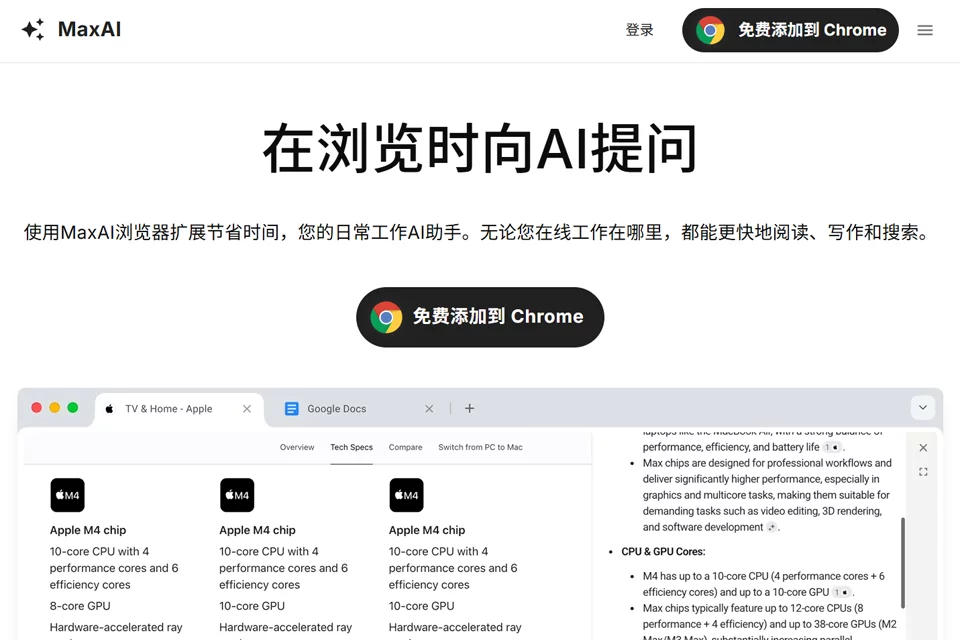
MaxAI places an AI assistant in the sidebar of Chromium browsers such as Chrome and Edge, for users who frequently read web pages, organize information, and work with text. It provides an entry point for questions about the current page or selected content, reducing the need to repeatedly copy and switch between web pages, chat windows, and other tools.
The product covers connected tasks such as reading, writing, translation, and information organization. It is suitable for content creation, learning and research, workplace communication, and cross-language browsing.
02Key Features
MaxAI can summarize, explain concepts, extract key points, and answer questions about web pages, PDFs, YouTube videos, email, files, images, and audio. Users can also call on multiple leading AI models and choose an appropriate response approach for different tasks.
Writing features include drafting, polishing, shortening, expanding, adjusting tone, and checking spelling and grammar. Translation features include translating selected text and displaying side-by-side page translations. It can also generate replies for Gmail, Outlook, LinkedIn, Slack, and similar scenarios, as well as generate images from text and save frequently used prompts.
03Use Cases
Content creators can use it to organize research, draft articles or social media copy, and rewrite and proofread text. Researchers and learners can extract key points and explain terms while reading papers, web pages, PDFs, or YouTube content.
Workplace users can use it to summarize emails, reports, and meeting materials and draft replies. People working across languages can read foreign-language materials with side-by-side page translation. Marketing and operations teams can use it to brainstorm and refine headlines, taglines, and promotional content.
04Usage Considerations
MaxAI is best suited to users who already work in a browser. Before use, the relevant setup must be completed in a supported Chromium browser environment. Processing may vary by content type and task, and page content, files, and images should still be checked according to the circumstances.
AI-generated summaries, translations, replies, and images are assistive results and cannot replace human judgment about the original text, facts, or communication context. Formal emails, research conclusions, and important business information should be verified before being sent or cited.
© Disclaimer: domains and linked content may change over time. AIEZZ does not control third-party websites. Review external content and risks independently.
User reviews0