

- Monthly visits
- 0
- Pricing
- Free & Paid
- Listed
- 2025-09-03
- Updated
- 2026-08-25
01Product Positioning
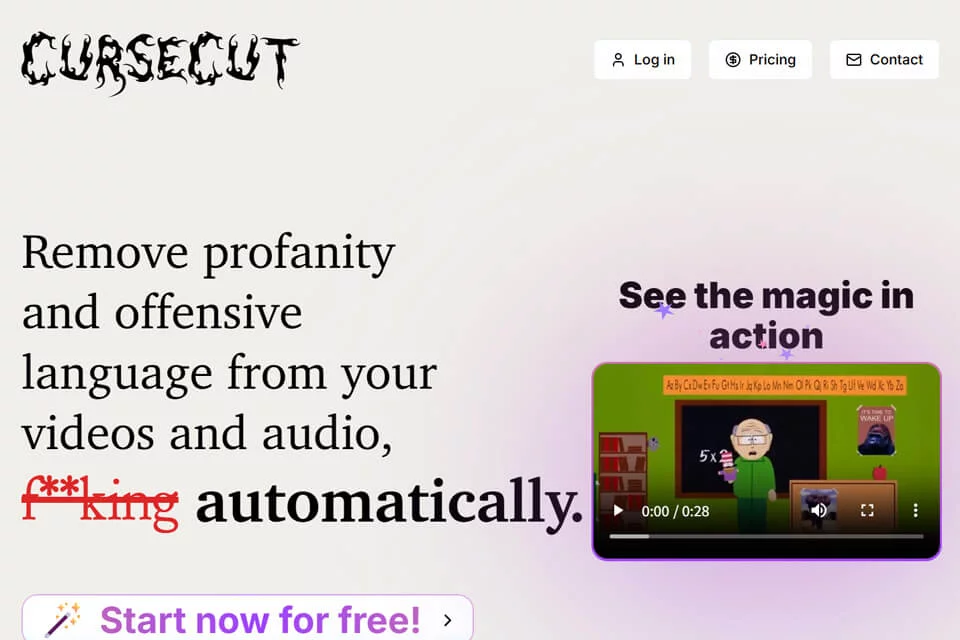
CurseCut is designed for users who need to remove inappropriate speech from audio and video, and is positioned as a locally operated AI audio tool. It combines word detection, censoring settings, and file processing for post-production work on videos, podcasts, livestream recordings, and similar media.
The tool does not impose fixed filtering standards. Users can decide which words to process based on platform requirements, the intended audience, or their organization’s content guidelines.
02Key Features
The tool automatically detects specified words in audio and video and allows users to create custom filter word lists. The filters can target profanity, slang, or other terms that should not appear in the final production.
Processing options include muting, inserting a beep, and replacing the audio with a custom sound effect supplied by the user. CurseCut supports more than 30 languages and batch processing, and can generate timestamped transcripts to help locate and review processed content. Available information indicates that file analysis and processing are completed on the local device without cloud uploads.
03Use Cases
Content creators can use it to clean up specified words in videos, podcasts, or livestream recordings, making the media more suitable for the target platform or audience.
Parents and educators can process films, TV series, or online videos into versions more suitable for children. Business teams can use it to organize training materials, meeting recordings, and promotional videos, while media and broadcasting organizations can review words in media before broadcast or archiving.
04Usage Considerations
Before using the tool, define the filter word list and choose a processing method suited to the content context. The scope of the word list directly affects which content is detected and processed, so users should not rely entirely on default settings.
Batch processing can reduce repetitive work, but users should still spot-check the results against the original audio or video and the timestamped transcript to confirm that the context, transition points, and custom sound effects meet expectations. For unpublished media, local processing can reduce the need to upload files, but users must still manage local files and exported results appropriately.
© Disclaimer: domains and linked content may change over time. AIEZZ does not control third-party websites. Review external content and risks independently.
User reviews0