

- Monthly visits
- 0
- Pricing
- Free & Paid
- Listed
- 2025-09-03
- Updated
- 2026-08-25
01Product Positioning
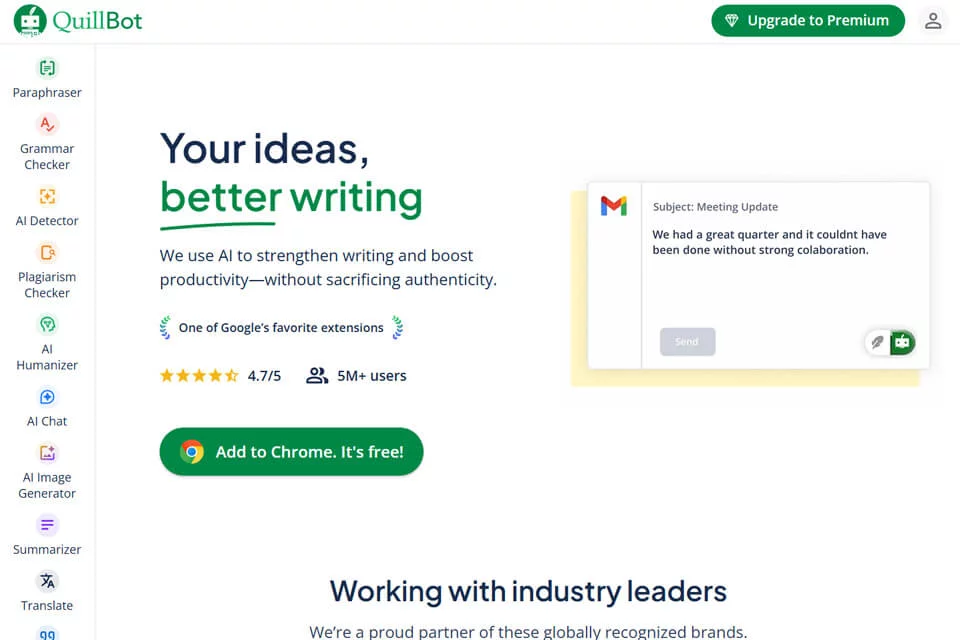
QuillBot brings text paraphrasing, language checking, content summarization, and citation generation together in one writing tool. It primarily serves learning, research, content editing, and professional communication scenarios involving English text.
Users can enter or paste content into the web editor and select the appropriate feature for their task. The product offers free and paid versions, with the exact availability determined by the account and the options shown on the page.
02Key Features
The paraphrasing feature supports Standard, Fluency, Formal, and Academic modes, allowing users to rewrite sentences or paragraphs and adjust the extent of paraphrasing with a synonym slider.
Grammar checking can identify spelling, punctuation, and grammar issues. The summarizer extracts key points from longer documents, while the citation generator supports formats such as APA, MLA, and Chicago. QuillBot also provides an online writing space that integrates these capabilities and supports Chrome and Word extensions.
03Use Cases
Students and researchers can use it to refine wording in papers, organize long-form content, and format references. Content creators and marketers can use the paraphrasing feature to prepare alternative wording for blog posts or social media copy.
Professionals can use it to polish the language of reports and work emails. Non-native English learners can combine paraphrasing with grammar checking to compare different ways of expressing an idea and improve writing fluency and accuracy.
04Usage Considerations
Paraphrasing tools are suitable for adjusting expression and preliminary editing, but they should not replace the author's judgment. After processing, users should check the facts, tone, terminology, and context, especially to confirm that the sentences still accurately convey the original meaning.
Summaries may omit background information or qualifying conditions, and generated citations should be checked item by item against the original sources for formatting and accuracy. For papers, reports, or content intended for publication, manual proofreading is recommended before submission.
© Disclaimer: domains and linked content may change over time. AIEZZ does not control third-party websites. Review external content and risks independently.
User reviews0