

- Monthly visits
- 0
- Pricing
- Free & Paid
- Listed
- 2025-09-03
- Updated
- 2026-04-05
01Product Positioning
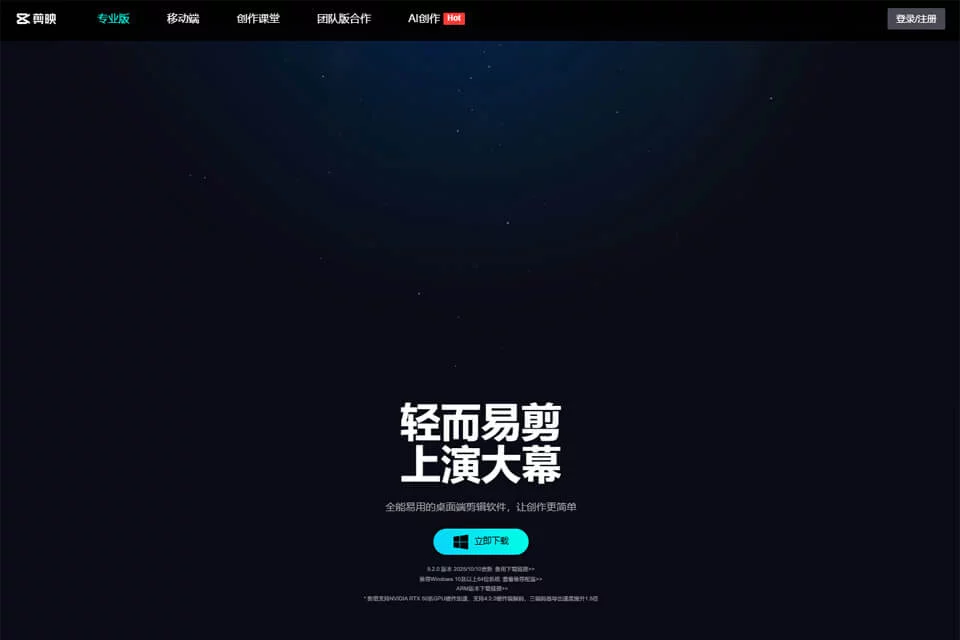
Jianying is a video editing platform for short-form video creation, available on mobile phones, tablets, computers, and the web. It brings basic editing, visual media, and AI-assisted tools into one workflow, supporting everything from simple everyday recordings to more complete short-film production.
Users typically start by importing video, image, or audio files, arranging clips on the timeline, and then adding captions, music, filters, transitions, and visual effects before exporting the finished video. The product offers both free and paid usage options.
02Key Features
Editing features include multitrack editing, cutting, speed adjustment, reverse playback, masks, speed curves, and keyframe animation. Users can also convert speech to captions with smart captions and separate people from backgrounds with AI background removal.
Other tools include AI image generation, text-to-speech, AI object removal, beauty and body retouching, style filters, stickers, fonts, effects, and transitions. The product provides access to the Douyin music library and supports export at up to 4K resolution. Drafts can be synchronized across mobile phones, tablets, and computers.
03Use Cases
Short-form video creators can use it to organize talking-head videos, venue reviews, knowledge-sharing content, and everyday recordings, then add captions, music, and visual effects before publishing. Vlog users can combine multiple clips from daily life into a continuous video and adjust the music and pacing.
Students and early-career professionals can use it for coursework, project presentations, or personal résumé videos. Content teams can use cross-device draft continuity and AI-assisted features to handle repetitive editing tasks, although the specific collaboration approach still depends on the team's media management workflow.
04Usage Considerations
Automatic captions, background removal, and other AI processing are affected by the quality of the original audio, image clarity, and background complexity. Before publishing, users should check for typos, punctuation and line breaks, subject edges, and visual obstructions. AI-generated or automatically processed results can improve production efficiency but cannot replace human judgment about content accuracy and effectiveness.
Jianying uses a freemium model. Before using a specific template, media asset, or feature, users should confirm the applicable terms. Cross-device editing also requires attention to draft synchronization status and possible differences in operations and media between devices.
© Disclaimer: domains and linked content may change over time. AIEZZ does not control third-party websites. Review external content and risks independently.
User reviews0