

- Monthly visits
- 0
- Pricing
- Free & Paid
- Listed
- 2026-02-27
- Updated
- 2026-04-22
01Product Positioning
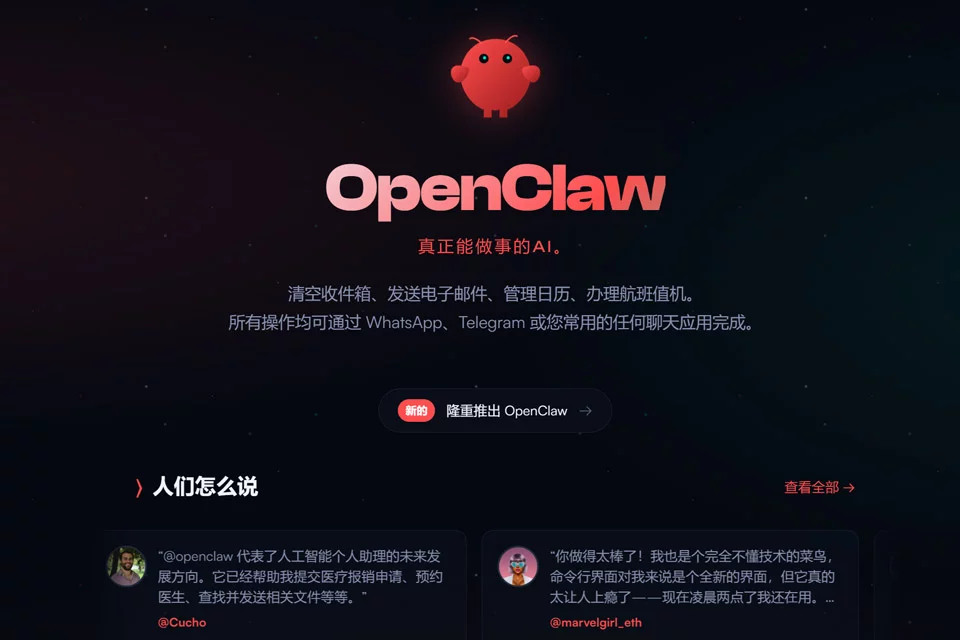
OpenClaw combines chat interaction with local computer operations as an open-source, customizable private AI assistant. It is not limited to answering questions; based on user commands, it can also use the browser, file system, and terminal in the local environment to handle tasks involving multiple steps.
The product supports persistent memory to retain user preferences, conversation history, and task context. It is suitable for users who want to configure their own workflows and control where their data is stored.
02Key Features
Users can interact with OpenClaw through messaging platforms such as WhatsApp, Telegram, Signal, Discord, or Slack. Based on the current information, it can control the browser, fill out web forms, and extract information, as well as access local files, run Shell commands, and execute scripts.
The tool also provides persistent memory and an extensible skills system, allowing users to add capabilities suited to their own workflows through natural language or code.
03Use Cases
Developers and open-source tool users can use it for script execution, browser automation, information organization, and workflow orchestration. Freelancers and individuals who handle large volumes of repetitive tasks can also use it as an assistant for email, scheduling, or document processing.
For users who value local data control and want to reduce switching between applications, its multi-platform chat interfaces and local execution model can cover some daily tasks. Actual results depend on the configuration and task complexity.
04Usage Considerations
OpenClaw can access local files and run terminal commands, so users should define access permissions for files, scripts, and external services during initial deployment. For operations involving deletion, sending, publishing, or changing system state, it is recommended to check the command scope first and review the execution results.
Local execution does not mean configuration is unnecessary. Users still need to manage the runtime environment, chat platform integrations, skill settings, and ongoing maintenance. Tasks with high risk or irreversible results should not be entrusted entirely to automated execution.
© Disclaimer: domains and linked content may change over time. AIEZZ does not control third-party websites. Review external content and risks independently.
User reviews0