

- Monthly visits
- 0
- Pricing
- Free & Paid
- Listed
- 2026-06-27
- Updated
- 2026-08-25
01Vider.ai Overview
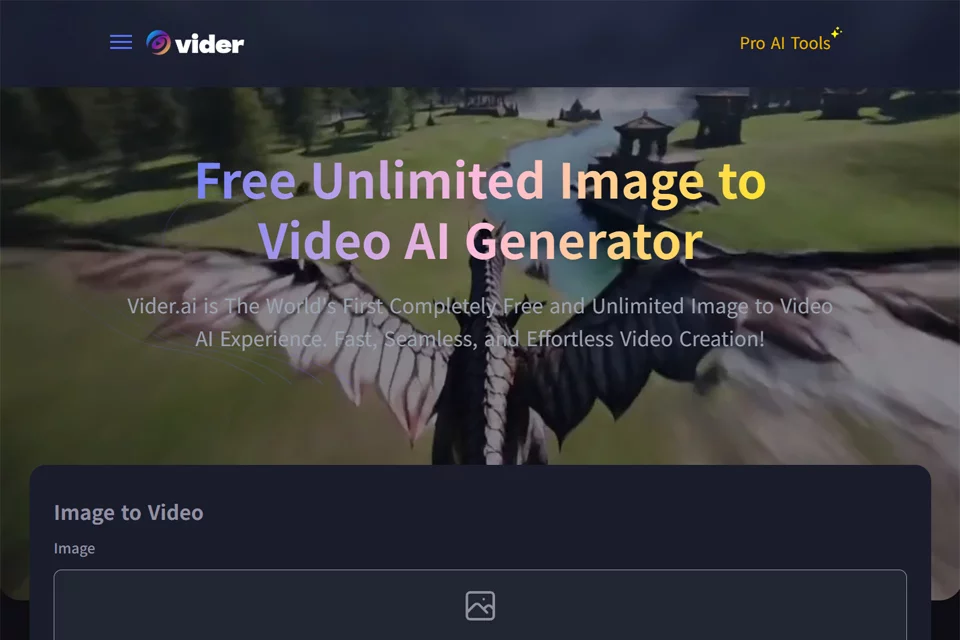
Vider.ai converts images into dynamic videos. Users can upload images from their devices, use text prompts to describe creative requirements such as video style, scenes, and camera movement, then generate, preview, and download videos. The tool runs in a web browser without requiring an account or software installation, and supports adjustments to video length, aspect ratio, and visual effects.
02Who Is Vider.ai For?
Content Creators
Convert static images into dynamic videos for creating visual content and downloading the generated results.
Digital Marketers
Turn product images or promotional assets into videos to quickly create marketing content ready for publication.
Social Media Managers
Use images and text prompts to generate dynamic video content suitable for publishing on social platforms.
Photographers and Designers
Convert photo series or design works into videos and experiment with different styles, aspect ratios, and visual effects.
03Key Features of Vider.ai
Image to Video
Upload images from your device and generate dynamic videos, converting static visual assets into videos that can be previewed and downloaded.
Text Prompt Creation
Describe the video style, scene, or camera movement to have the tool generate corresponding video effects based on the text prompt.
Output Parameter Adjustments
Adjust the video length, aspect ratio, and visual effects before generation to meet different content production requirements.
Support for Multiple Image Formats
Supports common image formats such as JPEG, PNG, and BMP, allowing users to upload existing image assets directly for generation.
Video Preview and Download
Preview the video after generation, then download the result to your device. Processing a single video typically takes several minutes.
Online Use Without Registration
No account or software installation is required. Open the website, upload an image, and start creating an image-to-video project.
04Vider.ai Highlights
Free Unlimited Generation
The official website explicitly offers free image-to-video generation with no limit on the number of generations and no subscription fee.
No Registration Required
Users can upload images, enter prompts, and generate videos directly without creating an account, reducing the steps needed to get started.
Cloud-Based Web Access
The tool requires no download or installation. Users can access it from their devices through a web browser to upload images and generate videos.
Limited File Retention
The official website states that generated videos and uploaded images are retained for up to 1 day, after which they are automatically and permanently deleted.
05Sources
© Disclaimer: domains and linked content may change over time. AIEZZ does not control third-party websites. Review external content and risks independently.
User reviews0