
- Monthly visits
- 0
- Pricing
- Free & Paid
- Listed
- 2026-06-11
- Updated
- 2026-08-25
01About Motionfly
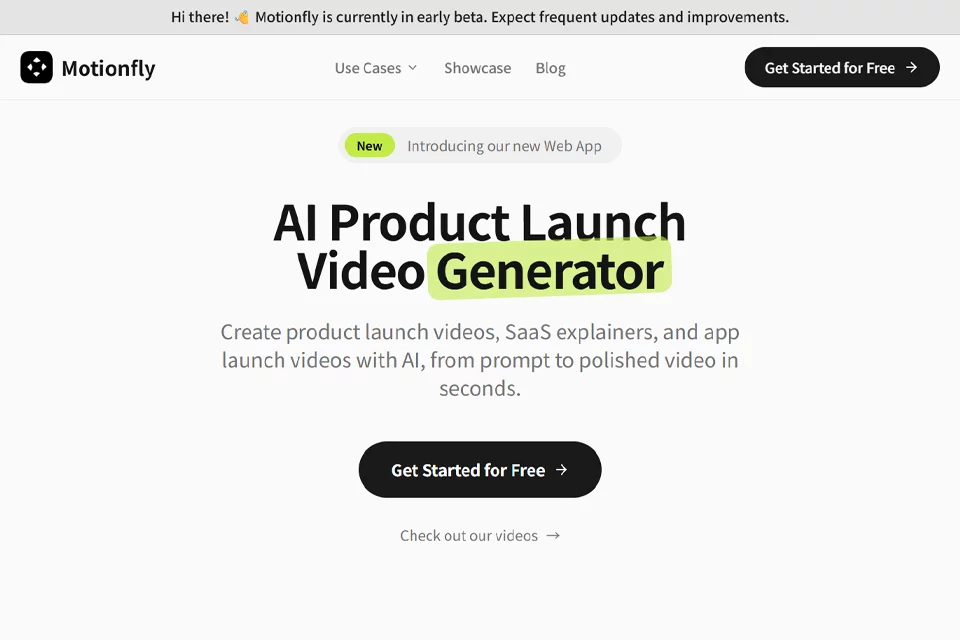
Motionfly is designed for teams and individuals who need to create product videos quickly. Users describe the product, features, audience, and video style in text, and the platform automatically generates product launch videos, SaaS explainer videos, app promotional videos, and product demo videos with device mockups, interface showcases, animations, voiceovers, music, and sound effects.
02Who Motionfly Is For
Entrepreneurs and indie developers
Create product launch videos for Product Hunt, Hacker News, landing pages, or investor presentations without learning professional video editing software.
SaaS product marketing teams
Create product explainers, feature launch videos, and marketing assets by turning product descriptions or interface screenshots into videos for websites, social media, and sales use cases.
Mobile app developers
Showcase mobile app interfaces and feature flows with promotional videos for the App Store, Google Play, or social platforms.
Sales and customer success teams
Generate product demos and onboarding videos based on features, customer profiles, or deal scenarios for sales communication, customer training, and knowledge-base content.
03Key Motionfly Features
Prompt-generated videos
Enter a text description of a product, SaaS platform, or app, and Motionfly automatically generates the script, visuals, pacing, and complete video without timeline editing.
3D device mockups
Upload product screenshots and choose devices such as iPhone, iPad, MacBook, Apple Watch, Pixel, or Surface to composite the interface into 3D mockups.
Interface flow demonstrations
Generate UI walkthroughs based on features, pages, and user flows, presenting product usage through camera movement, interface showcases, and animated annotations.
Text and logo animations
Add text animations, branded logo displays, arrows, highlight rings, and text overlays to emphasize features, steps, or product information.
AI voiceovers and sound design
Add AI voiceovers, background music, and sound effects to generated videos, with voice style, language, tone, and pacing options tailored to the audience.
Branded exports
Apply brand colors and logos, then export videos in formats such as 16:9, 1:1, or 9:16 for websites, sales materials, and social media.
Multilingual and variant generation
Replace supported voices and languages in an existing demo, or adjust prompts to generate video versions for different personas, industries, and deal stages.
04What Makes Motionfly Stand Out
Built for product launches
Its workflows focus on product launches, SaaS explainers, app promotions, and product demos, supporting video use cases ranging from launch pages to sales and customer support.
Prompt-first generation
Product descriptions serve as the primary input while the system handles the script, storyboard, visuals, and pacing, reducing frame-by-frame editing, template changes, and keyframe creation.
From screenshots to dynamic mockups
User-provided product screenshots are composited into selectable 3D devices and combined with camera movement, lighting, and brand colors to create dynamic videos.
Generate customized variants at scale
Modify audience, industry, deal stage, or feature information in the prompt to generate product demo variants for different scenarios.
05Sources
- Official homepage: Motionfly, AI Product Launch Video Generator
- Official product page: AI Product Demo Video Generator, Motionfly
- Official feature page: AI Video Generator with 3D Mockups, Motionfly
- Official updates page: Motionfly Blog, AI Video Generation Tips & Tutorials
- Official about page: About Motionfly
© Disclaimer: domains and linked content may change over time. AIEZZ does not control third-party websites. Review external content and risks independently.
User reviews0