

- Monthly visits
- 0
- Pricing
- Paid
- Listed
- 2025-11-25
- Updated
- 2026-08-25
01Product Positioning
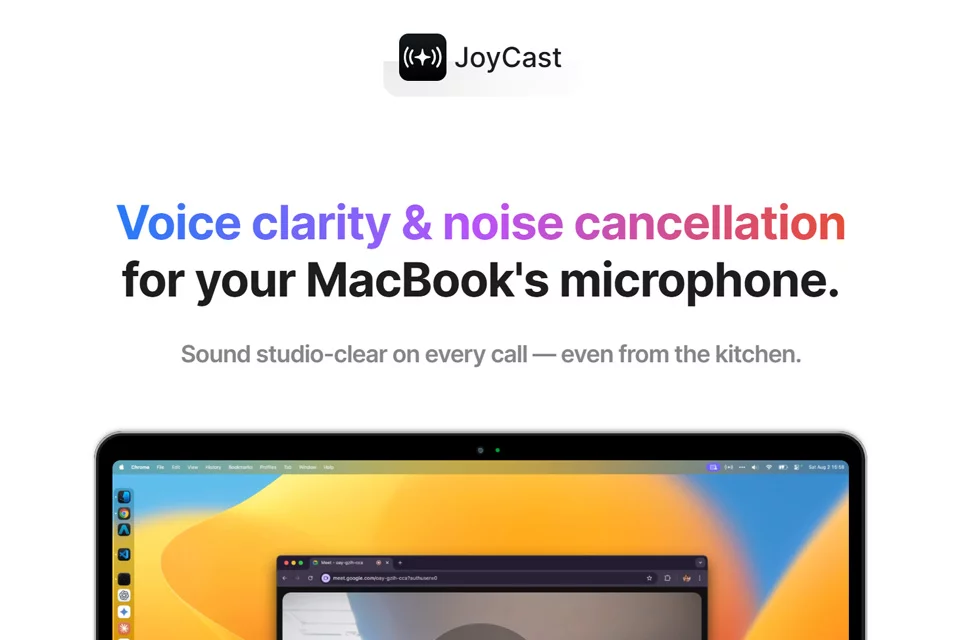
JoyCast combines AI noise reduction with microphone input to improve voice quality from the MacBook's built-in microphone. It does not require users to replace their entire recording setup; instead, it processes the audio in software and provides it as an audio input.
The product description emphasizes local processing and positions JoyCast for meetings, livestreams, podcast recording, remote teaching, and other scenarios that require continuous microphone use.
02Key Features
JoyCast suppresses background noise in microphone audio and works as a system-level audio input that other applications can use. The materials list Zoom, Google Meet, Slack, and OBS among the supported applications.
Public descriptions also mention on-device processing, low latency, and support for Apple Silicon chips. The materials do not clearly specify supported system versions, external microphone support, or adjustable audio parameters.
03Use Cases
It is suitable for joining online meetings in home offices, shared spaces, and other locations with ambient noise, helping keep speech clear.
For people recording interviews, podcasts, or livestreams, it can serve as a lightweight front-end audio processing tool. Online teachers can also use it for voice input during remote lessons. Whether it meets professional recording needs still depends on room acoustics, microphone distance, and the type of noise.
04Usage Considerations
Before use, confirm that the device and system fall within JoyCast's supported range, especially the MacBook model, chip type, and microphone being used. After setting it as the system or application input device, check the actual recording quality in the meeting, recording, or livestreaming software.
Noise reduction cannot replace a quiet environment, suitable microphone placement, and basic room acoustic control. The current materials do not provide a complete compatibility list, audio quality tests, or specific pricing information, so verify these details before purchasing.
© Disclaimer: domains and linked content may change over time. AIEZZ does not control third-party websites. Review external content and risks independently.
User reviews0