

- Monthly visits
- 0
- Pricing
- Free & Paid
- Listed
- 2026-01-16
- Updated
- 2026-08-25
01Product Positioning
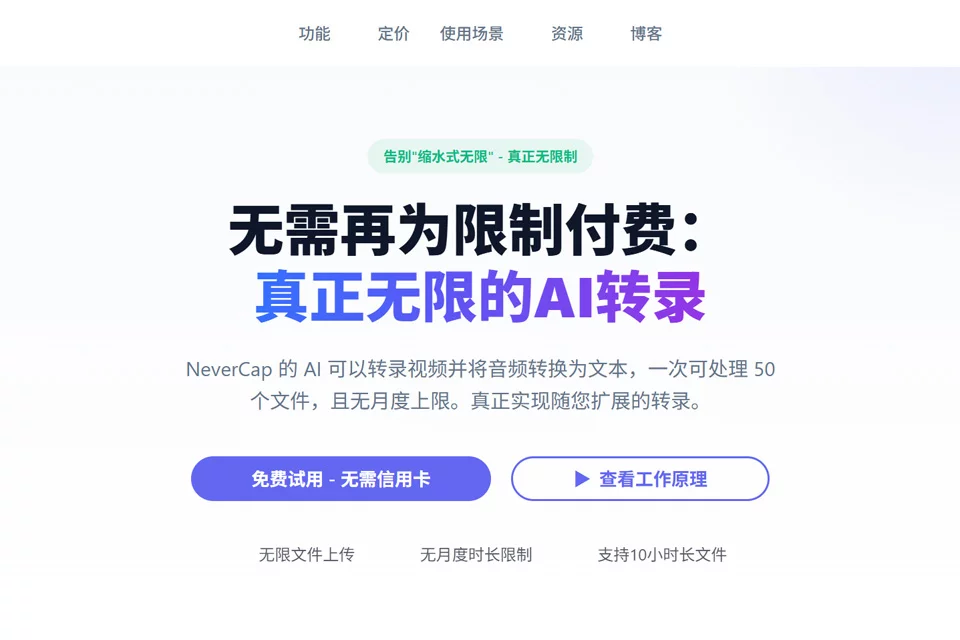
NeverCap is designed for users who need to process text from audio and video, providing a complete workflow from file upload and automatic transcription to translation and export. It converts speech from audio or video into readable, editable text and can also generate subtitles or multilingual versions.
The tool is suitable for podcasters, video creators, researchers, and teachers and students who need to organize course content. It is especially useful for workflows that involve processing multiple recordings or video files at once.
02Key Features
NeverCap supports MP3 and MP4 files, with up to 50 files uploaded at a time. Individual files can be up to 10 hours long and 5GB in size. It recognizes more than 100 languages and can translate transcripts into 249 written languages.
During transcription, it provides speaker identification, smart punctuation, and paragraph formatting, making it easier to process interviews, discussions, and conversations. Once complete, results can be exported as PDF, Word, or SRT files for reading, editing, and subtitle creation.
03Use Cases
Podcast teams can batch-organize episode transcripts, extract interview content, or create show notes. Video creators can use transcription results to generate subtitles and produce versions in other languages.
In academic research, it can be used to organize interviews, focus group discussions, and field recordings. In educational settings, it can help organize lecture recordings, classroom notes, and study materials. Speaker identification is suitable for multi-person conversations, but role labels should still be checked for accuracy.
04Important Considerations
Before uploading, confirm that the file format, duration, and size meet the applicable limits, and choose an export format based on the intended use. Automatic transcription results for proper nouns, dialects, recordings with pronounced accents, background noise, or overlapping speech may require manual revision.
For research interviews, course materials, or unpublished content, review the file-processing and data-use policies before deciding whether to upload. Important quotations, subtitles, and text intended for publication should not be used without proofreading.
© Disclaimer: domains and linked content may change over time. AIEZZ does not control third-party websites. Review external content and risks independently.
User reviews0