

What this project does
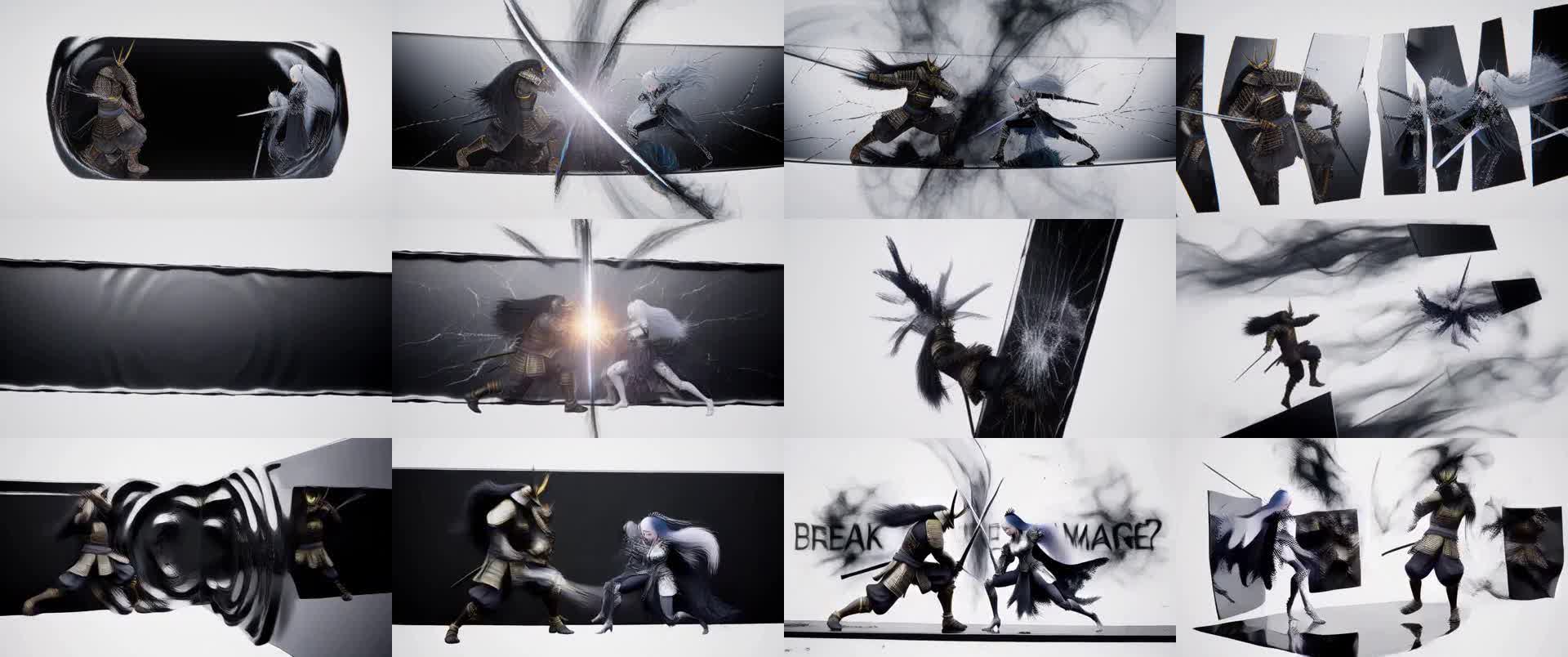
This repository packages the MiniMax H3 video model for TensorFold on Apple Silicon. It combines TensorFold's H3 family with MLX int8 Metal kernels and the LightX2V Turbo adapter to generate video with synchronized stereo audio.
The pack supports both text-to-video and, from version 1.1, image-to-video using a supplied first frame. On the measured Mac Studio M5 Ultra with 256 GB of memory, a 5-second 864x480 clip takes about 50 seconds with the Turbo adapter. A 768x448 clip takes about 40 seconds under the documented benchmark conditions.
The repository is a development render path rather than a server or product. There is no tensorfold generate command; the model loads for every render through the included scripts.
Key features
- Text-to-video: describe a scene and generate an MP4 with video and stereo audio.
- Image-to-video: provide a first frame and describe what happens next.
- Turbo generation: the LightX2V adapter reduces the render to three forwards in the documented fast path.
- MLX and int8 kernels: selected transformer and decoder operations use int8 Metal kernels on compatible M5 tensor hardware.
- Reproducible setup: the installer pins TensorFold, MLX, supporting libraries, model revisions, and adapter checksums.
- Optional base-model rendering: disable the adapter and use approximately 20 sampling steps when you want a render closer to the base model.
Hardware and software requirements
The published performance numbers were measured on a Mac Studio M5 Ultra with 256 GB of unified memory running macOS 27.0.1. The project notes that at least 128 GB of memory is required, while the adapter merge can reach approximately 103 GB of peak memory. Without an adapter, peak memory is listed at about 65 GB.
The int8 kernels require Metal 4 tensor operations, so the reported acceleration is intended for compatible M5 hardware. On systems without those operations, the H3 family runs in bfloat16 and may be slower than the C-based alternatives described in the README.
You also need Homebrew, Python 3.11, uv, and FFmpeg. The MiniMax H3 model download is approximately 144 GB, and the Turbo adapter is approximately 1.96 GB.
Install the project
Clone the repository and install the required host tools:
git clone https://github.com/drowzeys/keys-Mac-TensorFold-MiniMax-H3-MLX.git
cd keys-Mac-TensorFold-MiniMax-H3-MLX
brew install python@3.11 uv ffmpeg
Run the one-shot setup script:
bash oneshot-setup.shThe installer creates an isolated environment at ~/.local/opt/tensorfold-h3 and installs TensorFold 0.6.5 with the H3 family and the pinned dependency lock. When Docker is available, it can obtain a checksum-verified TensorFold payload from the project's GHCR prebuilt carrier; otherwise, it retrieves the matching source commit from Git.
Setup also clones the required minimax-h3-mlx revision, downloads the MiniMax H3 FL2VA partition into ~/h3-models/MiniMax-H3, downloads the Turbo adapter, and renders a test clip to outputs/test.mp4.
To check an existing installation without reinstalling it, run:
bash oneshot-setup.sh --verifyTo skip the initial test render, use:
bash oneshot-setup.sh --no-render
You can change the default installation and model locations through the PREFIX and H3_MODEL_DIR environment variables.
Generate a text-to-video clip
Use scripts/generate.sh with a prompt and an output filename:
bash scripts/generate.sh "A hummingbird hovering over red flowers, soft wing hum" out.mp4The default path uses the configured Turbo adapter and the repository's default generation settings. The prompt describes both the visual scene and, when useful, the intended audio.
For a deterministic variation, provide a seed and select a supported canvas:
WIDTH=768 HEIGHT=448 SEED=7 bash scripts/generate.sh "A quiet train crossing a snowy valley at dawn" out.mp4You can keep prompts in a text file. In that case, pass an empty prompt argument and set PROMPT_FILE:
PROMPT_FILE=prompts/black-mirror-scene.txt SEED=2077 bash scripts/generate.sh "" out.mp4Generate an image-to-video clip
Set FIRST_FRAME to an image file. The image becomes the first frame, while the prompt explains the motion or event that follows:
FIRST_FRAME=photo.jpg WIDTH=1344 HEIGHT=768 bash scripts/generate.sh "She turns to the camera and smiles" out.mp4The image is stretched to the selected canvas, so choose dimensions with a matching aspect ratio or crop the image before rendering. The README recommends 1344x768 for 16:9, 768x1344 for 9:16, and 768x768 for square content.
MiniMax-style image-to-video prompts may explicitly identify the first frame, for example:
For the target video, at 0.00 seconds into the target video, <Picture 1> (from [Shot 1]) is fully referenced. The subject walks through the doorway and looks toward the window.First-frame generation is available with the Turbo adapter and with the 20-step base path. Last-frame and reference-image modes are not wired into this pack.
Control frames, resolution, and sampling
Frame counts must follow the form 17n + 5. The README lists supported examples including 56, 73, 90, 124, 192, 243, and 362 frames. Width and height must be multiples of 32, and the released model limit is a total canvas of at most 768x1344 pixels.
The fast Turbo path uses three forwards. To disable the adapter and use a 20-step render, set ADAPTER=none and POINTS=21:
ADAPTER=none POINTS=21 bash scripts/generate.sh "A lantern glowing beside a forest path" base-model.mp4The README describes this setting as closer to the base model, while Turbo can produce sharp frames quickly but may sometimes duplicate figures. The two modes can produce different compositions even with the same seed.
Understand the speed trade-offs
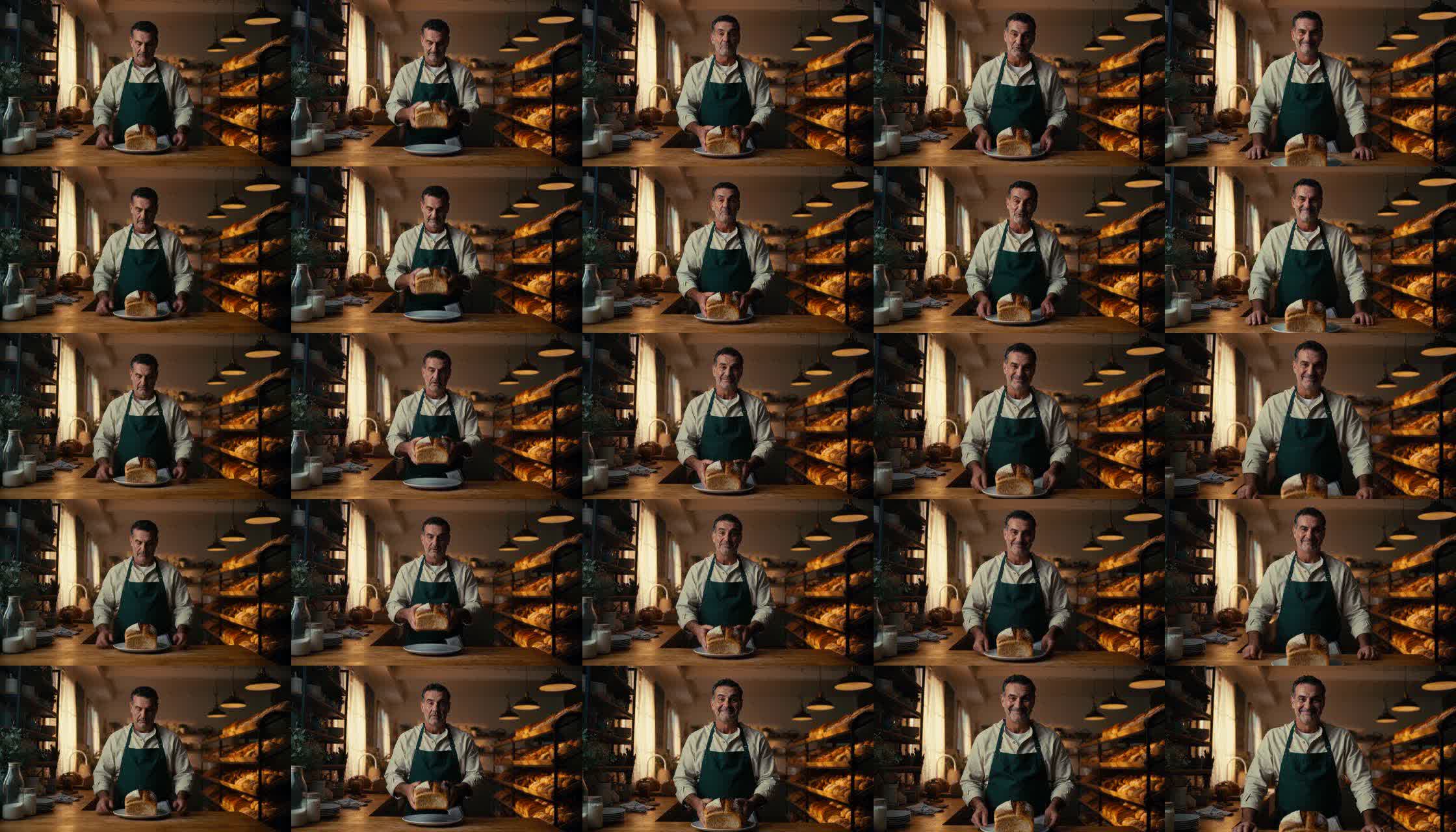
The largest speed improvement comes from the Turbo adapter's three forwards instead of 20. The int8 SwiGLU MLP, int8 QKV operations, attention output, and video decoder kernels provide additional gains on supported M5 tensor hardware.
In the documented 864x480 benchmark, the Turbo path took about 27.6 seconds for denoising and about 50 seconds overall, including text encoding, loading and quantization, and decoding. A 20-step TensorFold int8 render took about 210 seconds overall in the same comparison.
These figures are hardware-specific and should not be treated as universal. The repository also notes that attention itself remains MLX scaled dot-product attention because the measured int8 flash-style alternative did not provide a useful speed advantage.
Advanced setup and workflow tips
Use the prebuilt carrier
The installer can use a GHCR carrier, but the carrier is not a Mac runtime. Metal does not run inside the container; the carrier only provides the TensorFold wheel, dependency lock, generation script, and checksums for native installation.
docker pull ghcr.io/drowzeys/keys-mac-tensorfold-minimax-h3-mlx:1.1
docker run --rm -v "$PWD":/out ghcr.io/drowzeys/keys-mac-tensorfold-minimax-h3-mlx:1.1 cp -a /payload/. /out/payload/
To rebuild and push the carrier, the repository provides:
PUSH=1 bash scripts/build-carrier.shKeep memory usage in mind
Model loading and the adapter merge are memory-intensive. Close unnecessary applications before starting a render, especially when using the Turbo adapter. The repository reports that projecting AdaLN tables once per run and releasing weights saves approximately 24 GiB in its measured path.
Choose the right image-to-video canvas
Because the first image is stretched rather than automatically cropped to preserve its composition, prepare the source image for the target aspect ratio. This avoids unwanted distortion when generating portrait, landscape, or square clips.
Use alternative adapters carefully
The loader can read FastH3 using an adapter path and POINTS=5, for example with ADAPTER=.../adapter_model.safetensors. The README reports that this path was tested at 864x480, took 76 seconds on the test prompt, and looked busier than Turbo. It was published for 1344x768, which was not tested in the project.
Interpret quality comparisons correctly
The README emphasizes that quality was not comprehensively graded. The int8 path can preserve the bfloat16 composition while changing details, and a three-forward Turbo render can differ from a bfloat16 Turbo render. Benchmark tables therefore compare measured speed and selected stills rather than guaranteeing identical motion or audio quality.
Licensing and project status
The pack does not ship model weights. Before downloading MiniMax H3, read the MiniMax H3 Community License, including its territorial exclusions. Also review the repository's credits and cite the original MiniMax, TensorFold, MLX, H3, adapter, and related project authors as appropriate.
The H3 family used here is described as a proposed upstream draft pull request rather than part of a released TensorFold version. Pinning the documented revisions is therefore important for reproducing the setup.
Conclusion
This repository provides a focused way to run MiniMax H3 video generation natively on compatible Apple Silicon Macs. After installing the pinned environment and downloading the model, you can render text-to-video clips, animate a first frame, switch between the fast Turbo adapter and a 20-step base path, and tune canvas, frame count, seed, and prompt settings. Expect substantial memory and storage requirements, and treat the published timings as measurements for the specified M5 system rather than general guarantees.