

Project Overview
qiaomu-codex-imagegen packages Codex's built-in image generation capabilities as an MCP service, command-line tool, and Agent Skill. Once installed, Claude Code, Codex, Cursor, or any other Agent capable of executing commands can generate image files from natural-language requests.
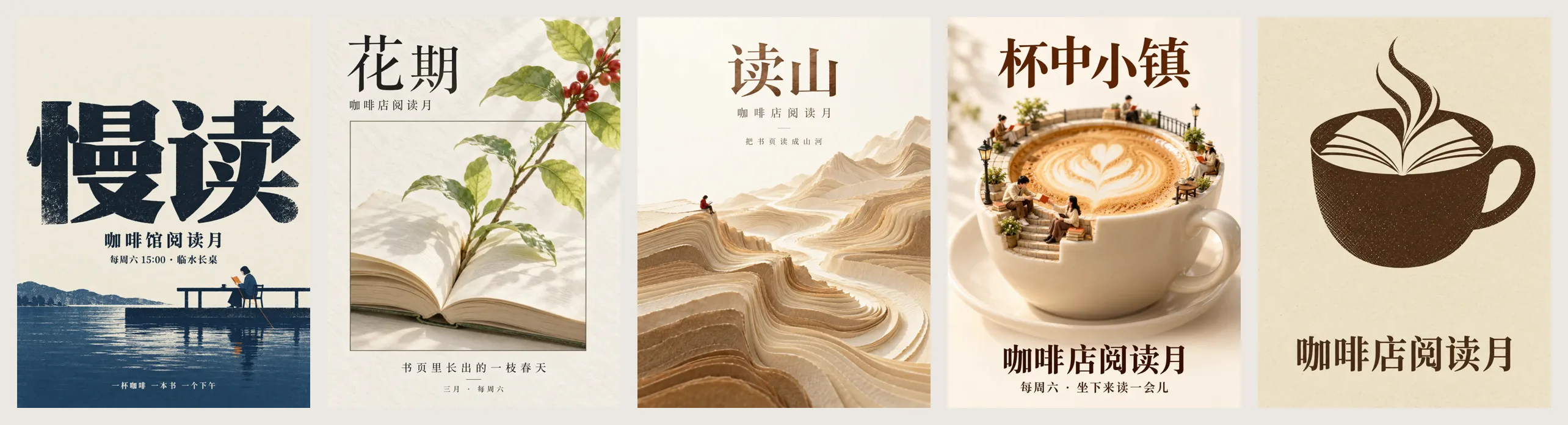
Unlike the usual approach of “enter a prompt and generate an image,” it first uses suggest_directions by default to recommend at least four stylistically distinct directions. After the user selects a direction, compose_prompt expands it into a complete prompt, and the image is then generated and checked.
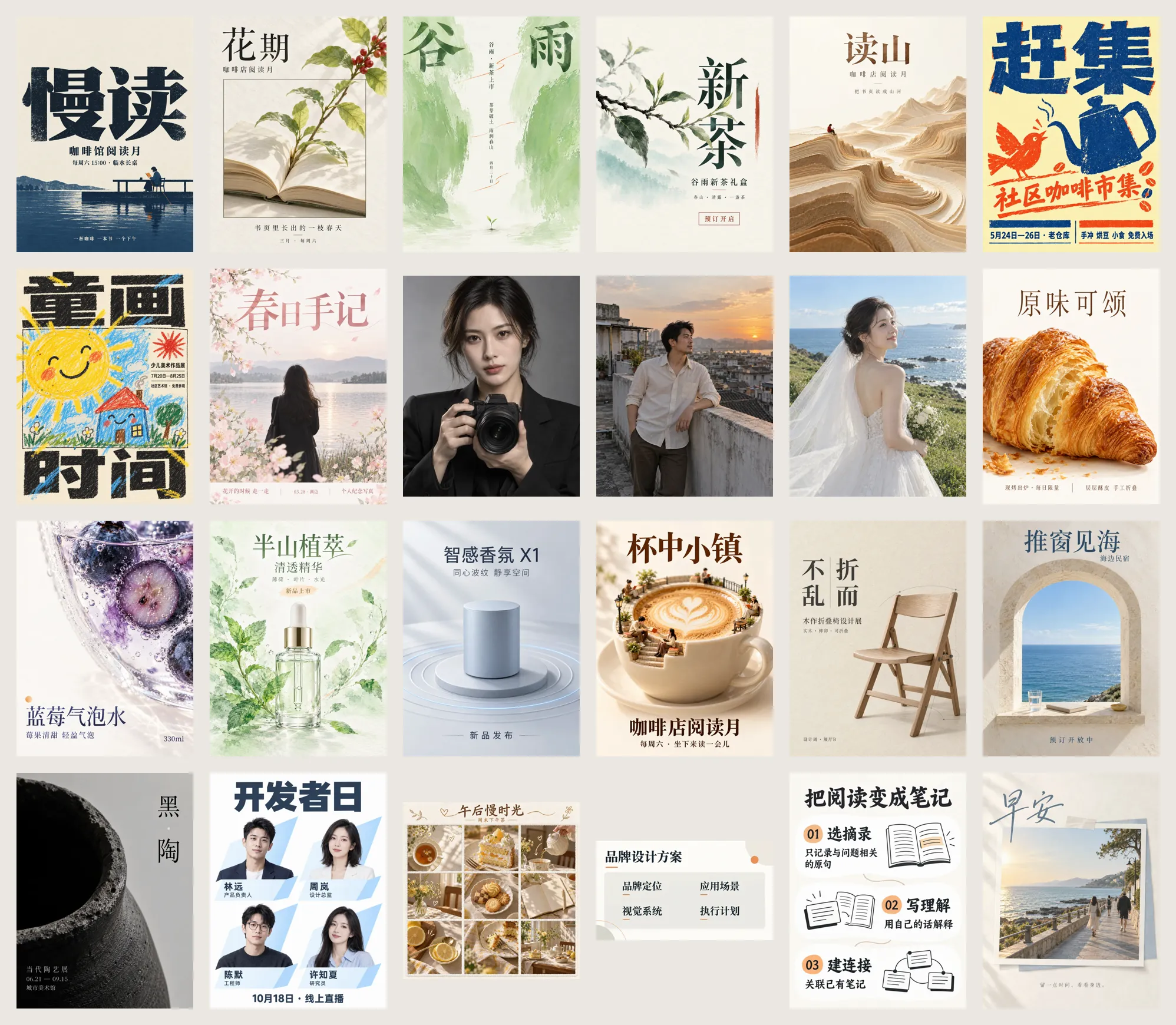
The project includes 24 scene templates, 48 presets, 66 general-purpose styles, and styles from 20 Mondo poster designers. It also provides rules for handling text, facts, composition, and acceptance checks, making it suitable for covers, posters, social media graphics, product visuals, and reference-image edits.
Core Workflow
- Recommend directions: Based on the subject and use case, return at least four directions with different visual mechanisms, such as text-led, flat graphic structure, photographic portrait, product close-up, or material-and-space compositions.
- Select a direction: Users can choose one or more directions, or let the Agent decide. If they are not satisfied, they can exclude existing directions and request new recommendations.
- Expand the prompt: Fill the template variables into a complete prompt while providing exclusions, acceptance criteria, assumptions, and missing information.
- Generate images: Generate one image for each selected direction and save the actual JSON information used alongside the image for reproducibility and series production.
- Review and redo: The Agent checks the image item by item against the acceptance criteria. If it fails, only the relevant parts are modified before generating again.
If the user has already specified a style, such as “use the Mondo style,” or directly provides T03, the system can skip direction selection and proceed directly to prompt composition or generation.
Prerequisites
The following environment is required:
- Node.js 18 or later: Check with
node --version. - Codex CLI: Install and log in, then use
codex --versionto confirm that the command is available. - Image generation access: The current Codex account must be able to use image generation. It is recommended to first generate an image manually in Codex to verify access.
The project itself is a zero-dependency Node.js project, but actual image generation still depends on an available local Codex CLI and account quota.
Install the Agent Skill
If the Agent supports Agent Skills, run:
npx skills add joeseesun/qiaomu-codex-imagegenThe Skill helps the Agent understand scene selection, style selection, description writing, and acceptance checks, and generates images through MCP or the command-line tools included with the project.
Register the MCP Service
Register in Claude Code
Replace the path below with the actual project directory:
claude mcp add --scope user qiaomu-codex-imagegen -- node /absolute/path/qiaomu-codex-imagegen/scripts/mcp-server.mjsConfigure Other MCP Clients
Cursor, Codex, and other MCP clients can add the following to their configuration file:
{
  "mcpServers": {
    "qiaomu-codex-imagegen": {
      "command": "node",
      "args": ["/absolute/path/qiaomu-codex-imagegen/scripts/mcp-server.mjs"]
    }
  }
}
The MCP service provides seven tools:
suggest_directions: Instantly recommend at least four stylistically distinct directions at no cost.compose_prompt: Expand templates and presets into a complete prompt, returning exclusions, acceptance criteria, and missing information.generate_image: Generate a new image or edit an image using a reference, returning the file path and pixel dimensions.search_promptsandget_prompt: Search and read the local reference prompt corpus.build_prompt: Preview a prompt generated through the simplified workflow without actually generating an image.list_catalog: View scene presets, templates, style keys, and the status of the local corpus.
Command-Line Only
If MCP is not needed, clone the repository and run the CLI directly:
git clone https://github.com/joeseesun/qiaomu-codex-imagegen
cd qiaomu-codex-imagegen
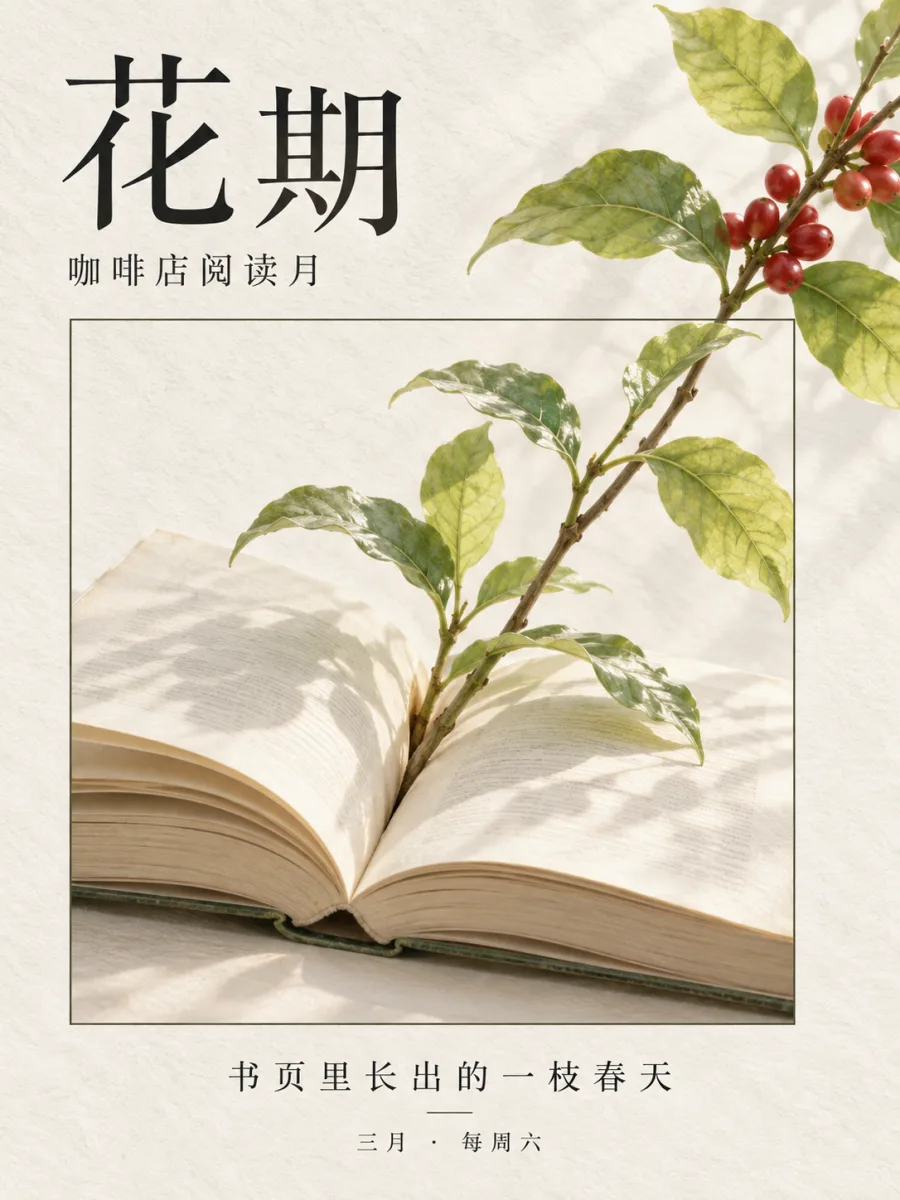
node scripts/cli.mjs "An open book by the window, with coffee steam rising from its pages" --preset xiaohongshu
Generated images are saved by default to ~/Pictures/qiaomu-codex-imagegen/<date>. You can also use --out, --name, and --json to control the output directory, filename, and machine-readable results.
Basic Usage: Recommend Directions First
For poster, cover, and social media graphic tasks, it is recommended to prioritize the “recommend first, generate later” workflow. The following command recommends multiple directions for “a month-long coffee shop reading event” without consuming image-generation quota:
node scripts/cli.mjs suggest "A month-long coffee shop reading event" --for video coverThe results usually describe each direction's visual mechanism, style lock, required additional information, and reference examples. You can select one direction or ask the Agent to generate multiple directions in parallel for comparison.
Expand a Template Prompt
After determining the direction, you can first inspect the complete prompt and acceptance criteria:
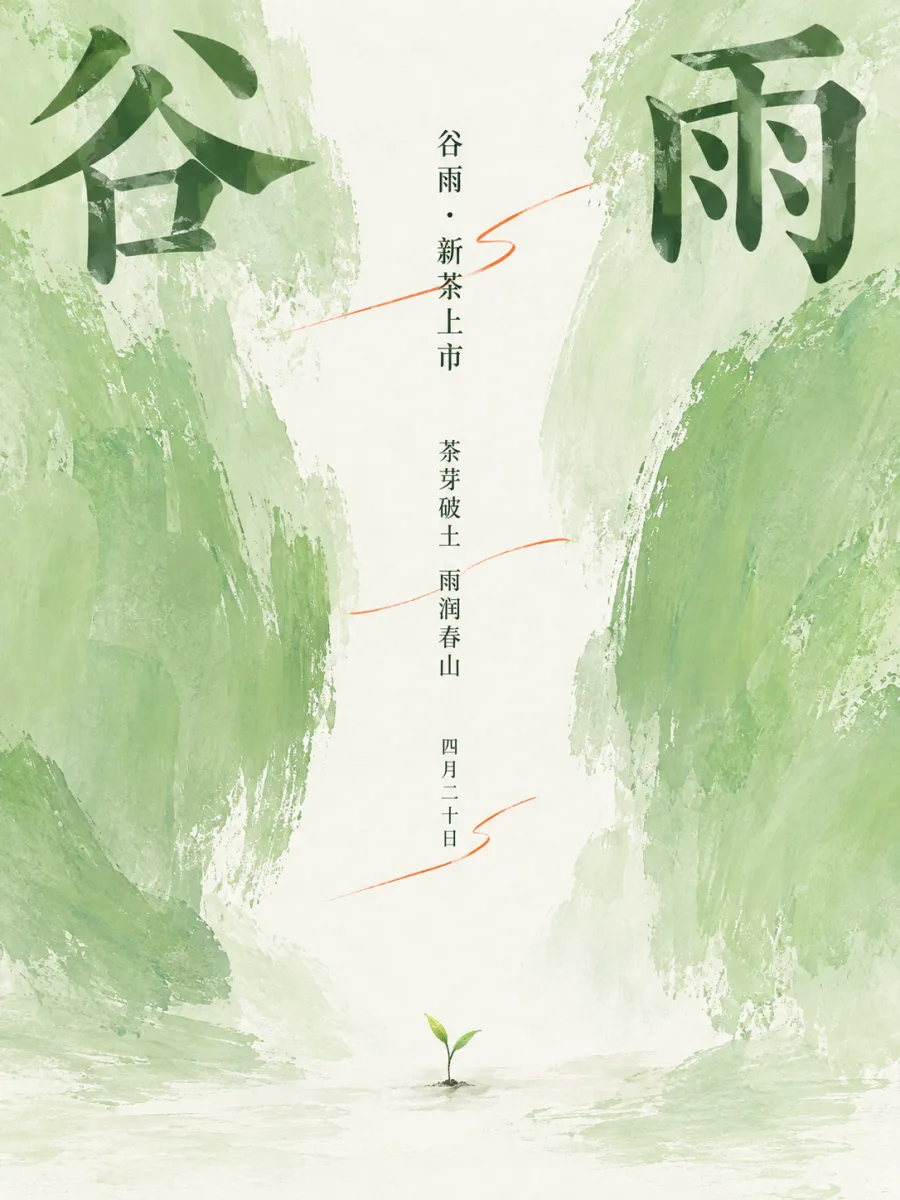
node scripts/cli.mjs compose --template T03-1 --var topic=Grain Rain --var subject=tender sprouts --var headline=Grain RainThe template generates a structured description from the variables. In addition to the subject and style, it may include text hierarchy, negative space, safe areas, failure conditions, and checking criteria. Reviewing the prompt first helps identify missing variables or overly long copy before actual generation.
Generate Images with Templates
Once the prompt is confirmed, generate the image directly:
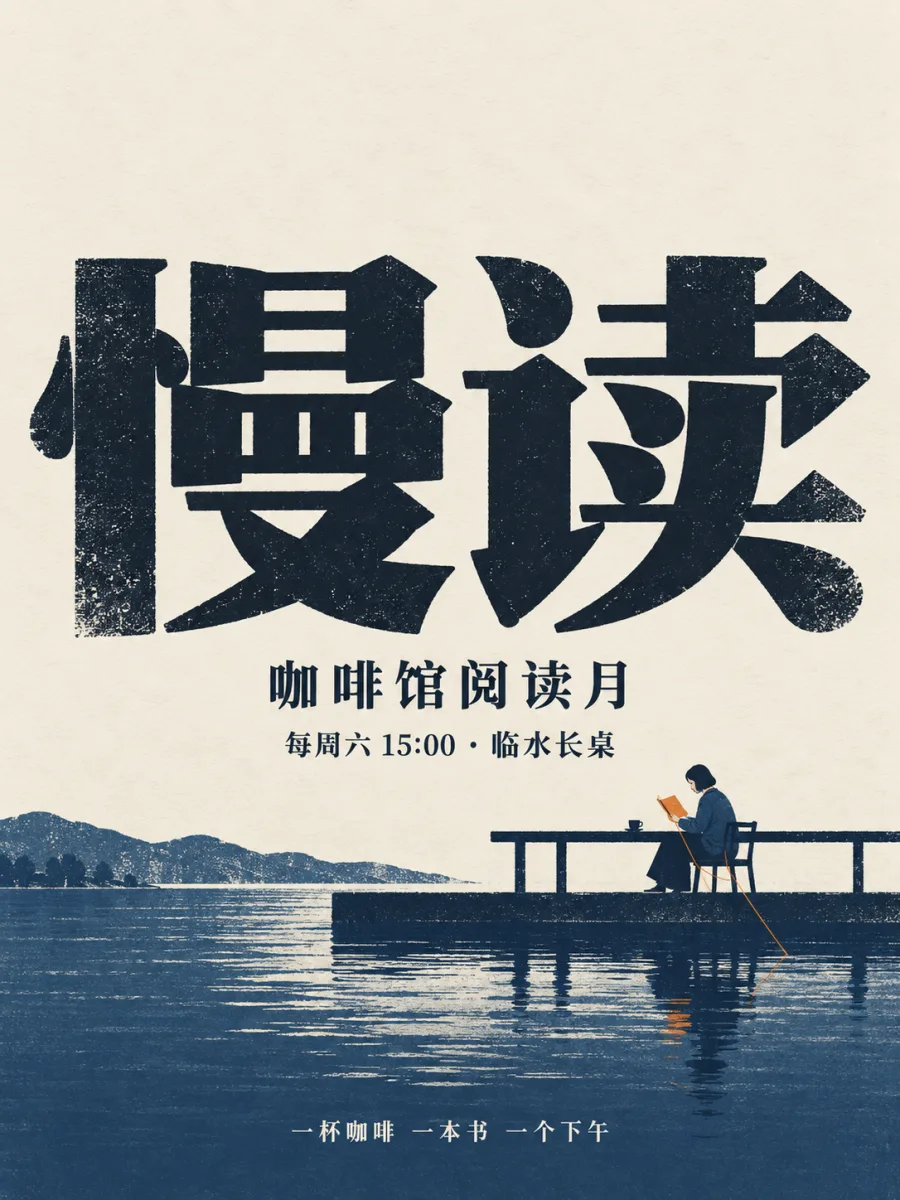
node scripts/cli.mjs generate --template T03-1 --var topic=Grain Rain --var subject=tender sprouts --var headline=Grain RainThe project includes 24 types of templates, such as oversized type with tiny narratives, objects breaking out of frames, central light gaps, Eastern ink-wash editorials, paper-cut and textile landscapes, photographic portraits, food close-ups, technology product hero visuals, architectural drawings, and information cards. These templates do more than change colors or filters: they alter the composition mechanism, material relationships, text hierarchy, and relationships between the subjects.
Generate Quickly with Presets and Styles
If you already know the scene and style, use the simplified workflow without direction recommendations. For example, generate three video cover concepts:
node scripts/cli.mjs "A huge red play button rising like a sunrise" --preset video-cover --style saul-bass --count 3Common scene presets include:
xiaohongshuandxiaohongshu-square: 3:4 or square Xiaohongshu covers.video-cover: 16:9 landscape covers for YouTube, Bilibili, and similar platforms.video-vertical: 9:16 vertical covers for Douyin, WeChat Channels, and Reels.wechat-cover: 2.35:1 header images for official WeChat accounts.x-cover: 5:2 covers for X profile pages.moments: 4:5 posters for WeChat Moments.posterandmovie-poster: General-purpose and movie posters.book-cover,album-cover,article, andpaper: Graphics for books, albums, articles, and science communication.
For example, create a text-free movie poster in the Mondo style:
node scripts/cli.mjs "The silhouette of a giant sandworm in the desert, with tiny human figures" --preset movie-poster --style olly-mossControl Text in Images
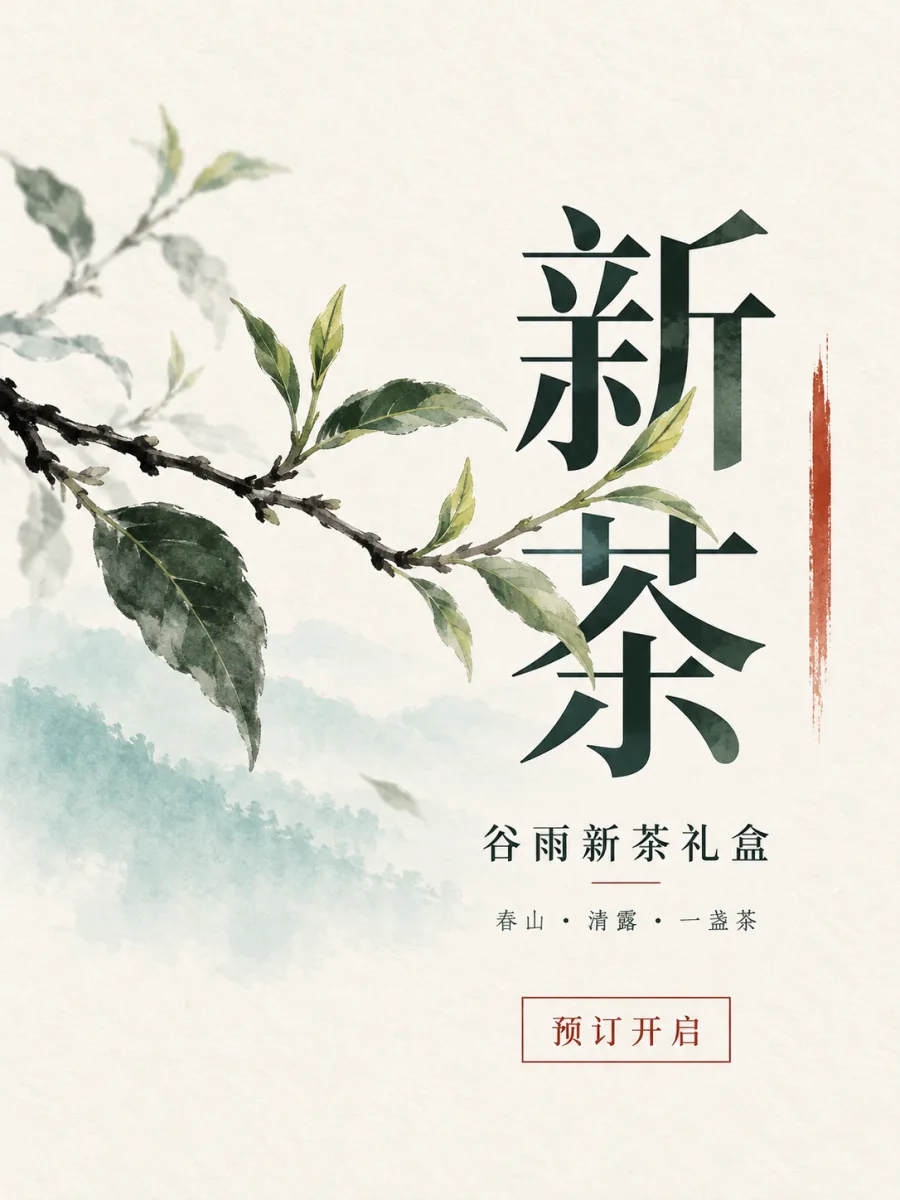
Posters and covers often need a title, subtitle, information lines, or badges rather than just a single title. Use --text to specify text:
node scripts/cli.mjs "A lighthouse" --preset wechat-cover --text "Night Voyage"For Chinese or longer copy, it is recommended to provide short phrases character by character and inspect the result at a larger size after generation. The project documentation notes that models may still produce subtle errors when generating Chinese text and small information lines. Portraits or product close-ups that do not need an information layer can use a text-free approach.
Reference-Image Editing
Use --ref to provide one or more reference images. Reference-image paths must be absolute:
node scripts/cli.mjs "Keep the same pencil and change the background to warm beige paper" --ref /abs/pencil.png --ratio 1:1This is suitable for replacing backgrounds, keeping the subject unchanged, or making localized visual adjustments. The project does not silently crop images. If the final aspect ratio does not match the requirement, the result will indicate the dimensional difference.
Prompt Preview and Local Example Search
To inspect a prompt without generating an image, use:
node scripts/cli.mjs "Coffee and books" --preset xiaohongshu --show-promptIf an optional local corpus has been built, you can also search for similar examples:
node scripts/cli.mjs search "solar term tea" --limit 5The corpus contains approximately 689 reference prompts and thumbnails, but this third-party data is not distributed with the repository. Without the corpus, the template, style, and image-generation workflows still work normally.
Advanced Configuration and Practical Tips
Keep the Direction Consistent Across a Series
When creating a set of Xiaohongshu graphics or multiple covers, select the template and style for the first image, then have subsequent images reuse the same style lock, aspect ratio, and information structure. This makes consistency easier to maintain than entering “similar style” separately for every image.
Control Quota When Using Parallel Variations
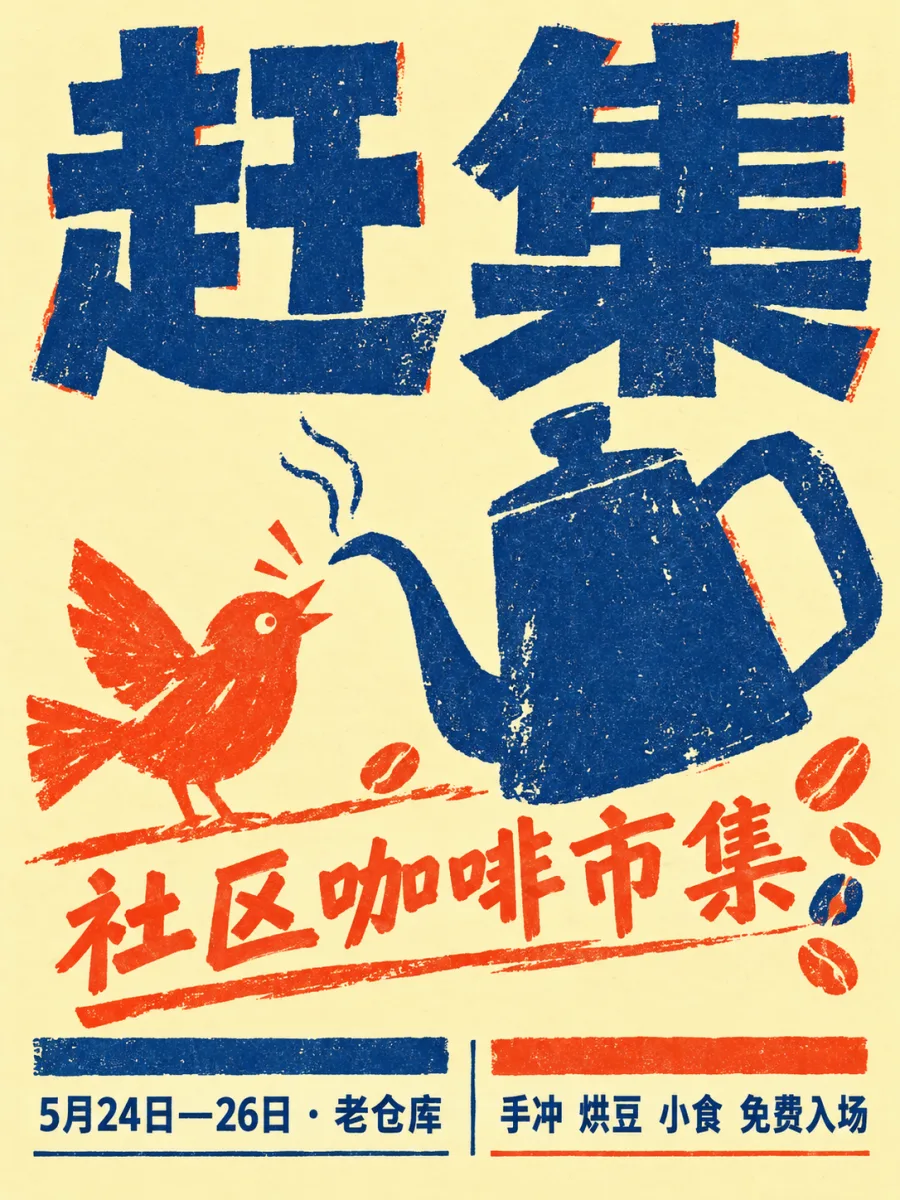
--count can generate 1 to 4 variants in parallel, but each image consumes Codex or OpenAI account quota. A single image usually takes about 30 to 60 seconds, and consumption increases with the number of parallel generations.
Handling Transparent Backgrounds
The project detects transparent areas in generated results. By default, detected transparent areas are flattened onto a white background; if you need to preserve transparency, use transparent_background: true. This prevents some image viewers from displaying transparent areas with black edges.
Specifying the Codex Path and Timeout
If the system cannot find Codex, use the QIAOMU_CODEX_BIN environment variable to specify the executable path. If generation times out, increase the --timeout value or simplify the description first:
node scripts/cli.mjs "Coffee shop reading event cover" --preset video-cover --timeout 120000Building a Local Corpus Package
If you have your own archive directory containing archive.json, prompts/, and images/, run:
node scripts/build-corpus.mjs /path/to/prompt-archiveThe default corpus directory is ~/.local/share/qiaomu-codex-imagegen/corpus. You can also use QIAOMU_CORPUS_DIR to point to another location. Corpus packages are intended for local use only; do not submit or redistribute unauthorized third-party content.
Verifying the Installation
The project provides offline tests and directory-check commands:
npm test
node scripts/cli.mjs --list
node scripts/cli.mjs "a red circle" --show-prompt
npm test does not consume image-generation quota. It can be used to verify template assembly, text mode, structural substitutions, orientation diversity, corpus retrieval, transparent-background handling, and protocol behavior.
Frequently Asked Questions
cannot start codex: Confirm that the Codex CLI is installed, or setQIAOMU_CODEX_BIN.codex finished without producing an image: Check the Codex login status and whether the account has image-generation access.timed out: Increase the timeout or reduce the complexity of the description.- Unexpected aspect ratio: Emphasize the ratio again in the description, or use
--ratio; the tool does not silently crop automatically. - Reference image not found: Change the value of
--refto an absolute path.
Conclusion
The focus of qiaomu-codex-imagegen is not simply forwarding a sentence to an image model. It organizes the scene, style, compositional relationships, text hierarchy, and acceptance criteria into a reusable workflow. You can start with an Agent Skill or MCP and let the Agent handle recommendations and orchestration, or use the CLI to precisely control the preset, style, ratio, text, and reference images.
For tasks that require consistent production of covers, posters, and a series of supporting images, we recommend the workflow of “recommend directions first, expand the prompts next, then validate the results against the criteria.” Text within the images and final dimensions should also be reviewed manually before formal use.