

Overview
Discord Server Booster & Joiner is presented as a Windows application for studying Discord community growth, membership activity, invite performance, and Nitro boost distribution. The README positions it as a research and analytics tool for community managers, platform analysts, students, and developers working in authorized test environments.
The project claims to provide its complete feature set free of charge in the Latest Stable Release 2026. These claims, including statements that the build is verified, should be independently checked before installing or running downloaded software.
Use the application only with accounts and test servers you own or are explicitly authorized to manage. Automated account actions may violate Discord's Terms of Service. Never import credentials from personal accounts into an unverified application.
Key Features
Analytics and monitoring
- Server analytics dashboard: Monitors membership patterns, join and leave rates, boost changes, engagement metrics, and retention trends.
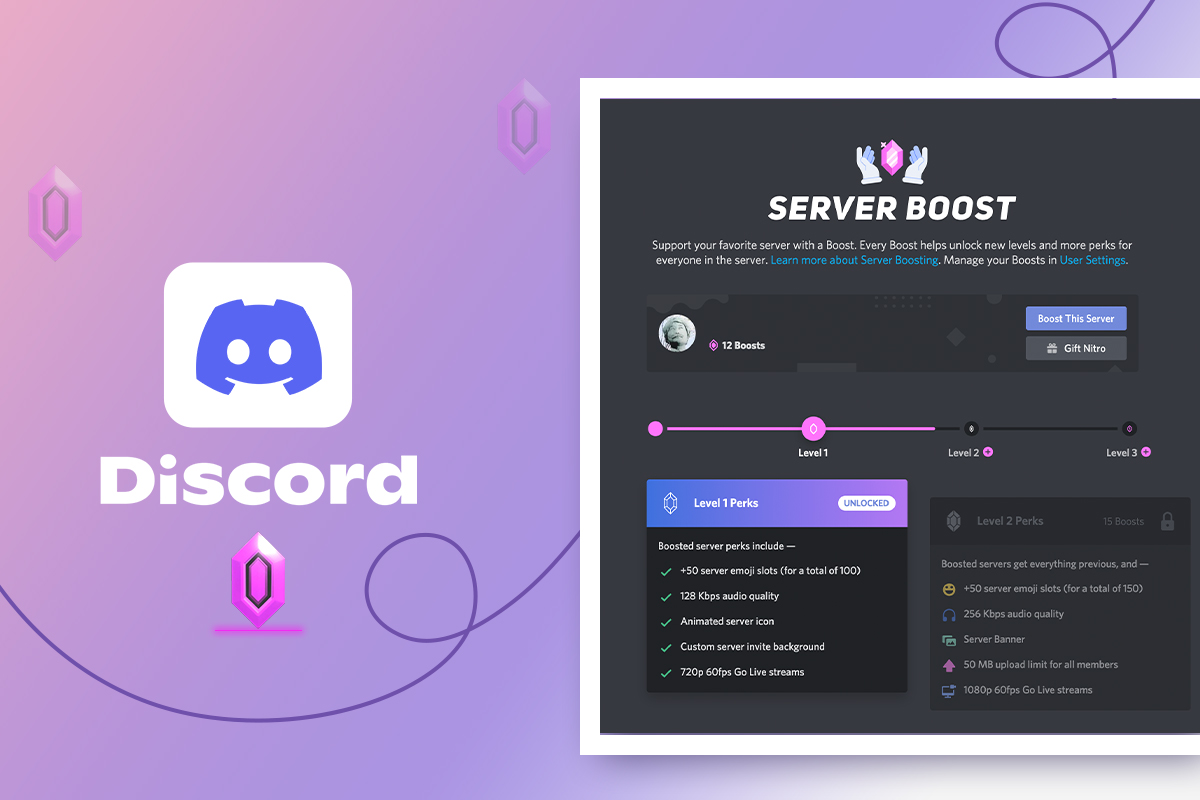
- Boost tracking: Records existing Nitro boost allocation and retention patterns for community analysis.
- Invite analysis: Evaluates invite-link performance, including conversion and geographic metrics.
- Multi-server analysis: Supports comparative research across multiple authorized servers.
- Data export: Produces CSV and JSON datasets for use with tools such as Excel, Python pandas, R, and statistical applications.
Account and session management
- Multi-account management: Organizes test accounts used for quality assurance, role testing, and permission validation.
- Token health checking: Validates configured authentication tokens and identifies invalid credentials.
- Session resume: Saves checkpoints so longer collection sessions can continue after a restart.
- Scheduling: Configures timed data collection, tracking intervals, and other supported operations.
Network and compliance controls
- Rate-limit management: Applies delays intended to reduce Discord API rate-limit errors.
- Proxy support: The README lists HTTP, HTTPS, SOCKS4, and SOCKS5 proxy compatibility with health checks.
- Credential protection: Version 3.5 is described as integrating encrypted token storage with Windows Credential Manager.
System Requirements
The stated minimum operating system is Windows 8.1, although Windows 10 or Windows 11 is recommended. The minimum hardware requirements are a 2 GHz dual-core processor, 4 GB of RAM, 200 MB of free storage, and a stable internet connection. A 3 GHz quad-core processor, at least 8 GB of RAM, 1 GB of available storage, and broadband connectivity are recommended. No dedicated GPU is required.
Installation and Safety Checks
Important limitation in the README
The installation instructions tell users to copy a PowerShell command from the Installation section, but the supplied README does not actually contain that command. Do not guess a command or run code copied from comments, advertisements, issue threads, or unrelated websites.
Step 1: Inspect the release page
- Open the repository's release link.
- Confirm that the release belongs to the expected repository and review its assets, publication date, source code, and release notes.
- Look for a cryptographic checksum or valid digital signature. The README does not provide either one, so a claim that the installer is verified is not independently sufficient.
- Scan the downloaded file with Windows Security and, if permitted by your organization, an additional malware-analysis service.
- Do not disable antivirus protection, SmartScreen, or PowerShell security controls to make an installer run.
Step 2: Use an isolated test environment
For evaluation, use Windows Sandbox, a disposable virtual machine, or a dedicated test computer. Create a restore point or VM snapshot before installation. Avoid a system containing personal Discord sessions, saved browser credentials, cryptocurrency wallets, production secrets, or other sensitive data.
Step 3: Run only documented installation instructions
The README suggests opening an elevated terminal with Win + X and selecting Terminal (Admin), then running a provided command and waiting 5 to 10 minutes. Because that command is absent from the supplied documentation, stop at this point unless the official release provides transparent, reviewable instructions.
Administrator-level PowerShell commands can make system-wide changes. Never execute an opaque command merely because a README labels it verified.
Initial Configuration
After a trustworthy installation has been independently established, create a dedicated Discord test server and test accounts. Do not use scraped, purchased, borrowed, or personal-user tokens.
- Define the research scope: Record which servers, accounts, metrics, and time periods are authorized.
- Add test credentials: Import only credentials created for the controlled test environment. Follow Discord's supported authentication methods and developer policies.
- Configure networking: Add proxy settings only when they are legally operated or authorized. Proxy rotation must not be used to bypass platform restrictions.
- Select export formats: Choose
CSVfor spreadsheet-oriented analysis orJSONfor programmatic processing. - Set conservative delays: The README recommends intervals of approximately
15–30 secondsbetween operations. - Enable logging: Retain timestamps, test-account identifiers, configuration details, and observed errors for reproducibility.
Basic Usage Workflow
Example: Monitor a test server
- Create a dedicated test server and document permission to analyze it.
- Add two or three controlled test accounts, as recommended by the README.
- Start a server analytics session for that test server.
- Observe membership changes, join and leave rates, engagement measurements, and boost-status changes.
- Export the resulting dataset as CSV or JSON.
- Compare the export with Discord's own administrative records before drawing conclusions.
Example: Evaluate an invite link
- Create a unique invite for an authorized test campaign.
- Register that invite in the analyzer using the application's documented interface.
- Run a limited test rather than immediately scaling to many accounts or servers.
- Review the reported click-through, conversion, and geographic metrics.
- Export the results and record the test conditions alongside the dataset.
The README does not document exact menu names, command-line flags, configuration-file fields, or export schemas. Consult release-specific documentation rather than assuming unsupported commands or data structures.
Advanced Tips
Schedule long-running studies carefully
Use the scheduling and session-resume features for approved longitudinal research. Create checkpoints and export data frequently so that a network interruption or system restart does not eliminate the complete dataset.
Separate research identities
Keep test accounts, email addresses, credentials, and server roles separate from personal and production environments. Apply the minimum permissions needed for each experiment and remove access when the study ends.
Validate token-storage claims
The changelog states that version 3.5 stores tokens through Windows Credential Manager and supports secure deletion. Confirm this behavior before supplying any credential. Check whether secrets appear in logs, configuration files, process arguments, temporary folders, or exported datasets.
Treat proxies as a testing tool, not an evasion mechanism
Proxy support may be useful for authorized regional testing, but it must not be used to conceal abusive behavior, avoid enforcement, or circumvent rate limits. Rate-limit compliance is determined by actual behavior and Discord policy, not merely by enabling the application's delay engine.
Review exported information
CSV and JSON exports can contain account identifiers or behavioral data. Store them securely, minimize unnecessary fields, define a retention period, and anonymize results before sharing them in papers or reports.
Keep an audit trail
- Record the application version and release source.
- Save checksums for every downloaded installer or archive.
- Document delay settings, schedules, and proxy configuration.
- Note server ownership and participant authorization.
- Record errors and unexpected account or permission changes.
Understanding the Version Claims
The README identifies version 3.5 and says it includes Discord API v10 compatibility, improved token validation, scheduled operations, broader proxy support, CSV fixes for international characters, adjustable logging, and Windows Credential Manager integration. It also references changes introduced in late 2026 and lists an update timestamp of September 29, 2026. If those dates are in the future when you read this tutorial, treat them as unverified metadata rather than evidence of a current release.
Conclusion
Discord Server Booster & Joiner is described as a Windows analytics and testing application with server monitoring, invite analysis, boost tracking, multi-account organization, scheduling, proxy support, and CSV or JSON export. However, the supplied README omits the PowerShell installation command it references and does not provide checksums or detailed usage documentation. Verify the release independently, evaluate it in an isolated environment, protect all credentials, and limit activity to authorized test servers in compliance with Discord's rules.