
AI tutorials
AI tutorials
Practical AI tutorials covering tools, prompting, and reusable automation workflows.
Updated regularly1303 tutorials
 On-site tutorial#3D#GPT ImageA Highly Detailed [Destination/Landmark] Miniature 3D ModelAI Image Generation Prompt · GPT Image
 Saul Goodman
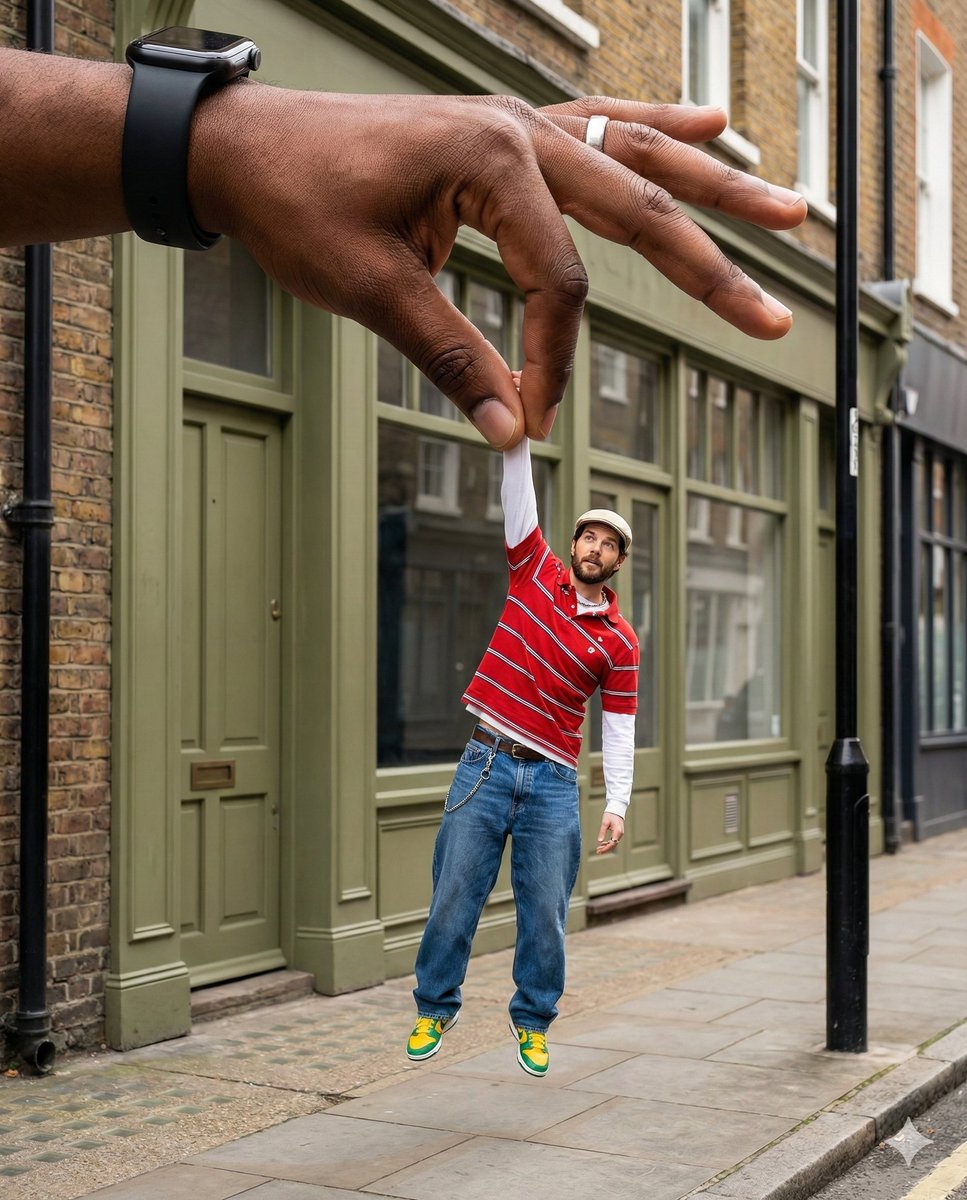 On-site tutorial#GPT Image#Portraits & Headshots{
"type": "Image Generation",
"style": "Surreal Forced-p"
}AI Image Generation Prompt · GPT Image𝐌
 On-site tutorial#Filmic#Nano BananaA dramatic, high-contrast low-key portrait of a subject. TheAI Image Generation Prompt · Nano Bananasimply
 On-site tutorial#Nano Banana#Product Ads[product], centered top down flat lay, surrounded by [ingredAI Image Generation Prompt · Nano BananaAmira Zairi
 On-site tutorial#Editorial#Nano BananaAn expressive and colorful portrait of a man (the uploaded iAI Image Generation Prompt · Nano BananaMarcos
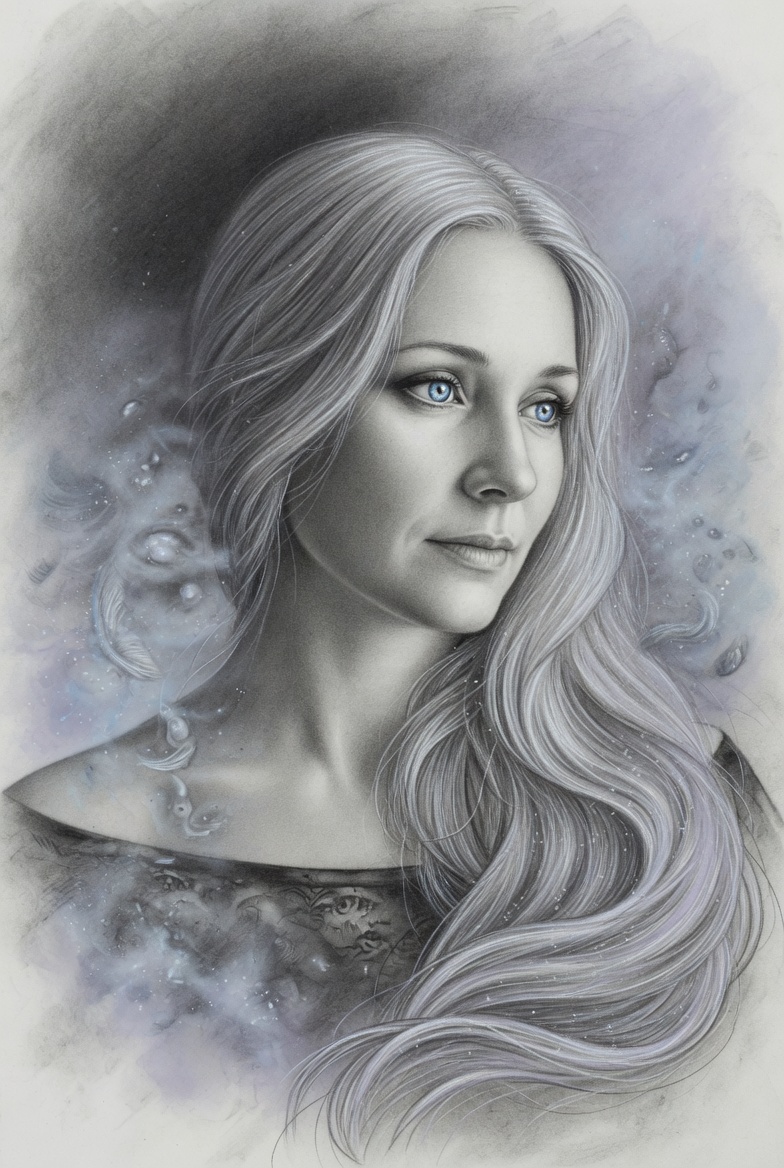 On-site tutorial#Grok Imagine#IllustrationA serene portrait of a woman with flowing silver hair and piAI Image Generation Prompt · Grok ImagineImagePrompts
 On-site tutorial#AI Art#AI DesignHow to Extract Video Frames and Turn Them into Original Cover ImagesFor food content accounts, the cover image has a decisive impact on click-through rates. For content creators, efficiently obtaining high-quality cover materials is key to improving operational efficiency.AI Cognition Community
 On-site tutorial#Editorial#GPT ImageMinimalist commercial ad featuring oversized premium sushi rAI Image Generation Prompt · GPT ImageMr Das
 On-site tutorial#AI Design#AI Office ToolsUse the Cloze Method to Remove the AI Feel from AI-Assisted WritingWhen writing, if you want your content to feel more human, you can follow these steps:
1. Define your audience and context
- Understand your readers’ background, needs, and emotional concerns to ensure the language matches their life experiences.
2. Use natural, conversational language
- Appropriately use first-person or dialogue-style sentences, avoiding overly formal or stiff wording.
3. Add specific details and emotional descriptions
- Use real examples, scene details, or emotional language to help readers connect with the content.
4. Use AI to help generate a draft
- Enter clear writing instructions into large language models such as ChatGPT and Claude—for example, “Please write an introduction to … in a relaxed tone and include personal impressions”—to obtain a first draft.
5. Polish and proofread manually
- Review the AI-generated content, adjust the tone, remove redundant information, and ensure the logic is coherent and the emotions feel genuine.
6. Check tonal consistency
- Use a text sentiment analysis tool such as Sentiment Analyzer to confirm that the overall emotional direction matches your expectations.
7. Iterate continuously
- Keep improving the way you express ideas based on reader feedback or data metrics such as reading time and engagement rate.
By following this process, creators can combine the efficiency of AI generation with the nuance of human review to produce content that feels more human.Space丶
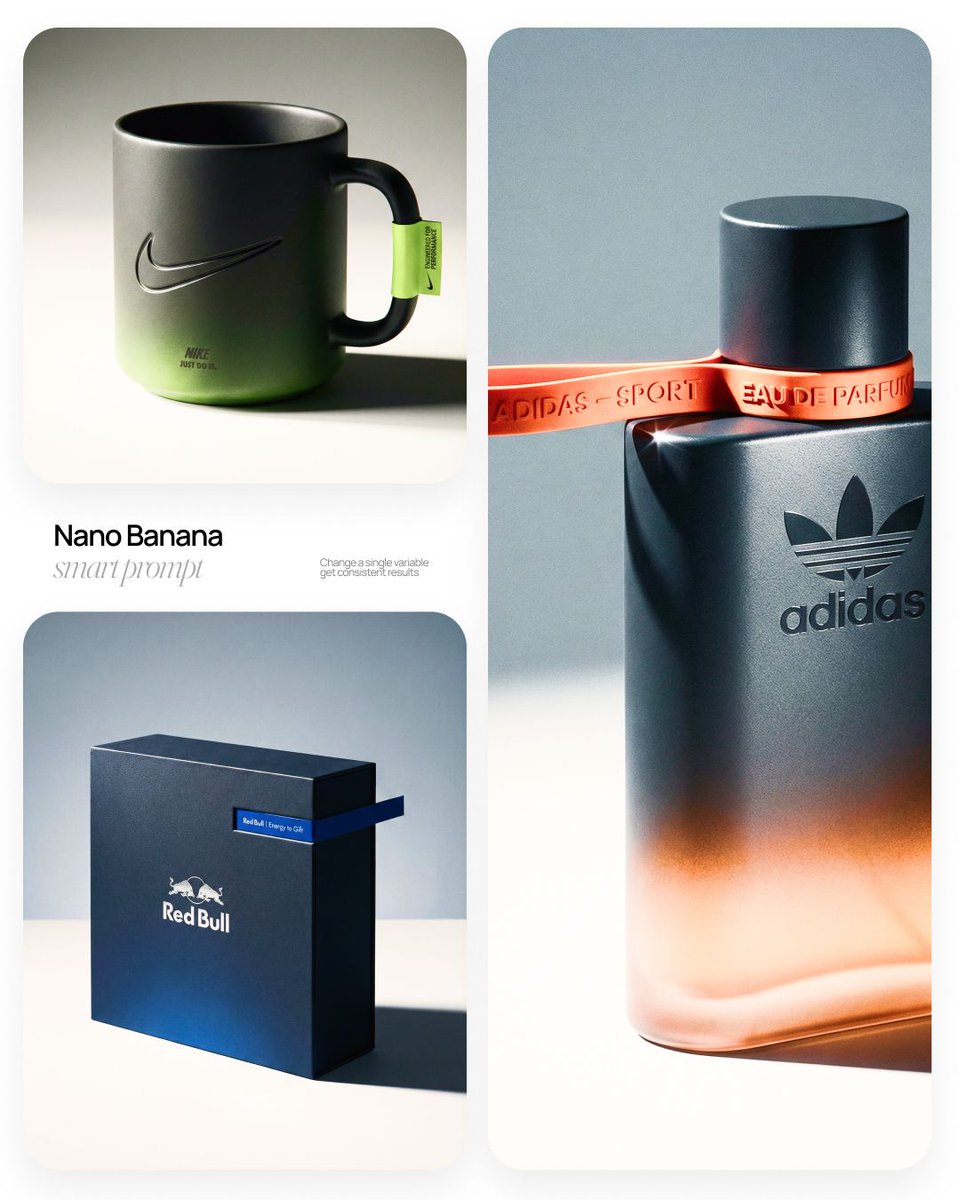 On-site tutorial#Editorial#Nano Banana[BRAND NAME] | [OBJECT]
Act as a High-End Commercial ProducAI Image Generation Prompt · Nano BananaAmirMušić
 On-site tutorial#Cinematic Scenes#FilmicA Highly Realistic Cinematic Shot Filmed from InsideAI Image Generation Prompt · SeedanceSharon Riley
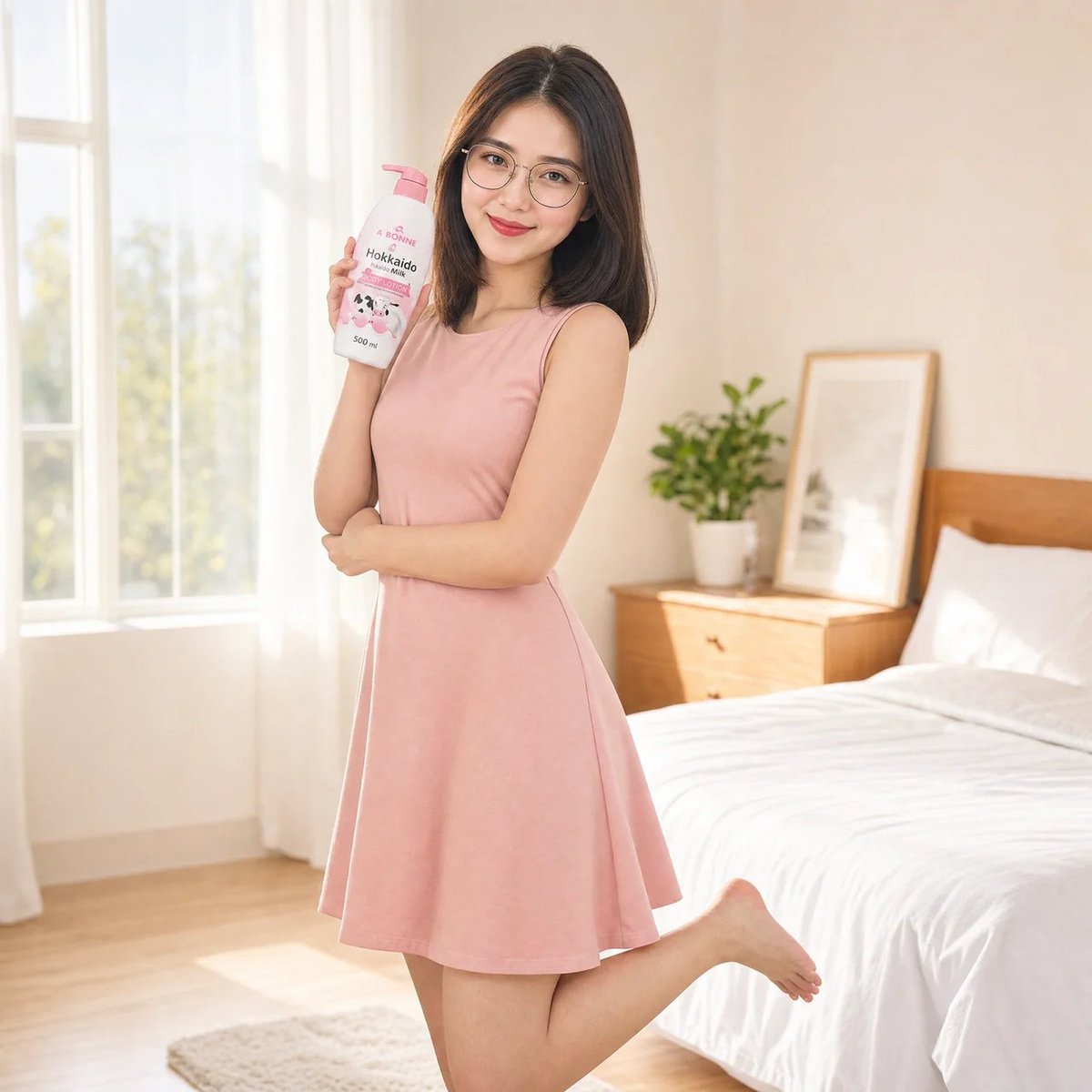 On-site tutorial#Gemini Omni#Product AdsA young East Asian woman with glasses and dark shoulder-lengAI Image Generation Prompt · Gemini OmniHania Ai