Skip to main content On-site tutorial#AI tutorialA 27-second 16:9 photoreal cinematic short of a crying beardA 27-second 16:9 photoreal cinematic short of a crying beard

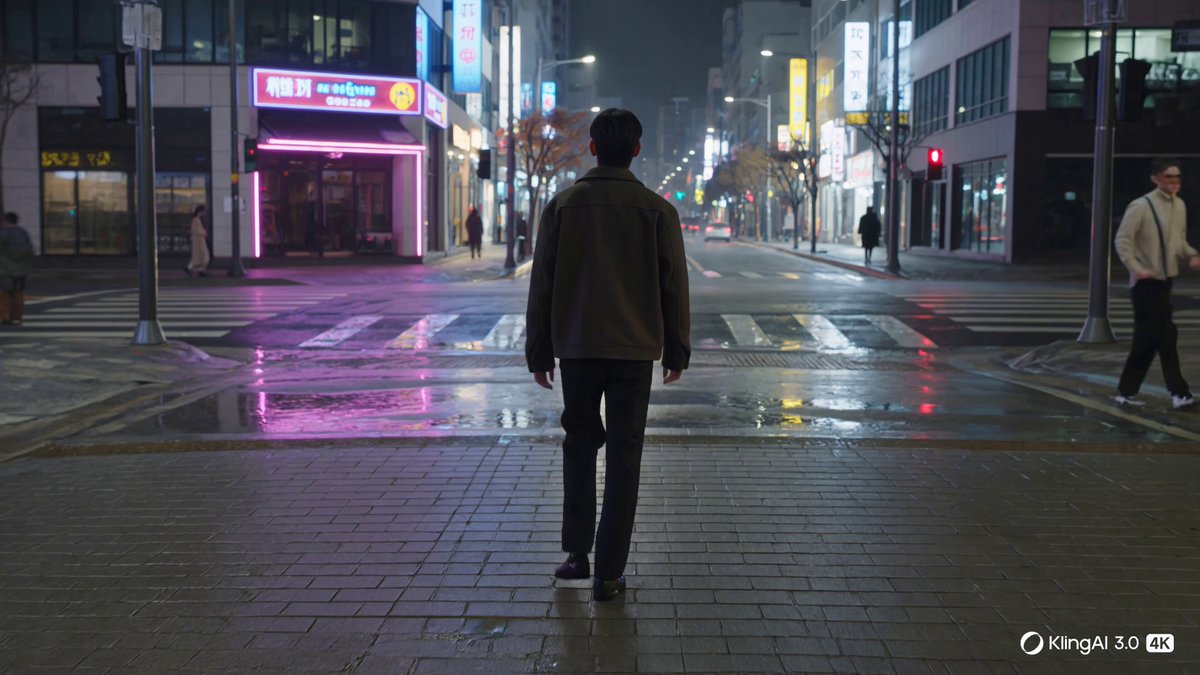 On-site tutorial#AI tutorialCreate a 15-second cinematic film sequence of a young man waCreate a 15-second cinematic film sequence of a young man wa
 On-site tutorial#AI tutorialBuild and Run an Autonomous Pentesting Legion with sapper-v2This tutorial introduces sapper-v2, a cooperative AI framework for authorized penetration testing. You will learn how its commander, specialist agents, watchdog, and layered fact graph work together, then install the CLI, start an assessment, inspect progress, deploy the Docker-based legion, and apply its operational principles responsibly.
 On-site tutorial#AI tutorialRun NES Games Inside a Compiled Qwen3.5 Model with nesformerThis tutorial explains how nesformer compiles an NES 6502 CPU, memory, and cartridge ROM into a standard Qwen3.5 checkpoint. You will install the CLI, run compatible games, automate controller input, export animations, compare execution with a reference CPU, and explore alternative engines.
 On-site tutorial#AI tutorialCreate a premium 9:16 editorial city poster that transformsCreate a premium 9:16 editorial city poster that transforms
 On-site tutorial#AI tutorialCapri Tutorial: Control Files, Projects, and Code with a Windows AI AgentLearn how to install Capri on Windows, connect Claude Code, Codex, Antigravity, or a custom assistant, and manage files, projects, and code with plain-language instructions. This tutorial also covers permissions, practical prompts, configuration, safety, and advanced usage tips.
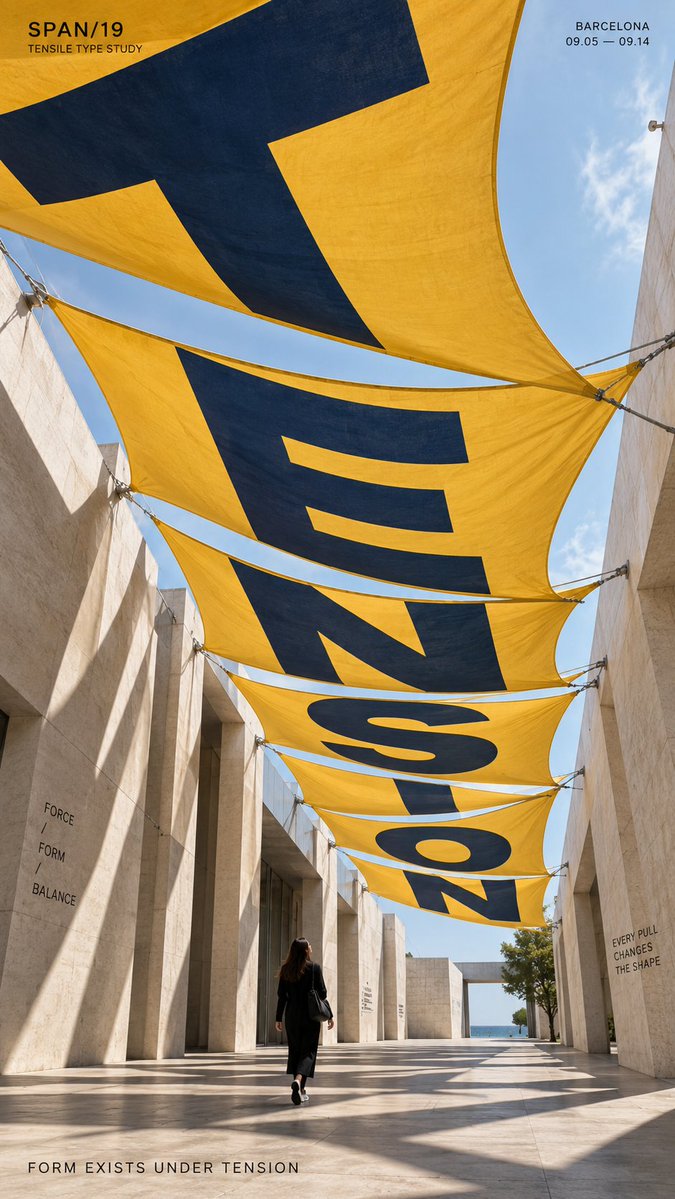 On-site tutorial#AI tutorialTITLE: [TENSION / DRIFT / FOCUS / REFRACT / your own word]
PTITLE: [TENSION / DRIFT / FOCUS / REFRACT / your own word]
P
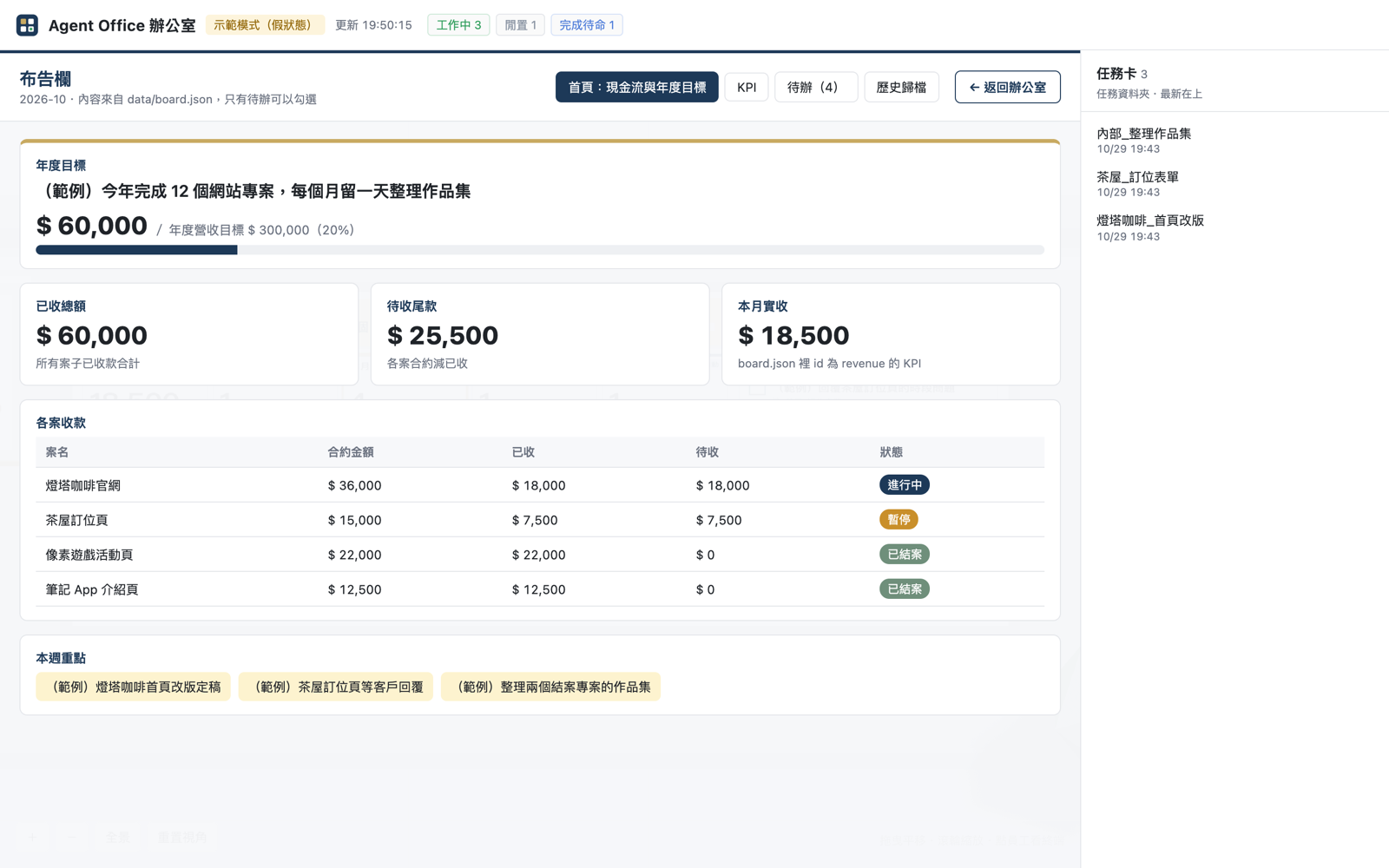 On-site tutorial#AI tutorialAgent Office 3D Tutorial: Turn an AI Coding Agent into a 3D Office EmployeeThis tutorial guides you through installing Agent Office 3D, launching the demo office, configuring company and employee data, and connecting Herdr or optionally using Minecraft. You will also learn to monitor agent status and terminal output and configure security settings.
 On-site tutorial#AI tutorialChinese Tutorial for the AI Image-Making Asset Library: Quickly Build Prompts with Face, Pose, and Clothing ReferencesLearn about the contents and licensing of the face, pose, and clothing libraries, how to open them locally, search assets, copy image-making instructions, and configure original image downloads.
 On-site tutorial#AI tutorialHow to Safely Evaluate the Claude Jailbreak Prompt Desktop InstallerThis tutorial examines the README for a purported pre-activated Windows desktop build, explains its advertised workflow and parameters, and provides a safer method for evaluating remote PowerShell installers without disabling security controls or executing unverified code.
 On-site tutorial#AI tutorialHow to Use Shisei’s 280-Pose Mannequin Reference Library for AI Image CreationLearn how to browse Shisei’s 280 CC0 mannequin poses, choose consistent camera angles, download the right image tier, run the static gallery locally, and use the catalog and verification tools in your own workflow.
 On-site tutorial#AI tutorialRouterHub API Tutorial: Explore Models, Get an API Key, and Migrate from OpenRouterThis tutorial introduces RouterHub through its documentation hub, showing how to browse the model catalogue, obtain an API key, review pricing and model variants, and follow the API quickstart or migration guide for implementation details.
