

- Monthly visits
- 0
- Pricing
- Free & Paid
- Listed
- 2026-06-24
- Updated
- 2026-08-25
01About ImageToVideoAI
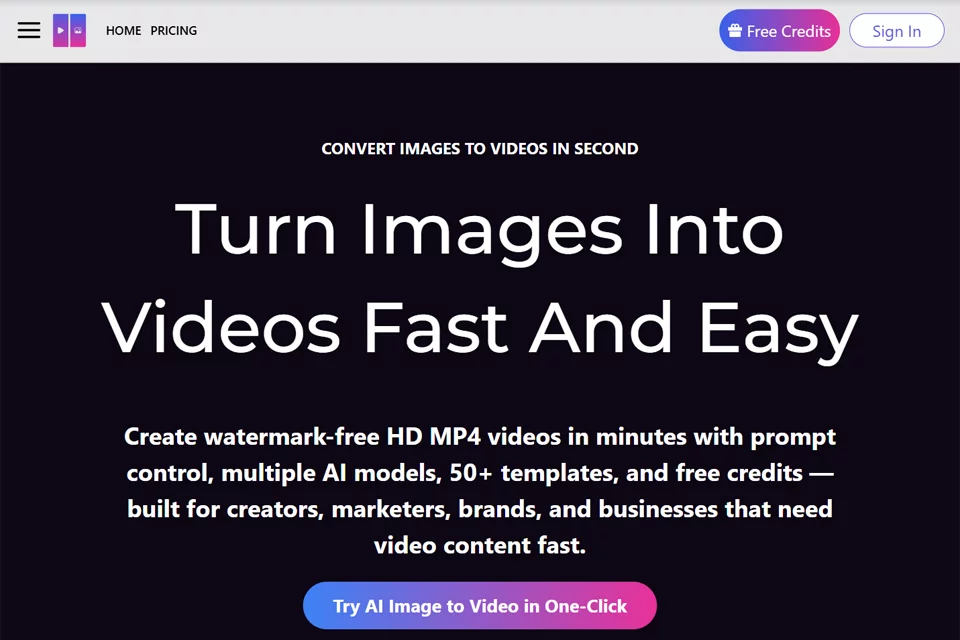
ImageToVideoAI turns static images into short videos in the browser. After uploading a JPG, PNG, or WEBP image, users can enter the desired actions or visual effects, select a model, template, duration, and resolution, then generate and download an MP4 video. The platform also supports product image videos, social media clips, character animation, and video extension, and provides free credits for new users.
02Who Is ImageToVideoAI For?
Content Creators
Turn photos, illustrations, or AI artwork into dynamic short videos suitable for TikTok, Instagram Reels, and YouTube Shorts.
Brands and Marketing Teams
Convert product images into product showcases, UGC-style ads, and social media promotional assets for publishing and marketing content.
Short Film and Story Creators
Generate short film scenes, trailers, or story-driven advertising assets from a single image, with camera movement, lighting, and character motion.
Animation and Visual Artists
Add facial expressions, hair movement, and other animation effects to static character images to create more expressive scenes.
03Key Features of ImageToVideoAI
Image-to-Video Generation
Upload JPG, PNG, or WEBP images, enter action or creative prompts, and convert static visuals into downloadable MP4 videos.
Prompt and Parameter Controls
Enter or refine creative video prompts before generation, and adjust the AI model level, video duration, and resolution to match production needs.
Templates and Effects
Start creating quickly with more than 50 preset templates and effects, or combine custom prompts to produce dynamic videos in different styles.
Product Image Videos
Upload a product image and specify the desired animation effects to generate dynamic videos for product showcases and marketing campaigns. Audio files can also be added.
Video Extension
Use AI Video Extender to expand short videos into longer clips. The page states that 3-second videos can be extended to 10 seconds.
Multiple Models
Choose between Basic 1.0, Fast 2.4, and Pro 2.6 to adjust generation speed, cost, and visual quality based on project needs.
HD Watermark-Free Downloads
Generated videos can be downloaded directly to a local device. The page states that HD output and watermark-free videos are available for short-form video and presentation assets.
04What Makes ImageToVideoAI Stand Out
Image-to-Video as the Core Workflow
The platform is built around a workflow for animating static images. Uploading, cropping, prompt configuration, and MP4 downloading can all be completed in the browser.
Three-Tier Model Workflow
The same generation workflow offers Basic, Fast, and Pro model levels, allowing users to choose between speed, cost, and image quality.
Multiple Content Use Cases
Beyond general image-to-video conversion, the platform provides creative directions for product showcases, UGC ads, character animation, short-form storytelling, and social media videos.
Short Video Extension
In addition to image-to-video generation, the platform offers a video extension tool for lengthening existing short clips while maintaining scene details and character consistency.
05Sources
© Disclaimer: domains and linked content may change over time. AIEZZ does not control third-party websites. Review external content and risks independently.
User reviews0