

- Monthly visits
- 0
- Pricing
- Free
- Listed
- 2026-04-10
- Updated
- 2026-08-25
01Product Positioning
Shrink is designed for individual and team users who need to reduce image file sizes, with a focus on image optimization for websites, content publishing, application assets, and everyday sharing.
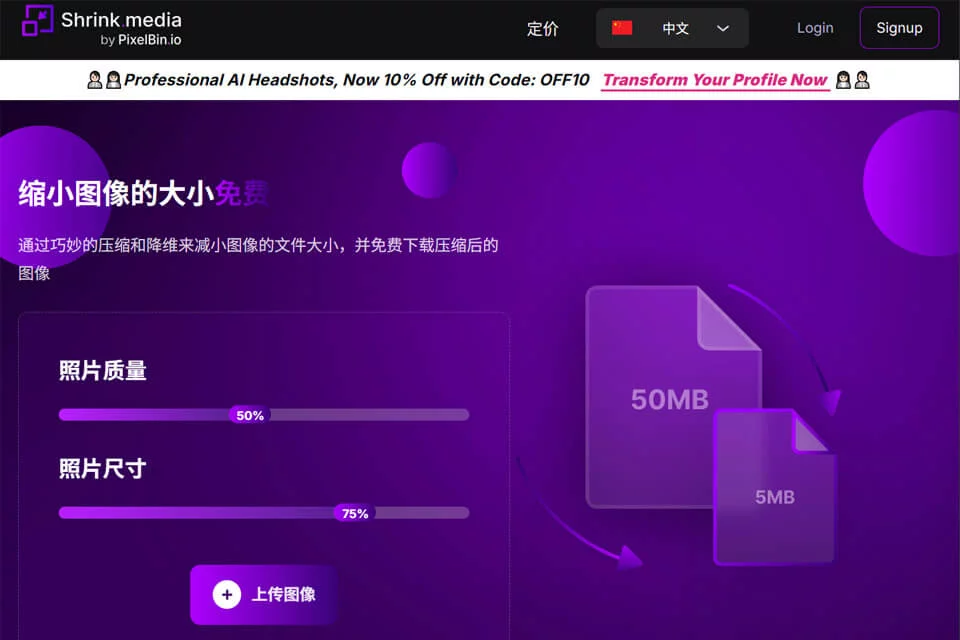
It compresses files by adjusting image quality and dimensions, allowing users to control the compression level according to their clarity requirements. The tool requires no registration and is suitable for processing a single image or a small number of images on an occasional basis.
02Key Features
Users can upload images from their local devices or paste image URLs for processing. The tool supports common formats including PNG, JPG, JPEG, WebP, and HEIC.
It provides options for adjusting image quality and dimensions. According to the available information, the maximum supported dimensions are 5000×5000 pixels and the file size limit is 25MB. Users can view image results and file information before and after compression, making it easier to compare size changes and visual differences.
03Use Cases
Website developers and operations teams can compress images before publication to reduce page resource sizes. Content creators and social media operators can control the compression level before uploading images to platforms.
Mobile app developers and e-commerce merchants can use it to optimize in-app images or product photos. Individual users can compress photos and screenshots to save storage space, share them by email or instant messaging, or meet size restrictions for forms, forums, and similar scenarios.
04Usage Considerations
Compression does not mean that an image remains completely unchanged. Lowering quality or reducing dimensions may affect details, text legibility, and the appearance of enlarged images. Images such as identification documents, product detail photos, or images requiring further editing should therefore be checked before download, while the original files should be retained.
Shrink is best suited to routine image optimization through the web interface. If you need to process large numbers of images continuously, integrate with an API, or perform more complex automated management, the current information does not indicate that these capabilities are part of the free web tool itself.
© Disclaimer: domains and linked content may change over time. AIEZZ does not control third-party websites. Review external content and risks independently.
User reviews0