

- Monthly visits
- 0
- Pricing
- Free & Paid
- Listed
- 2026-05-29
- Updated
- 2026-08-25
01Introduction to PicWish
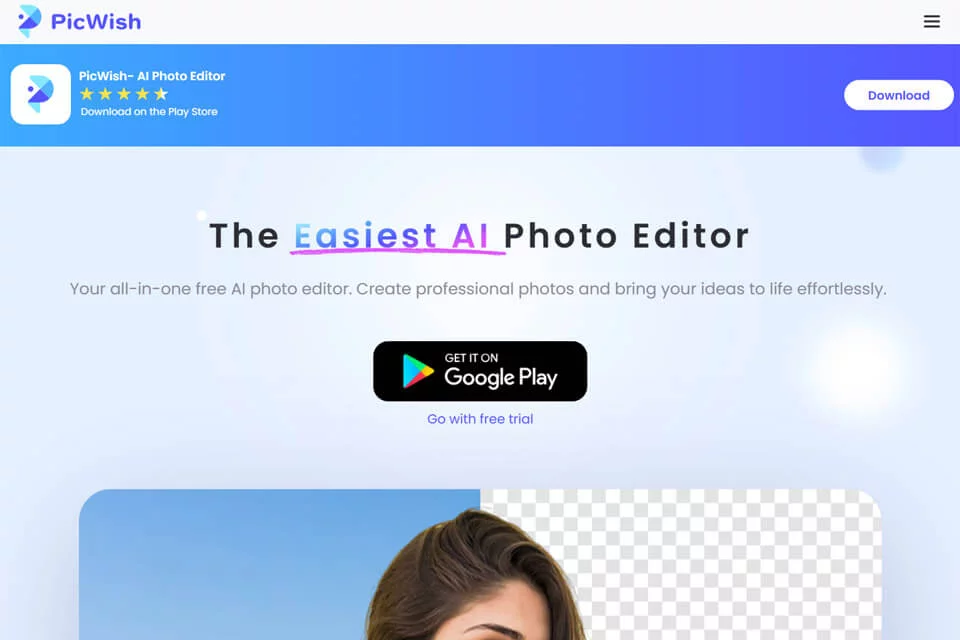
PicWish brings multiple AI image tools together on one platform to help users process everyday photos and commercial visual assets. The platform offers tools for background removal, image enhancement, old photo restoration, object removal, AI design, and product photo retouching. It supports online image uploads and processing, as well as Windows, macOS, iOS, and Android apps and API services.
02Who PicWish Is For
E-commerce Businesses
Retouch product images in batches by improving contours, lighting, textures, and colors to create visual assets better suited for product displays.
Designers and Content Creators
Use tools such as background removal, AI design, and image enhancement to quickly create social media, marketing, or everyday creative images.
Individual Users
Process blurry photos, old photos, and everyday images online without professional image editing skills to complete common editing tasks.
Developers and Business Teams
Integrate image processing capabilities into their own products or workflows through the PicWish API.
03Key PicWish Features
AI Background Removal
Automatically separates the main subject from an image and removes the background. It supports processing up to 30 files at once, making it suitable for product images and transparent-background assets.
Photo Enhancement and Deblurring
Improves the clarity and detail of blurry images, making photos clearer for personal photos, scanned images, and commercial pictures.
AI Product Photo Retouching
Upload one or more product images, adjust lighting, textures, colors, and sharpness, remove blemishes and noise, and download the results.
AI Design
Describe the desired visual effect in natural language, or select a scene preset to edit photos and create design assets.
Image Object Removal
Remove unwanted objects from images online using PicWish's object removal tool.
Old Photo Restoration and Colorization
Process historical photos with old photo restoration and image colorization tools to improve their visual appearance and generate new image versions.
Batch Image Processing
Upload up to 50 images at once in the product photo retouching tool, then apply retouching operations uniformly after configuring the settings.
04PicWish Highlights
All-in-One Image Tool Collection
The platform brings background removal, enhancement, upscaling, compression, watermark removal, restoration, and design capabilities together in one unified entry point.
Specialized Product Image Retouching
The product retouching tool provides dedicated options for contours, lighting, textures, colors, blemishes, and noise, covering a range of product scenarios.
Natural Language Editing
AI Designer supports describing editing requirements in natural language and provides scene presets, lowering the barrier to getting started with AI design tools.
Multi-Platform and API Services
In addition to the web platform, PicWish provides Windows, macOS, iOS, and Android apps and API services to support different access points.
05Sources
© Disclaimer: domains and linked content may change over time. AIEZZ does not control third-party websites. Review external content and risks independently.
User reviews0