

- Monthly visits
- 0
- Pricing
- Free
- Listed
- 2026-01-26
- Updated
- 2026-02-08
01Product Positioning
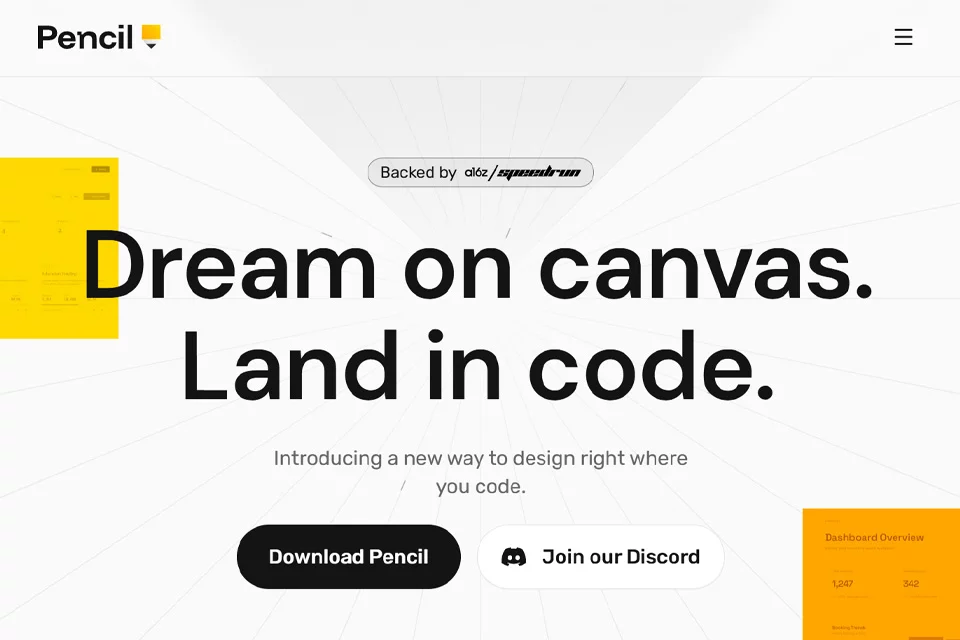
Pencil brings visual interface design and code development into the same working environment, centered around an infinite canvas embedded in the IDE. It is designed for developers and designers who need to validate interface concepts quickly while keeping implementation outcomes in focus, and connects to AI coding workflows through the MCP protocol.
Design files can be managed in a Git repository, allowing design changes to become part of the project's version-controlled collaboration workflow.
02Key Features
The tool provides Figma-like canvas interactions, including zooming, panning, and layout adjustments within the IDE. Users can work with AI coding assistants using design context and convert interface concepts into React, HTML, and CSS code.
Example workflows also include copying vector graphics, text, and styles from Figma to the Pencil canvas, as well as using Git for branch management, merging, and version rollback.
03Use Cases
Full-stack and independent developers can build interface prototypes while implementing functionality. Frontend engineers can use the canvas to support page structure and styling work, while UI/UX designers can fine-tune designs in the coding environment and observe the implementation direction.
For users of AI coding assistants such as Claude Code and Cursor, Pencil is suitable for prompt-driven interface exploration, component ideation, and early interaction validation.
04Usage Considerations
Pencil depends on an IDE, MCP, and an AI coding workflow. Before using it, confirm how the selected development environment and assistant handle compatibility. Design-to-code conversion does not equal completing the project implementation; generated results still need to be checked for component structure, styling details, responsive behavior, and existing code conventions.
If the team already follows established design delivery and frontend collaboration processes, it should also evaluate whether the file management approach and Git branching strategy can be integrated smoothly.
© Disclaimer: domains and linked content may change over time. AIEZZ does not control third-party websites. Review external content and risks independently.
User reviews0