

- Monthly visits
- 0
- Pricing
- Free
- Listed
- 2026-05-24
- Updated
- 2026-08-25
01Platform Positioning
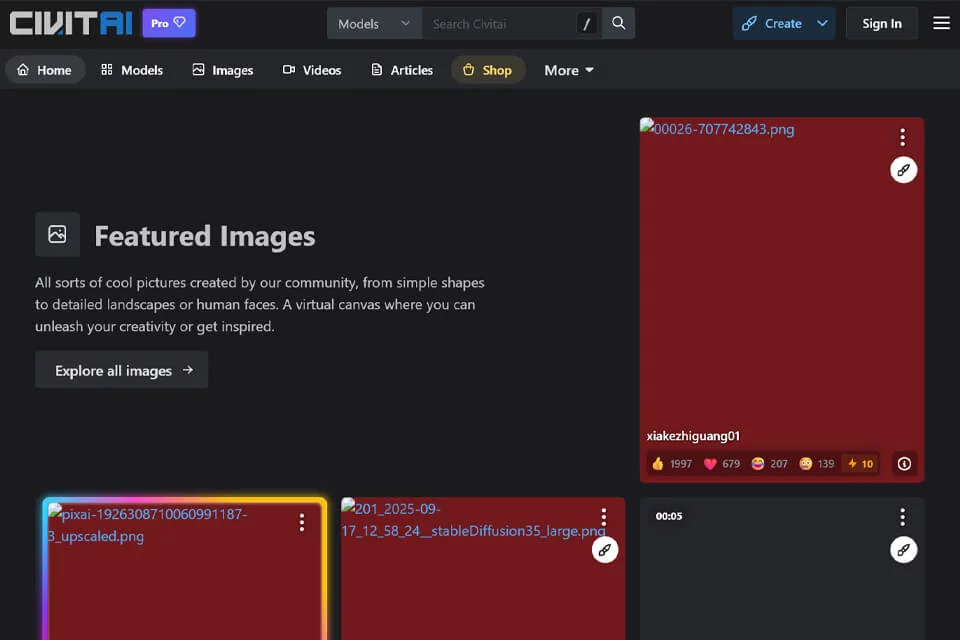
Civitai brings AI image model resources, artwork showcases, and a creator community together on one platform. It primarily serves users who need to find models, compare generation results, and exchange creative experience.
The platform covers generative image ecosystems such as Stable Diffusion and Flux. Users can explore model types, example artwork, and community information, connecting model discovery, result evaluation, and creative discussion.
02Key Features
The platform supports browsing and searching for image model resources such as Checkpoints, LoRAs, and Embeddings. Users can also view related example images, prompts, and generation parameters to make an initial assessment before downloading or using a resource.
Users can save or download resources they are interested in for local Stable Diffusion, ComfyUI, and other workflows. Selected models can also be used to generate images directly online. The platform supports artwork publishing, model sharing, comments, and community interaction, allowing model creators to showcase their resources and receive feedback.
03Use Cases
AI image enthusiasts can find models by art style, character, or scene, and study prompting and parameter settings through public creations.
Visual designers can use the platform for early exploration of posters, concept art, and visual assets. Game and film art teams can filter for character, scene, and prop-related models to support style testing. Model creators can publish resources such as Checkpoints and LoRAs, using example images and descriptions to demonstrate their characteristics.
04Usage Considerations
Model names, example images, and parameters can help users filter resources, but public examples may not be fully reproducible. Actual results are also affected by prompts, base models, and workflow settings.
Resources may differ in their applicable scope and usage methods, so users should read each model page's documentation before use. Online image generation is available only for selected models. For finer parameter control or batch creation, users will generally still need local tools and a personal workflow.
© Disclaimer: domains and linked content may change over time. AIEZZ does not control third-party websites. Review external content and risks independently.
User reviews0