

- Monthly visits
- 0
- Pricing
- Free
- Listed
- 2026-06-12
- Updated
- 2026-08-25
01Product Positioning
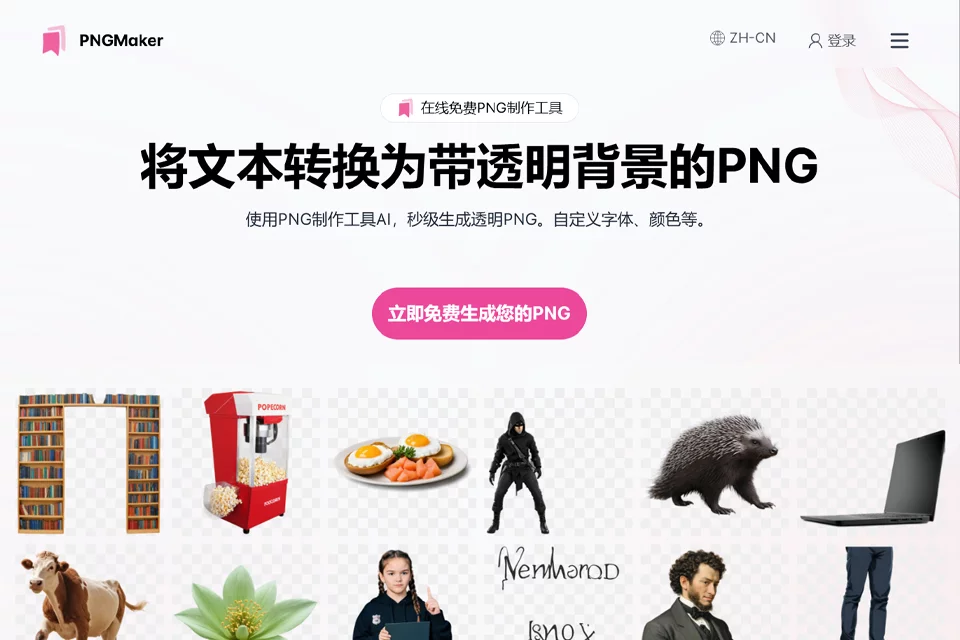
PNGMaker is a browser-based online graphics tool focused on converting text into PNG images with transparent backgrounds.
It is suitable for quickly creating text assets that can be overlaid on webpages, design mockups, marketing images, or presentations. Its positioning centers on simple, focused text-image generation rather than full image editing.
02Key Features
Users can enter text and adjust basic styles such as the font, text color, and size. The result can be checked in the preview during generation, with the content or styles modified before export.
The tool supports downloading PNG images for use as transparent-background assets. Available information indicates that its basic features are free; specific available options should be confirmed on the actual page.
03Use Cases
Web and UI designers can use it to create titles, button text, and other transparent text elements. Marketing and operations teams can generate text assets for posters, advertisements, and social media content.
Content creators can use the generated images for article illustrations, video labels, or annotations. Individuals can also use them to create signature images, simple labels, and presentation assets.
04Usage Considerations
PNGMaker is suitable for single-text elements and basic styling needs. Complex typesetting, image compositing, detailed layer control, or complete brand design usually require professional image software as well.
Before downloading, check the text content, font rendering, transparent areas, and image dimensions, then confirm the actual result on the target webpage, design mockup, or video. The specific permitted uses of generated images should be determined by the product page or applicable terms of use.
© Disclaimer: domains and linked content may change over time. AIEZZ does not control third-party websites. Review external content and risks independently.
User reviews0