

- Monthly visits
- 0
- Pricing
- Free
- Listed
- 2025-01-14
- Updated
- 2026-08-25
01Product Positioning
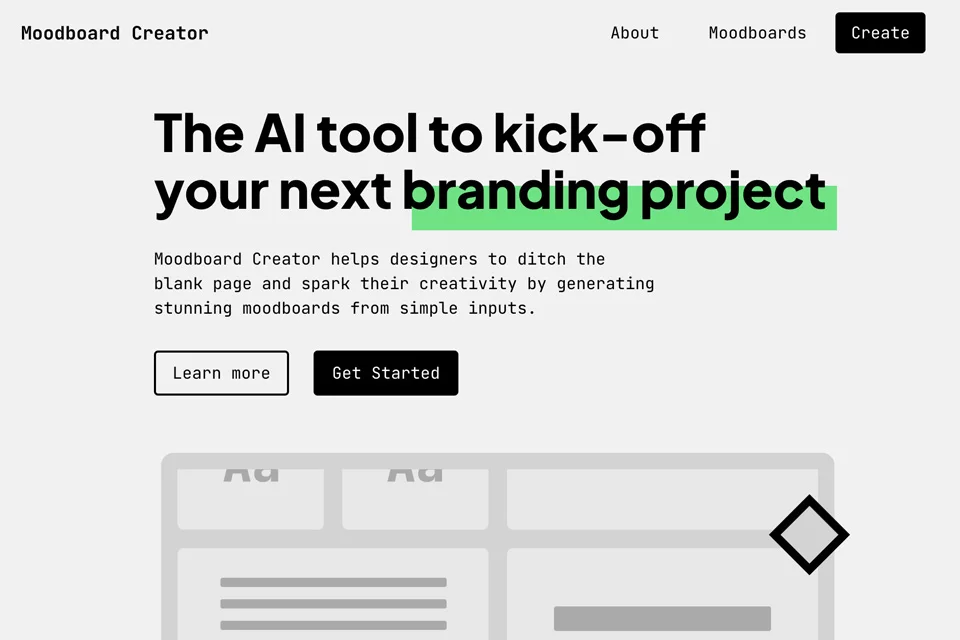
Moodboard Creator is an AI-powered moodboard generator designed primarily to organize visual direction at the start of creative projects. Users can turn abstract design ideas into moodboards containing colors, fonts, and images through keywords or style descriptions, providing an initial reference for branding and other design work.
02Key Features
The tool generates moodboards based on user input and supports adjustments to visual elements and layouts. Its asset library can match images, textures, and icons, while also providing logo inspiration and font pairing suggestions.
After the initial organization is complete, users can share content via a link, collect feedback, and export the results to design platforms such as Figma and Canva to continue the design workflow.
03Use Cases
Brand designers can use it to define brand tone and visual references, while UI/UX designers can organize color, font, and image direction before starting an interface project. Interior and fashion designers can also turn style descriptions into inspiration boards for concept exploration.
For design teams, moodboards can also serve as an intermediate deliverable for aligning a project's visual direction, communicating proposals, and collecting feedback.
04Usage Considerations
Generated results are best used as a creative starting point. They should still be reviewed, revised, and confirmed in light of project goals, brand guidelines, and actual assets. The specificity of the keywords affects the moodboard's direction. More abstract descriptions can be useful for exploring styles, but should not replace design judgment.
When a formal design needs to be developed further, users can refine the content with layout and element customization features, then export it to subsequent design platforms.
© Disclaimer: domains and linked content may change over time. AIEZZ does not control third-party websites. Review external content and risks independently.
User reviews0