

- Monthly visits
- 0
- Pricing
- Free & Paid
- Listed
- 2025-10-25
- Updated
- 2026-08-25
01Product Positioning
Remaker brings AI image generation, image editing, and video enhancement together on one platform, primarily helping shorten the workflow from visual content creation to processing.
The platform uses models and templates to assist with parts of the editing process, making it suitable for individuals and small teams that need to quickly test ideas, organize media, or produce content.
02Key Features
It supports AI face swapping for photos, videos, and single-person or multi-person scenarios. Users can also generate images from text prompts or style templates and apply styles such as realistic, anime, and oil painting.
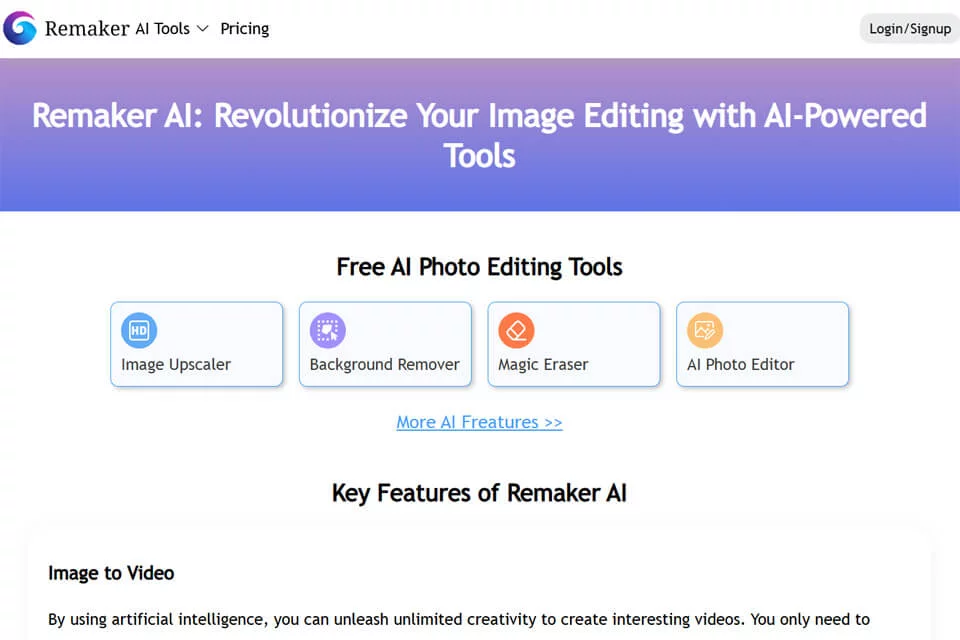
Image tools include smart watermark removal, object removal, background replacement, generative fill and expansion, image upscaling, and quality enhancement. Video features include enhancement, upscaling, blur correction, and clarity improvement. The platform also offers template-driven content creation and supports Windows, Mac, iOS, and Android devices.
03Use Cases
Creators and content accounts can use it to generate, edit, and enhance images and videos while quickly exploring different visual directions. Content marketing and brand teams can use style templates to create promotional materials, while small businesses and freelancers can handle parts of the generation and post-processing workflow in one place.
For beginners in image or video production, templates and AI-assisted features can help create basic visual content, but they are not a complete professional post-production workflow.
04Usage Considerations
Remaker offers free and paid options, and available features may depend on the account or plan. When using face swapping, generation, object removal, or similar features, confirm that you have appropriate rights to use the source material and the depicted people’s likenesses.
AI generation, upscaling, and enhancement results should be evaluated in the context of the source material, prompts, model, and template. For brand publishing, commercial delivery, or public distribution, manually review visual details, identifying features, text, and overall consistency before exporting.
© Disclaimer: domains and linked content may change over time. AIEZZ does not control third-party websites. Review external content and risks independently.
User reviews0