

- Monthly visits
- 0
- Pricing
- Free & Paid
- Listed
- 2026-05-08
- Updated
- 2026-08-25
01Product Positioning
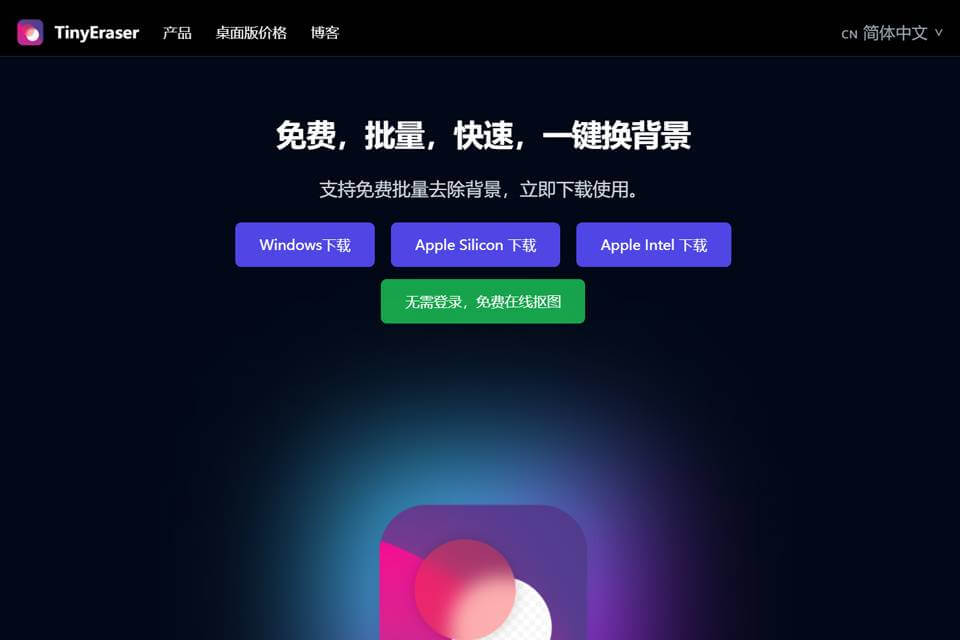
TinyEraser is positioned as an image background processing tool focused on subject extraction, background replacement, and multi-image processing. It combines background removal and replacement in one workflow, making it suitable for users who need to organize image assets quickly.
Product materials list both free and paid plans. In actual use, users should select a plan based on the functions and service terms shown on the page.
02Key Features
The tool supports one-click image background removal, which can be used to highlight people, products, or other subjects. It also provides background replacement for changing the original background to a new scene.
For multiple images, TinyEraser supports batch processing to reduce repetitive work. After processing, users can download high-resolution images. The materials also mention GPU-accelerated processing.
03Use Cases
E-commerce sellers can use it to organize product images, remove original backgrounds, and create materials for websites, advertisements, or other presentations.
Graphic designers can use extracted subjects in layouts, advertising composites, and background replacements. Photographers can process images in batches, separating subjects from their original scenes for later compositing or asset organization.
04Usage Considerations
Automatic background removal is suitable for quickly processing standard images, but content such as complex hair, translucent objects, and backgrounds with similar colors should still be checked before download to ensure edge quality and subject completeness.
Although batch processing reduces repetitive work, differences in subjects, composition, and backgrounds may affect the results across images. For product images or designs intended for official release, review the output quality of each image and pay attention to the conditions associated with free and paid plans.
© Disclaimer: domains and linked content may change over time. AIEZZ does not control third-party websites. Review external content and risks independently.
User reviews0