

- Monthly visits
- 1
- Pricing
- Free
- Listed
- 2025-10-25
- Updated
- 2026-02-08
01Product Positioning
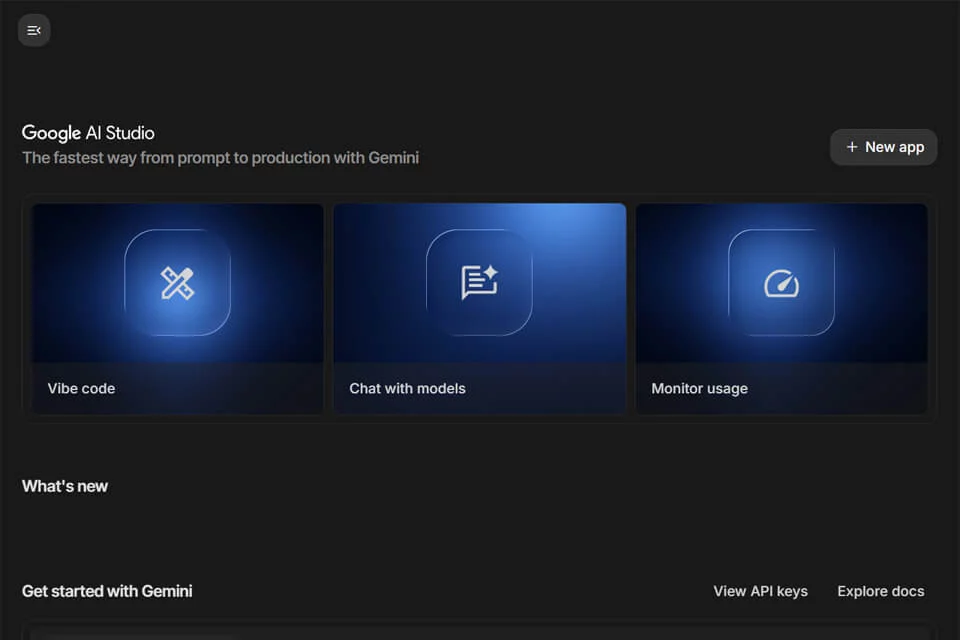
Google AI Studio brings Gemini model experimentation, prompt design, and application prototyping together in a browser interface. Users can start writing prompts and progressively debug models and validate prototypes without first setting up a local development environment.
It is best suited as an experimentation and development entry point for generative AI applications, supporting personal learning, research testing, feature validation, and early product ideation.
02Key Features
The platform provides freeform, structured, and chat prompt modes for testing different interaction styles. Inputs can include text, images, audio, and video, making it suitable for multimodal analysis and conversational experiments.
Users can adjust model parameters such as temperature and Top-K to observe how parameter changes affect outputs. After debugging, they can generate API calling code in languages such as Python and Node.js, deploy prototypes to Google Cloud, and create shareable test links.
03Use Cases
Developers can use it to quickly validate prompt strategies, test Gemini model capabilities, and integrate generated calling code into subsequent projects. Students and researchers can use it for coursework, model experiments, and research exploration.
Startups can use it to assess whether AI features align with their product concepts, while content creators can use it for text ideation and to analyze materials such as images, audio, and video.
04Usage Considerations
Google AI Studio is suitable for prototyping and debugging, but moving from page-based experiments to a production product still requires developers to organize the code, manage interfaces, and test the application. Generated code cannot replace engineering evaluation within a project.
Multimodal inputs and model parameters affect output. Results should be manually verified when they involve factual judgments or business decisions. Before deploying to Google Cloud, users should also confirm the appropriate cloud configuration for the actual application.
© Disclaimer: domains and linked content may change over time. AIEZZ does not control third-party websites. Review external content and risks independently.
User reviews0