

- Monthly visits
- 0
- Pricing
- Free & Paid
- Listed
- 2026-06-14
- Updated
- 2026-08-25
01Product Positioning
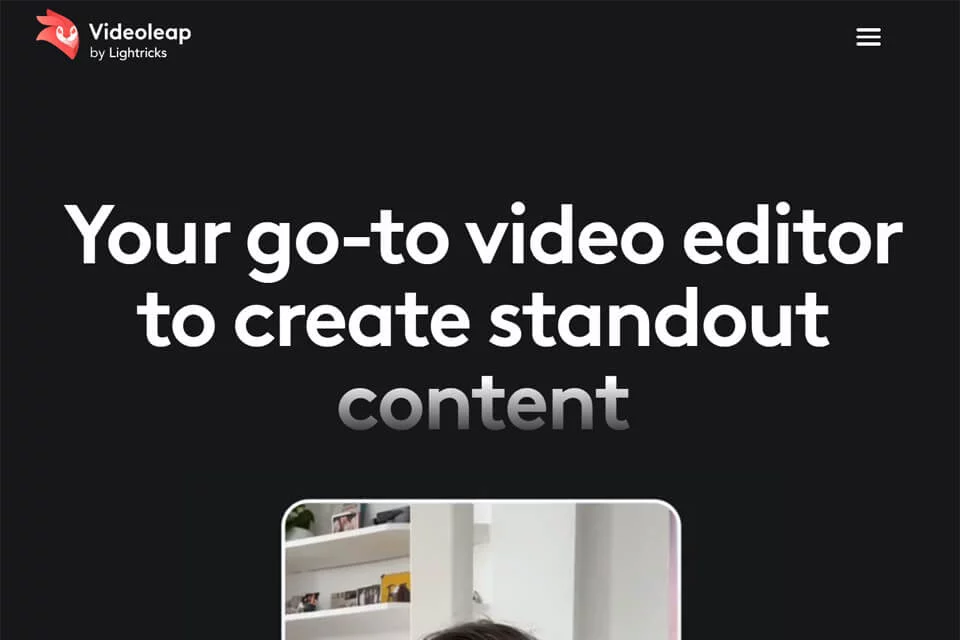
Videoleap brings template creation, timeline editing, and AI video processing into a mobile workflow. Users can apply templates to quickly create short-form videos or edit videos, images, text, music, and effects across multiple layers.
The product is primarily designed for short-form video creators, social media managers, small businesses, brand content teams, and vlog creators. It supports workflows from organizing footage through pre-publishing adjustments for social platform formats.
02Key Features
Videoleap supports basic editing operations such as trimming, merging, speed adjustment, reversing, looping, flipping, and resizing. It also supports multilayer editing for text, images, videos, effects, and music.
For AI and content production, the tool offers AI effects, AI templates, background removal and replacement, background generation, canvas expansion, infinite zoom, and auto captions. Audio features include adding music, sound effects, and voiceovers, as well as volume control and audio trimming.
03Use Cases
Short-form video creators can use Videoleap to produce Reels, TikTok videos, and YouTube Shorts, including editing, captions, music, and effects. Social media managers can organize campaign footage, product clips, and everyday content into platform-ready short videos.
Small businesses and brand teams can use it to create promotional videos, product showcases, and branded content. Vlog creators can edit travel, gathering, or daily-life clips into complete videos. Phone and tablet users can also import, edit, and make pre-publishing adjustments on mobile.
04Usage Considerations
Templates are useful for quickly establishing a content structure, while timeline and multilayer editing are better suited to projects that require custom pacing, captions, and visual arrangement. After using auto captions, background tools, or AI visual features, users should still check caption accuracy, subject edges, background details, and aspect ratio.
For projects with extensive footage, complex layers, or lengthy fine-tuning, mobile editing may increase the time required for organization. Before publishing, check the dimensions, audio, and caption placement for the target platform to prevent important content from being covered by interface elements.
© Disclaimer: domains and linked content may change over time. AIEZZ does not control third-party websites. Review external content and risks independently.
User reviews0