

- Monthly visits
- 0
- Pricing
- Free & Paid
- Listed
- 2026-03-18
- Updated
- 2026-08-25
01Product Positioning
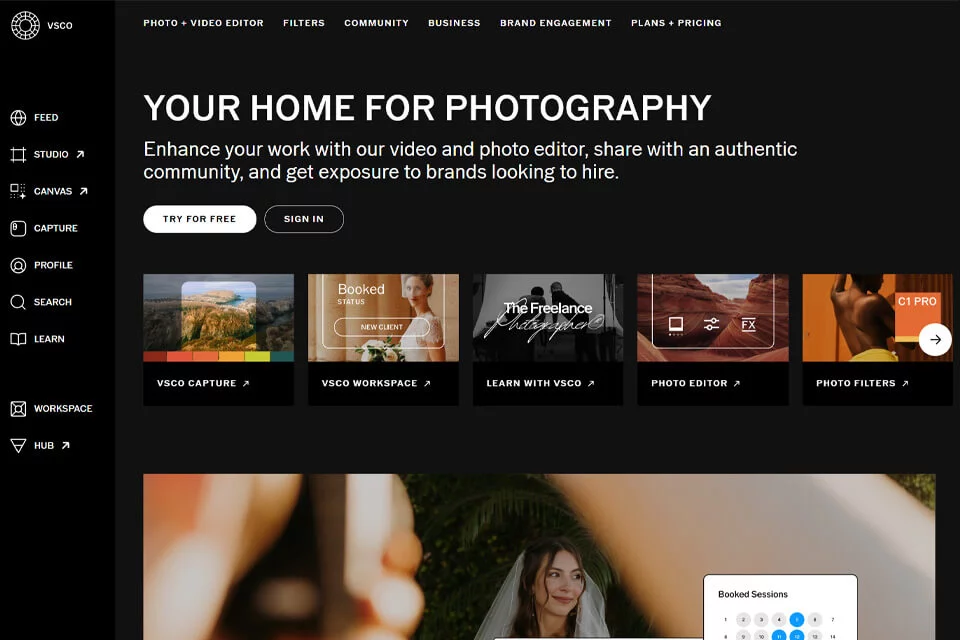
VSCO is a photo editing tool centered on visual expression, with spaces for sharing work and exchanging inspiration. It combines mobile creation, film-style presets, and community features for users who want to maintain a consistent photo style, document visual content, or showcase photography.
The product supports needs ranging from beginner creation to professional photography workflows, while specific features and resources are divided between free and paid content.
02Key Features
VSCO offers a range of photo presets, with the Film X series designed to emulate the colors and texture of classic film. Its editing tools cover basic adjustments such as exposure and contrast, as well as advanced features including HSL, split toning, and object removal. The materials also mention support for video editing.
Users can share work in the community, create shared galleries with Spaces, and tell the stories behind their images through Journals. Tools for professional photographers include Workspace for client workflow management and VSCO Sites for showcasing portfolios.
03Use Cases
Mobile photography users can start with a preset, then adjust exposure, color, and contrast to quickly establish a consistent personal style. Content creators, designers, and social media managers can use consistent presets and editing settings to process a series of images.
Photography beginners can use it as a basic photo editing and visual inspiration tool. Professional photographers can combine portfolio presentation, client workflow management, and community publishing to organize their work from creation through presentation.
04Usage Considerations
VSCO's core experience relies on presets and post-processing. Preset effects may not suit every photo, and backlit scenes, skin tones, or complex lighting conditions may still require manual adjustments. Results from automated processing such as object removal should also be checked image by image and manually corrected when necessary.
The product offers both free and paid content. Before use, confirm whether the required presets, editing tools, or professional packages are included in the current plan. If work needs to continue across different devices, also verify support for the relevant platforms and features in advance.
© Disclaimer: domains and linked content may change over time. AIEZZ does not control third-party websites. Review external content and risks independently.
User reviews0