

- Monthly visits
- 0
- Pricing
- Free & Paid
- Listed
- 2026-05-27
- Updated
- 2026-08-25
01About Pictory
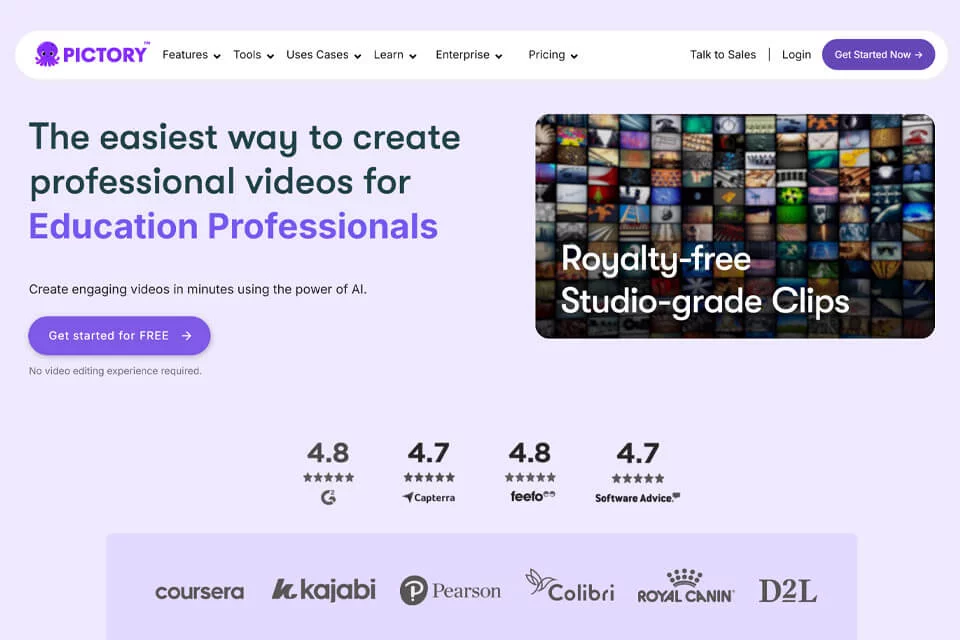
Pictory turns existing content into videos. Users can enter text, scripts, articles, or web links, or upload audio, images, PowerPoint presentations, videos, and screen recordings. The system generates scripts or summaries, organizes scenes and visual media, and provides captions, music, AI voiceovers, templates, and brand settings. Videos can be edited, previewed, and exported in the cloud.
02Who Uses Pictory
Content Creators
Turn scripts, articles, images, or long-form videos into short or full-length videos for YouTube, social media, and other channels.
Marketing and Sales Teams
Turn product information, web content, and marketing copy into product presentations, ads, promotional assets, and reusable branded videos.
Educators and Course Creators
Turn course ideas, presentations, and teaching scripts into instructional videos with narration, visual media, and structured scenes.
Corporate Training and Communications Teams
Turn internal knowledge, training materials, presentations, or recordings into onboarding, compliance, and explainer videos.
03Pictory Features
Text and Script to Video
Paste text, scripts, articles, or blog content, and the platform automatically generates scenes, matches visual media, and adds captions and voiceovers for further editing.
Web Link to Video
Enter an article, blog, or product page URL. The platform extracts key information and generates a script and video storyboard for content repurposing.
Audio and Video Text Editing
Upload audio or video to generate a transcript, then edit the text to adjust the video content. You can also handle pauses, filler words, and key segments.
Images and Presentations to Video
Upload a collection of images or a PowerPoint presentation and organize it into editable video scenes with narration, music, text, transitions, and brand styling.
AI Studio Visual Generation
Use text prompts to generate images and short video clips, then add them directly to video scenes to supplement missing visual content.
Captions, Voiceovers, and Music
Automatically generate captions, choose an AI voice, record your own voice, or upload narration. Select background music from the music library or upload your own.
Branded Video Editing
Adjust layouts, text, visual media, and timing in the scene editor, and save logos, fonts, colors, and other brand settings for a consistent video style.
Automation and Browser Workflows
Connect content workflows through Make, Zapier, and the Chrome extension. Start video generation directly from webpages and send completed content to connected apps or storage locations.
04What Makes Pictory Stand Out
Multiple Content Inputs
The same platform supports text, scripts, URLs, audio, images, PowerPoint presentations, videos, and screen recordings, making it suitable for content repurposing.
Text-Driven Editing
The platform converts video content into editable text, allowing users to adjust videos by editing scripts or transcripts without relying entirely on traditional timeline controls.
Automatic Scene Organization
The system organizes scenes, summaries, visual media, captions, and audio based on the input, creating a structured video workflow that can be further refined.
AI and Personal Media Together
Users can switch between the media library, AI Studio, and their own uploads, then add generated visual assets directly to video projects.
05Sources
© Disclaimer: domains and linked content may change over time. AIEZZ does not control third-party websites. Review external content and risks independently.
User reviews0