

- Monthly visits
- 0
- Pricing
- Free & Paid
- Listed
- 2026-05-21
- Updated
- 2026-08-25
01About Evoto
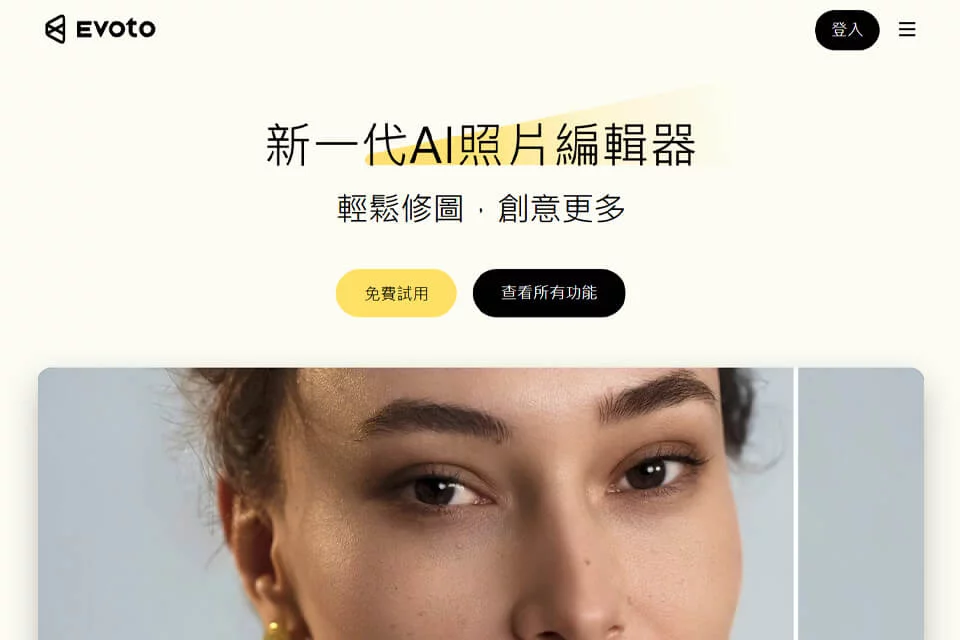
Evoto is an AI-powered photography post-production tool that helps users work continuously from photo culling and retouching through batch processing and delivery. It offers desktop software and browser access, along with mobile and iPad products, for high-volume or detail-focused photography scenarios such as weddings, ID photos, events, portraits, beauty, and fashion.
02Who Needs Evoto
Professional Photographers
For culling, batch retouching, and delivering photos from weddings, events, portraits, ID photos, and other shoots.
Photography Studios
For processing high-volume projects, standardizing photo colors and portrait effects, and sharing image libraries across team workflows.
Professional Retouchers
For detailed skin, portrait, hair, background, and color retouching across large post-production workloads.
Creative Teams
For accessing projects across desktop, browser, mobile, and iPad products and completing image editing and delivery workflows.
03Key Evoto Features
Photo Culling
Helps users quickly identify the best images from a shoot, reducing the time required to organize and sort photos.
AI Portrait Retouching
Retouches faces in photos with skin smoothing, blemish removal, wrinkle reduction, and hair adjustments while preserving natural texture.
Color Grading and Color Matching
Provides color grading, AI color matching, and color-matching tools for adjusting photo colors and maintaining consistency across a set.
Background Editing
Supports background removal, replacement, blurring, and generation, as well as adjustments to transparent backgrounds, black-and-white backgrounds, skies, and other elements.
Batch Processing
Applies one adjustment across an entire set of photos, making it suitable for centralized editing of weddings, events, and other high-volume shoots.
RAW Photo Editing
Supports RAW conversion and RAW editing, with tools for sharpening, noise reduction, perspective correction, brightness adjustment, and more.
Online Photo Editing
Enables quick photo editing in a browser through Evoto's online editing access without leaving the webpage.
Image Sharing and Delivery
Combines culling, retouching, batch processing, and delivery into a continuous workflow, with support for sharing project images.
04Evoto Product Highlights
End-to-End Photography Workflow
Photo culling, retouching, batch processing, and delivery are centralized in one workflow, covering the continuous stages of photography post-production.
Face-by-Face AI Retouching
Focuses on targeted processing of faces in each photo rather than simply applying an overall filter, supporting more detailed portrait editing.
Built for High-Volume Shoots
Designed for processing large numbers of photos, with support for quickly syncing adjustments across an entire set, making it suitable for events, weddings, and similar projects.
Multi-Platform Project Access
Offers desktop, online, mobile, and iPad products, with support for switching between devices to access projects.
Privacy and Compliance Statements
The official website states that Evoto has ISO/IEC 27001 and SOC 2 Type II certifications and will not use images for AI training without permission.
05Sources
© Disclaimer: domains and linked content may change over time. AIEZZ does not control third-party websites. Review external content and risks independently.
User reviews0