

- Monthly visits
- 0
- Pricing
- Paid
- Listed
- 2026-05-22
- Updated
- 2026-08-25
01Product Positioning
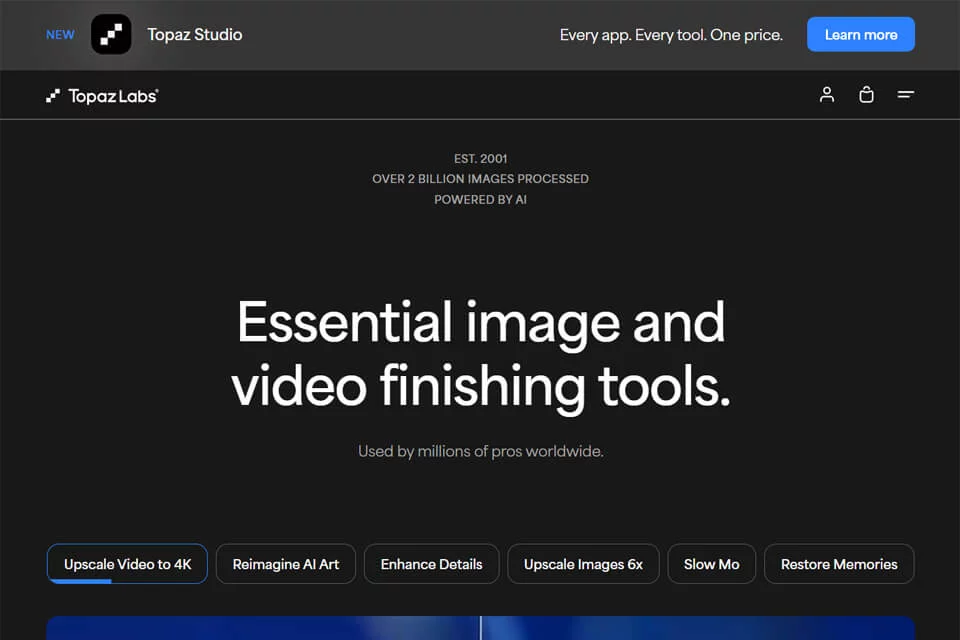
Topazlabs focuses on improving image and video quality with artificial intelligence. Its product lineup covers tasks such as photo processing, video enhancement, and image upscaling. It is better suited to quality restoration and technical enhancement than to applying filters or visual effects.
The tools can be used as standalone software or integrated into existing image post-production workflows as Photoshop or Lightroom plugins.
02Key Features
Photo AI can reduce image noise, sharpen and upscale images, and automatically analyze visual content. Video AI supports video resolution enhancement, noise reduction, deinterlacing, motion interpolation, and stabilization. Gigapixel AI is primarily designed for image upscaling and is suitable for increasing the size of low-resolution media.
The tools address common issues such as camera shake, inaccurate focus, excessive noise, and insufficient image size. The specific processing capabilities depend on the selected product.
03Use Cases
Photographers and videographers can use the tools for noise reduction, sharpening, and resizing captured media. Video editors can try them during post-production to enhance resolution, stabilize footage, or create slow motion.
Topazlabs can be used to organize and enhance old photos, home videos, and other archived media. Graphic designers can also process low-resolution images before printing or high-definition display.
04Usage Considerations
Topazlabs uses a paid model. Before use, select the appropriate tool for the task and retain the original files along with versions from before and after processing for comparison.
AI enhancement may alter local textures or generate details that do not fully match the original image, especially in severely blurred, low-resolution, or highly noisy media. Increasing image size does not mean that the amount of real information increases accordingly, so important images should still be reviewed manually.
© Disclaimer: domains and linked content may change over time. AIEZZ does not control third-party websites. Review external content and risks independently.
User reviews0