

- Monthly visits
- 0
- Pricing
- Free & Paid
- Listed
- 2026-05-07
- Updated
- 2026-08-25
01Product Positioning
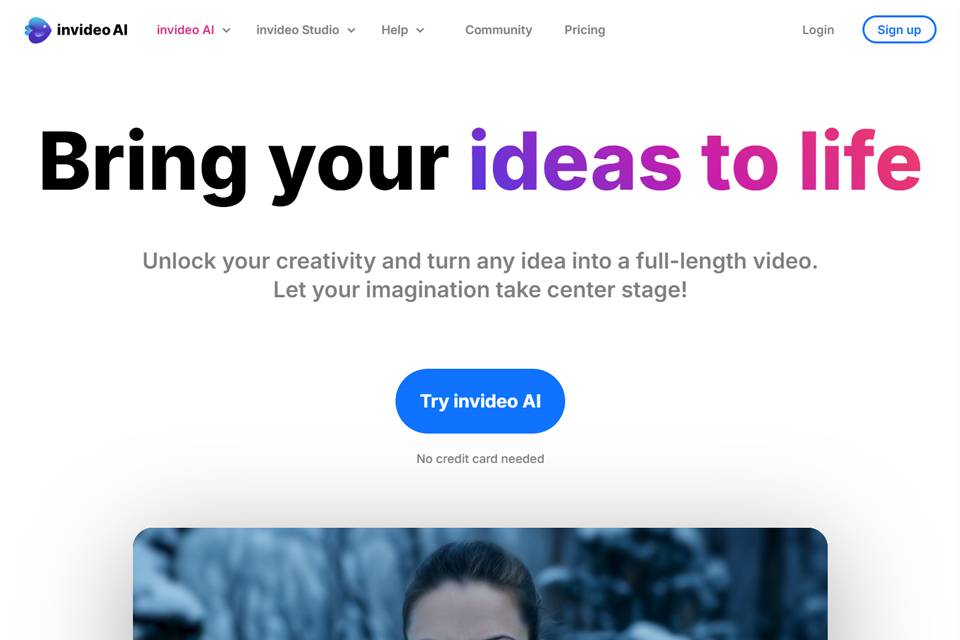
InVideo combines template-based editing, drag-and-drop controls, and AI assistance in one online video creation platform, primarily serving individuals and teams that need to produce videos regularly.
It is suited to turning text or existing ideas into video drafts with visuals, text, music, and voiceovers. Both free and paid plans are available, with specific features subject to the current plan.
02Key Features
The platform provides a range of video templates and a drag-and-drop editor for building video structures and adjusting content. AI features can generate videos, match music, and recommend visual elements, reducing the work involved in initial asset selection and arrangement.
InVideo also supports text-to-speech, automatic caption generation, and commenting and collaborative editing among team members. These features cover production tasks ranging from content organization and voiceovers to captions and collaborative revisions.
03Use Cases
Content creators can use it to produce social media videos, short-form content, and regular updates; marketers can turn product or service information into promotional videos or advertising materials; small businesses can use it for brand introductions, event promotion, and basic marketing content.
For teams without dedicated video editors that still need to produce videos repeatedly, templates and automation can help establish a relatively consistent production workflow.
04Usage Considerations
AI-generated visuals, music, voiceovers, and captions should be treated as starting points rather than used without review. Before publishing, check factual information, text breaks, caption accuracy, voiceover pronunciation, and the alignment between visuals and copy.
Template-based workflows can improve organization efficiency, but finished videos may still need adjustments for brand style, platform dimensions, and specific communication goals. For team collaboration, agree in advance on asset versions and the review process to reduce duplicate editing.
© Disclaimer: domains and linked content may change over time. AIEZZ does not control third-party websites. Review external content and risks independently.
User reviews0