

- Monthly visits
- 0
- Pricing
- Free & Paid
- Listed
- 2026-03-16
- Updated
- 2026-08-25
01Product Positioning
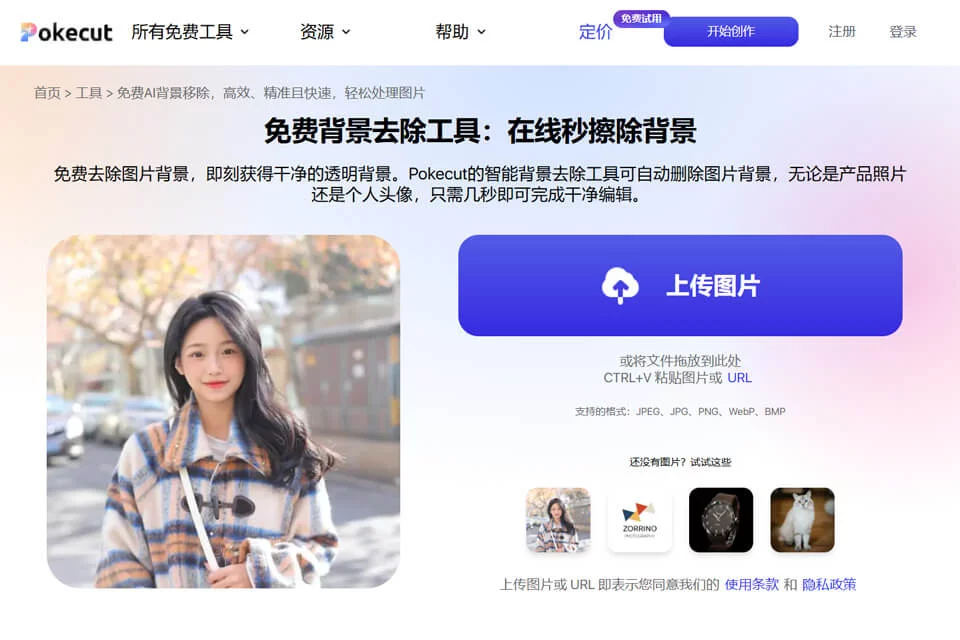
Pokecut AI is primarily designed for automatic background removal, separating the main subject of an image from its original background to help users complete basic image processing quickly. It is an online image editing tool focused on common tasks such as background processing and image optimization.
The product offers free and paid plans; the specific available features are subject to the actual usage page.
02Key Features
The tool supports automatic image background removal and can also replace backgrounds, making it suitable for creating white-background product images or visual assets with contextual scenes. In addition to background processing, available information indicates that it also provides image enhancement, object removal, and batch processing.
Image enhancement can improve pictures with insufficient resolution or noticeable blur. Object removal is used to clear elements such as passersby and unwanted items from an image. Batch processing is suitable for handling multiple images at once.
03Use Cases
E-commerce sellers can use it to process product images, isolate product subjects, or replace display backgrounds. Content creators and marketing professionals can use the processed images for social media covers, profile pictures, and promotional assets.
Designers and photographers can use it for preliminary image organization in their creative workflows, while office and personal users can use it to create presentation graphics, ID photo backgrounds, or everyday photos.
04Usage Considerations
The workflow mainly involves uploading an image, selecting background processing or another editing task, and exporting the result. It is suitable for users who are unfamiliar with professional image software. Before starting a batch task, confirm that the image dimensions, subject conditions, and processing settings are consistent.
Photos with complex hair, translucent materials, low resolution, or low contrast between the subject and background may show edge remnants, accidental removal, or missing details. Before using the results for product listings, advertising, or formal documents, review each processed image individually.
© Disclaimer: domains and linked content may change over time. AIEZZ does not control third-party websites. Review external content and risks independently.
User reviews0