

- Monthly visits
- 0
- Pricing
- Free
- Listed
- 2025-01-17
- Updated
- 2026-08-25
01Product Positioning
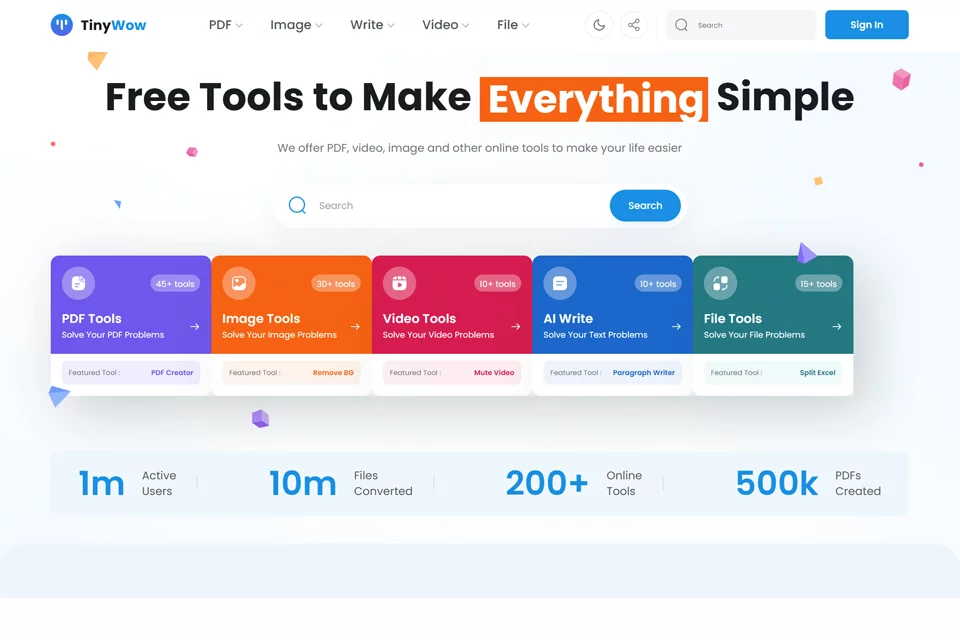
TinyWow is a versatile online tool platform for individuals, organizing tools for documents, images, videos, files, and text creation. It brings together many common processing tasks in the browser, making it suitable for users who need to complete basic editing or format conversion quickly.
The platform is better suited to lightweight everyday tasks and cannot replace specialized software for complex layouts, advanced video production, or professional content creation.
02Key Features
For documents and files, the platform offers PDF editing, PDF to Word conversion, JPG to PDF conversion, PDF merging, and file compression tools. It also includes OCR (optical character recognition) features.
Video tools support video compression, video to GIF conversion, video editing, and MP4 to MP3 conversion. Image tools include background removal. AI writing tools cover tasks such as paragraph generation, sentence rewriting, essay generation, and article title creation.
03Use Cases
Students and teachers can use it to merge or split PDF assignments, extract text from images, and assist with paragraph or essay writing. Professionals can use it to compress PDFs, convert document formats, or process files.
Content creators can use background removal, video trimming, muting, format conversion, and AI copywriting tools. TinyWow also provides web-based tools for basic needs such as changing the background of ID photos and generating social media copy.
04Usage Considerations
Available information indicates that TinyWow's tools can be used for free without registration, with no stated usage caps or feature restrictions. Users should still check the specific tool page to confirm supported file formats and processing requirements.
Results from PDF, image, and video processing should be reviewed after submission. AI-generated or rewritten text should also be checked by the user for factual accuracy, tone, and formatting before being used for schoolwork, professional tasks, or public release.
© Disclaimer: domains and linked content may change over time. AIEZZ does not control third-party websites. Review external content and risks independently.
User reviews0