

- Monthly visits
- 0
- Pricing
- Free & Paid
- Listed
- 2025-12-26
- Updated
- 2026-08-25
01Product Positioning
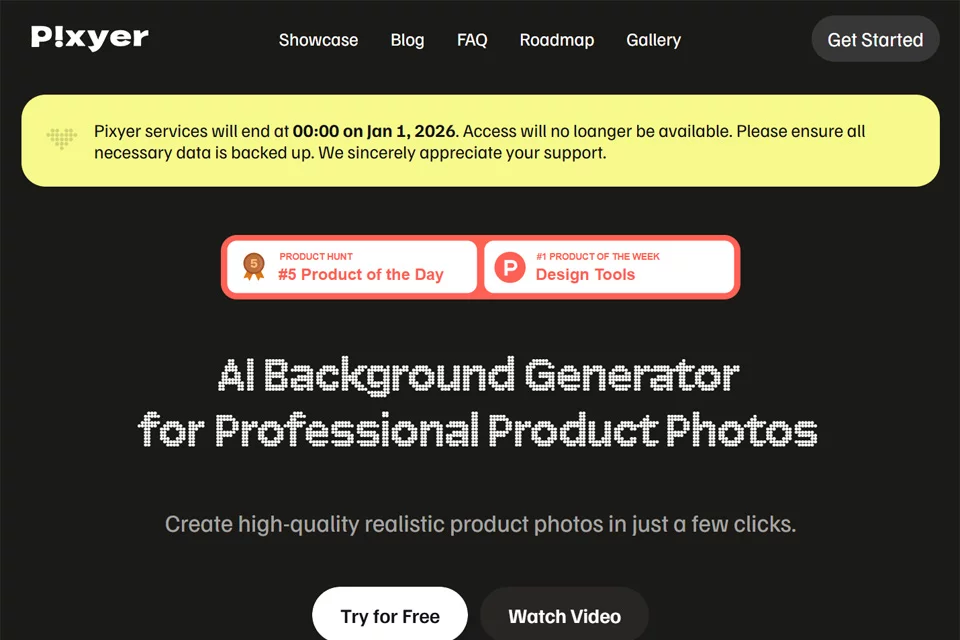
Pixyer is designed for creating e-commerce product visuals, with a focus on combining product snapshots with backgrounds and scenes. Users start by uploading a product image, then choose a style or reference image to generate a new product visual.
It is suitable for e-commerce sellers, independent brand teams, and content creators looking to reduce studio photography and post-production work. However, generated results still require human review and are not intended to replace all commercial photography and design work.
02Key Features
The tool can identify the main product subject and remove cluttered backgrounds, then generate a display scene based on a preset style or reference image. During generation, it can account for the product's materials, light direction, and original color tones to create lighting and shadow effects that reduce visual inconsistencies between the subject and background.
Pixyer also supports adjusting image sizes for channels such as e-commerce product images, social media content, and email banners. Its API-based batch processing is suitable for workflows that handle larger volumes of product images.
03Use Cases
E-commerce sellers can use it to create scene images for product listings, while independent brand teams can produce visual assets with a more consistent style. Social media creators can use generated images for product showcases and content illustrations, and marketers can prepare multiple visual concepts for testing across different advertising channels.
For businesses that need to process product images in batches, the API can connect with existing image production workflows.
04Usage Considerations
Users should generally prepare original photos with a clearly visible subject and complete product details. The quality of background removal, scene generation, and lighting and shadow blending can be affected by the shooting angle, obstructions, reflective materials, and the quality of the reference image.
After generation, carefully check the product shape, color, packaging text, and proportions to prevent generated content from differing from the actual product. Pixyer offers both free and paid plans; specific usage limits and quotas should be confirmed on the current product page.
© Disclaimer: domains and linked content may change over time. AIEZZ does not control third-party websites. Review external content and risks independently.
User reviews0