

- Monthly visits
- 0
- Pricing
- Free
- Listed
- 2026-04-03
- Updated
- 2026-08-25
01Product Positioning
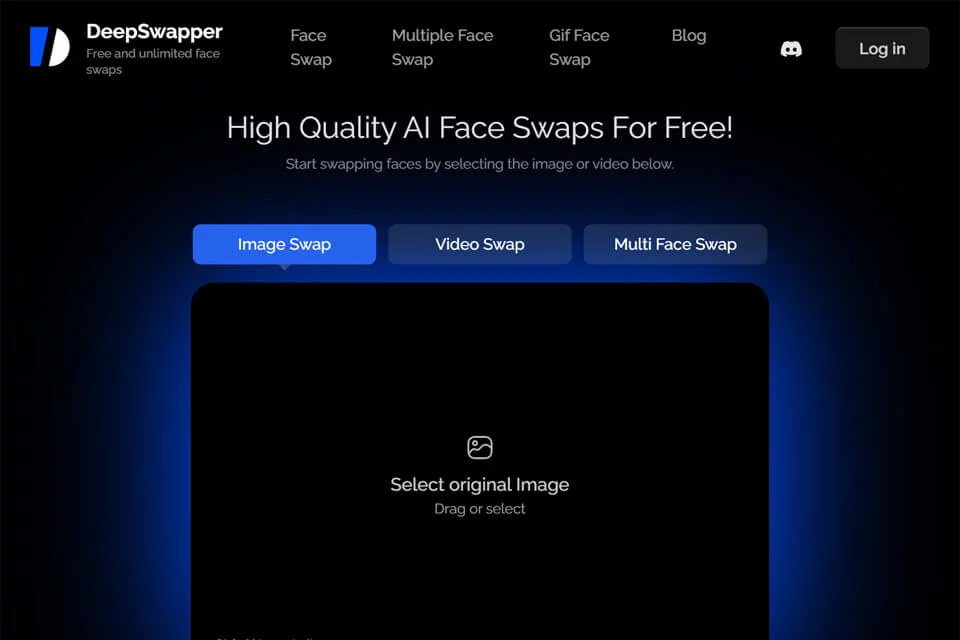
DeepSwapper is positioned as an online AI face-swapping tool focused on faces in photos, videos, and GIFs. It combines media uploading, target face selection, and result generation in a single workflow, making it suitable for users who want to quickly complete entertaining face-swapping edits.
The product is an AI graphics tool for personal creations and social content production. It is not a substitute for professional film post-production or portrait retouching software.
02Key Features
The tool supports face swapping in photos, videos, and GIFs, handling faces in both still images and animated media. Users typically prepare the original media and target appearance, specify the face to replace, and then generate the result.
Processing results for complex media, such as group photos, may be affected by the number of people, face angles, obstructions, and image clarity.
03Use Cases
DeepSwapper is suitable for creating fun group photos, memes, social media images, and short animated content. It can also be used for personal creative expression, fan-themed content, and lightweight entertainment editing.
For users who want to quickly try different appearances, create GIFs, or process video clips, it serves as a convenient online tool. Projects that require consistent characters, precise edge processing, or professional post-production control will need to use additional software.
04Usage Considerations
Before swapping faces, confirm the source and usage rights for the media. This is especially important when identifiable friends, family members, public figures, or other individuals are involved. Avoid creating or distributing content without consent if it could cause deception, harassment, or reputational harm. The tool can be used for entertainment, but it does not replace careful judgment regarding likeness rights, privacy, and responsibility for distributing content.
Results are not fixed and may vary. Use clear, front-facing media with minimal obstruction when possible, and check the facial edges, expressions, and motion transitions before publishing to ensure they look natural.
© Disclaimer: domains and linked content may change over time. AIEZZ does not control third-party websites. Review external content and risks independently.
User reviews0