

- Monthly visits
- 0
- Pricing
- Free & Paid
- Listed
- 2025-12-28
- Updated
- 2026-08-25
01Product Positioning
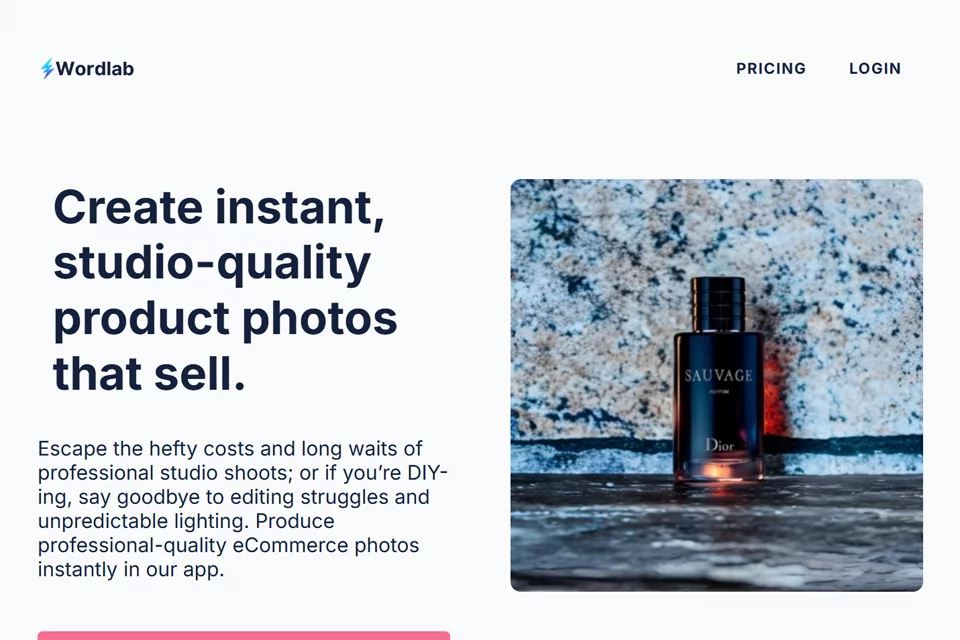
Wordlab is positioned as an intelligent visual tool for e-commerce, focusing on product photo backgrounds, scenes, and visual quality. Using uploaded product images as input, it helps individuals and small teams without dedicated photographers or image editors create promotional visuals.
The tool is better suited to quickly producing multiple visual concepts than to replacing the entire product photography and post-production workflow.
02Key Features
After uploading a product image, users can enter a text description or choose a preset template to reconstruct the product scene. The tool also offers one-click background removal, batch generation of multiple variations, and low-resolution image enhancement.
Background removal is useful for creating transparent-background assets; batch generation makes it easier to compare different styles; and low-resolution enhancement is designed for ordinary-quality source images, such as those taken with a phone.
03Use Cases
E-commerce store owners can use it to create product listing images and promotional materials, reducing the work involved between photography and editing. Social media operators can use different scene variations to create content for regular posts.
Small startup teams can use it to produce visual assets for new products, while secondhand sellers can process product photos to improve their presentation. The final image should still match the product's actual condition and the platform's publishing requirements.
04Usage Considerations
Before generating images, upload photos that clearly show the main product whenever possible, and use prompts or templates to describe the desired scene. After batch generation, review each image to check whether the product outline, color, material, text, or proportions have changed.
Wordlab offers both free and paid pricing plans. Available features and quotas should be confirmed based on what is displayed on the actual page. Images that require strict accuracy in product details may still need manual editing or new photographs.
© Disclaimer: domains and linked content may change over time. AIEZZ does not control third-party websites. Review external content and risks independently.
User reviews0