
- Monthly visits
- 0
- Pricing
- Free & Paid
- Listed
- 2026-08-14
- Updated
- 2026-08-14
01What is wigolo?
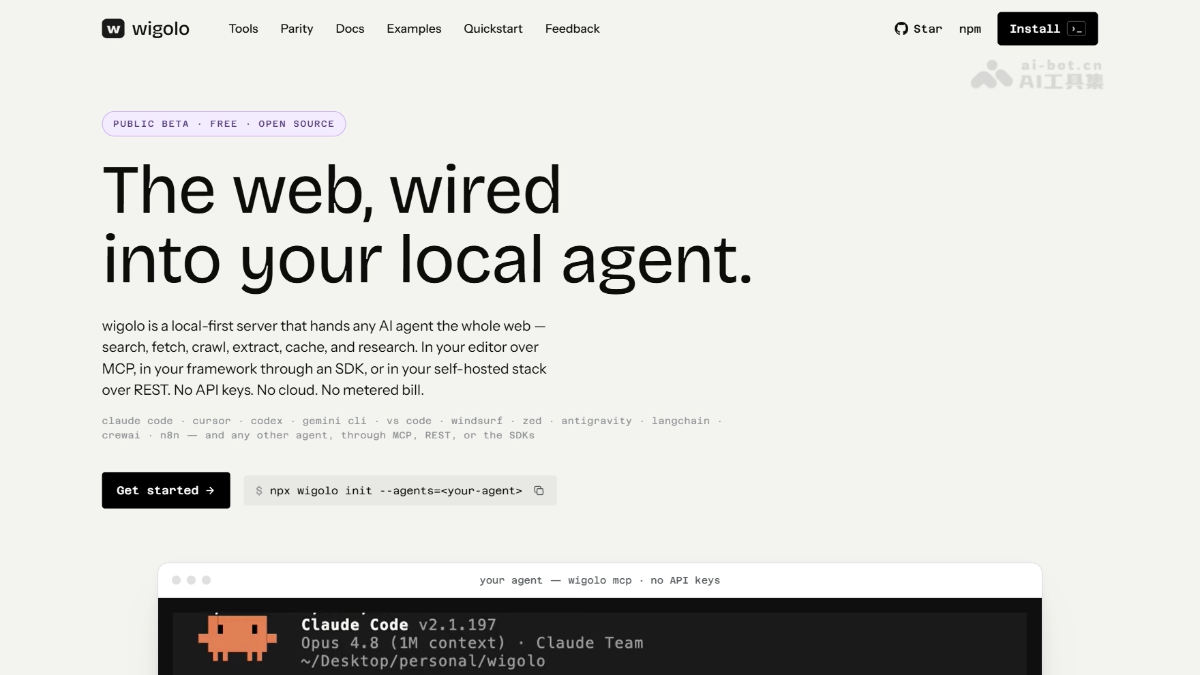
wigolo is an open-source local search tool that connects to coding agents such as Claude Code and Cursor via MCP. No API key is required, enabling free local search, web fetching, site crawling, structured extraction, caching, and research on your device. The tool supports parallel queries across 18 search engines, with explainable scores and source citations included in the results. All data is stored locally.
02Key Features of wigolo
Follow us on WeChat and reply “开源” to join the AI open-source project community.
search: Queries 18 search engines in parallel and uses on-device ML reranking to return search results with explainable scores.
fetch: Fetches web pages through layered routing, automatically upgrading from pure HTTP to a headless browser to intelligently handle anti-scraping measures and SPA pages.
crawl: Crawls entire websites using BFS, DFS, and sitemap modes, while respecting robots.txt and automatically removing duplicates.
extract: Extracts structured data from pages, including tables, metadata, JSON-LD, and custom JSON schemas.
cache: Stores fetched content in a local index, supporting keyword and semantic search. Repeated queries return results in milliseconds and work offline.
find_similar: Finds pages similar to a target URL or concept by combining keyword, semantic, and real-time web search.
research: Automatically decomposes complex questions into subqueries, retrieves resources in parallel, and synthesizes structured research reports with citations.
agent: Executes an autonomous “plan → search → fetch → extract → synthesize” collection loop, with step logs and a time budget.
diff + watch: Monitors changes to pages since the last visit and pushes the changes to a specified webhook.
03How to Use wigolo
Environment preparation: Make sure Node.js 20 or later is installed locally.
One-click installation: Run npx wigolo init to automatically download browser engines and models, and connect to agents such as Claude Code and Cursor.
Health check: Run npx wigolo health to verify that search, the browser, and on-device models are working properly.
Optional LLM configuration: To use the research or agent features, configure a free Gemini API key or a local Ollama model.
Calling from an agent: Directly call search, fetching, and other tools using natural language in MCP-compatible agents such as Claude Code and Cursor.
Direct CLI usage: Run commands such as npx wigolo search/fetch/crawl from the command line to perform specific operations.
Reuse the local cache: All data is automatically stored in the ~/.wigolo/ directory, supporting offline reuse and semantic search.
04Core Advantages of wigolo
Local-first: All searching, fetching, and caching are performed on your device. Data never leaves the device, and the tool works normally without an internet connection.
Zero cost, zero barriers: No account registration or API key is required. Every query is free forever, and mainstream agents can be connected with a single command.
Fully explainable results: Every search result includes byte-level source excerpts, citation IDs, and a score breakdown, making quality immediately clear.
Parallel multi-engine search: 18 search engines are queried simultaneously, with rank fusion and on-device ML reranking to ensure comprehensive and accurate results.
Intelligent layered fetching: The system automatically upgrades from pure HTTP to TLS impersonation and a headless browser, handling anti-scraping measures transparently and clearly reporting failures.
Persistent local cache: All content is stored in a local hybrid index combining keywords and semantic vectors, enabling millisecond responses for repeated queries.
05wigolo Project Links
Project website: https://knockoutez.github.io/wigolo/
GitHub repository: https://github.com/KnockOutEZ/wigolo
06wigolo Use Cases
AI-assisted programming: While writing code, agents automatically search for the latest API documentation, official tutorials, and best practices, without requiring manual browser switching.
Technical research and competitive analysis: Have agents independently search and fetch multiple technical blogs and documentation sites, then synthesize structured research reports with citations.
Whole-site data collection: Batch-crawl product catalogs, pricing information, paper repositories, or news sites, and extract tables and structured data locally.
Building a local knowledge base: Cache frequently referenced documents and web pages locally to create an offline, searchable knowledge base for individuals or teams.
Page change monitoring: Continuously monitor competitor websites, documentation update pages, or pricing pages, and automatically send notifications via webhook when changes occur.
© Disclaimer: domains and linked content may change over time. AIEZZ does not control third-party websites. Review external content and risks independently.
User reviews0