

- Monthly visits
- 0
- Pricing
- Free & Paid
- Listed
- 2026-04-03
- Updated
- 2026-08-25
01Product Positioning
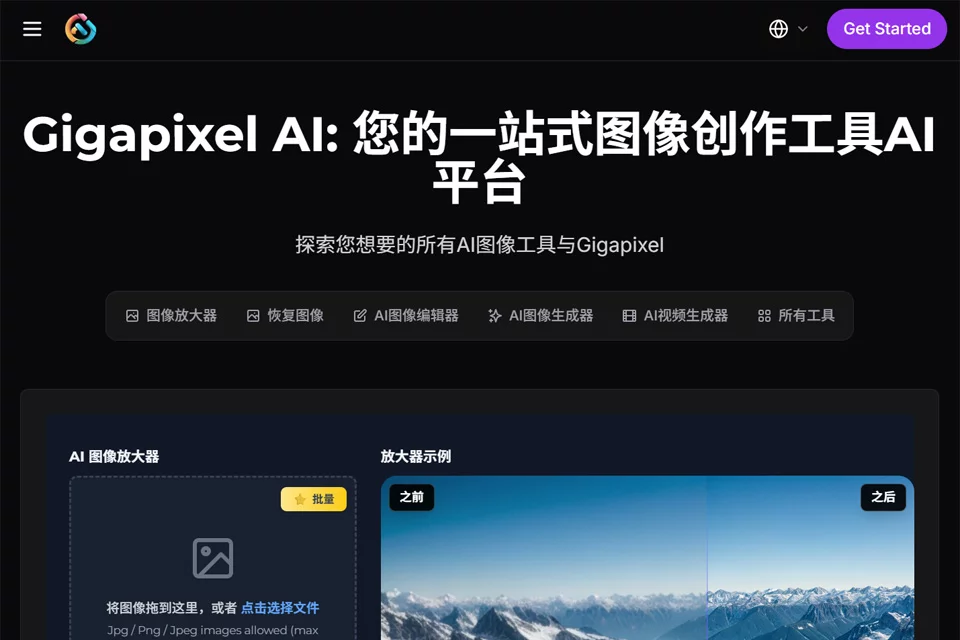
Gigapixel AI is primarily designed for image and video upscaling and enhancement. It helps increase asset resolution, restore some details, and produce files better suited for publishing or post-production.
The platform uses cloud computing for processing, making it suitable for users who do not want to rely entirely on local hardware. Alongside enhancement features, it brings image generation, editing, and background processing capabilities into the same toolset.
02Key Features
Image upscaling supports batch uploads. The materials state that up to 10 images can be processed at once, with scaling factors including 2x, 4x, 8x, and 10x. It can be used for general images, portraits, landscapes, old photos, and anime assets.
Video upscaling can enhance videos to 720p, 1080p, and 4K, with adjustable frame rates. The materials state that frame rates can reach up to 60fps. Other features include text-to-image and image-to-image generation, localized replacement and expansion, subject cutout, style transfer, extracting prompts from images, and generating multiple logo concepts.
03Use Cases
Content creators can use it to process covers, thumbnails, and video assets. E-commerce and marketing teams can use it for product image upscaling, background removal, and advertising visual production.
Game and film art teams can use it for concept art iteration, organizing older assets, and post-production. Image restoration and archival management workflows can use it to enhance old photos, film images, and archival videos, but results should still be checked as part of a manual restoration process.
04Important Considerations
Cloud processing means that assets must be uploaded to the service. When handling internal materials, client files, or unpublished content, users should first confirm their organization’s upload policies and data management requirements.
Upscaling does not fully restore the original details. Low-resolution, heavily compressed, blurry, or damaged assets may develop distorted textures, unusual edges, or changes to facial details. Important files should be tested on a small area first and reviewed manually. Free and paid quotas, credit rules, and other details may change, so users should check the current service pages before use.
© Disclaimer: domains and linked content may change over time. AIEZZ does not control third-party websites. Review external content and risks independently.
User reviews0