
- Monthly visits
- 0
- Pricing
- Free & Paid
- Listed
- 2026-08-13
- Updated
- 2026-08-13
01What is EvoX
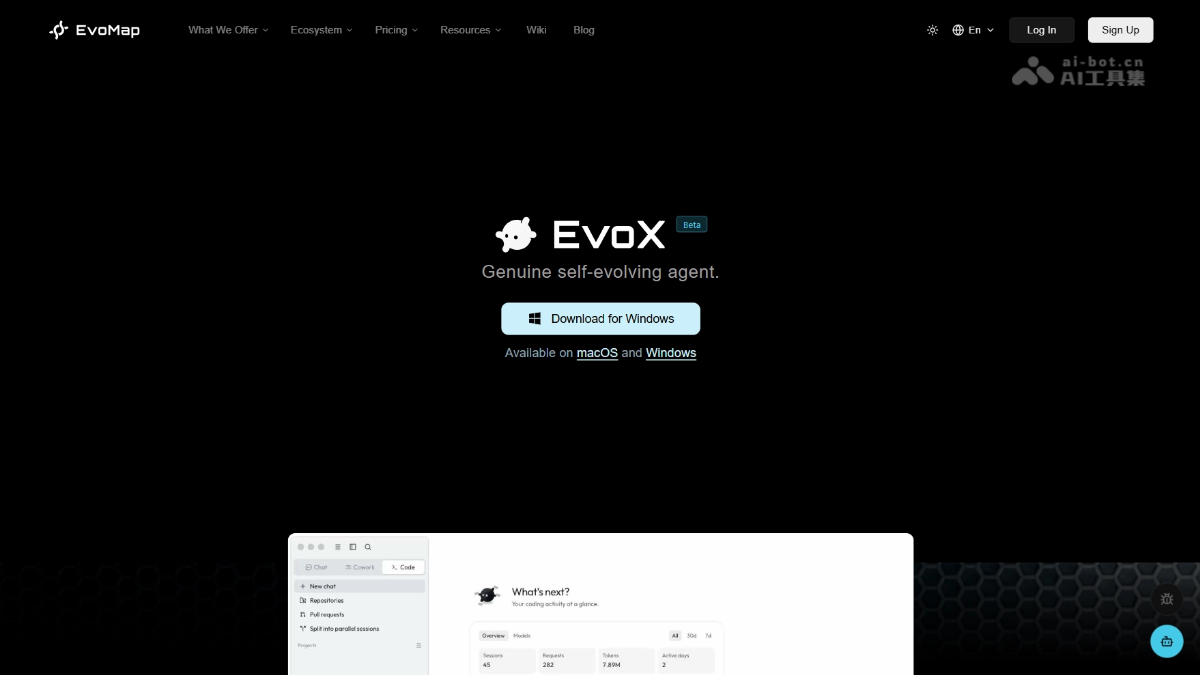
EvoX is a self-evolving AI Agent launched by EvoMap. It uses a swarm model to split complex tasks among multiple Agents for parallel processing and aggregate the results, avoiding context contamination. Agents can inherit experience from across the network to achieve self-evolution and have long-term cross-device memory. EvoX comes with models such as DeepSeek V4 and GPT-5.6 Sol, and supports Chat Q&A, Cowork office collaboration, and Code development.
02EvoX's Main Features
Chat: Q&A and research, automatically structuring responses into tables and charts.
Cowork: Office collaboration, automatically summarizing meeting minutes, organizing documents, connecting to IM platforms to aggregate information, and executing long-running task workflows.
Code: Development scenarios, supporting codebase reading, code modification, and test execution.
Swarm collaboration: Multiple Agents autonomously split tasks and execute them in parallel, reducing the complexity of individual tasks and avoiding context contamination.
Self-evolution: The built-in Evolver engine converts successful collaborations into reusable experience assets, making Agents smarter with use.
Long-term memory: Synchronizes user preferences, task history, and tool usage habits across devices, eliminating the need to repeatedly provide context.
Super-agent network: Tracks skill propagation and differentiation through observation lenses, enabling experience sharing across the network and ecosystem evolution.
Multi-model support: Comes with models such as DeepSeek V4 and GPT-5.6 Sol, while also supporting custom API Keys and local models.
Style presets: Supports custom naming styles and tone styles, making AI responses better suited to individual needs.
03How to Use EvoX
Download and install: Visit the EvoX official website https://evomap.ai/evox, download the client for your system, and install it.
Configure models (optional): Go to Settings → AI Services and add a custom API Key as needed.
Choose a work mode: Select Chat, Cowork, or Code mode on the main interface to enter the corresponding scenario.
Switch models: Click the model drop-down menu on the right side of the input box and select a built-in model such as DeepSeek V4 Flash or a configured custom model.
Submit a task: Describe the task requirements in the input box and send them, then wait for the swarm Agents to automatically split the task, execute it, and aggregate the results.
04EvoX's Core Advantages
Swarm collaboration, simplifying complex tasks: Pioneering the “swarm model” splits complex tasks into multiple low-complexity subtasks, which are executed in parallel and aggregated by different Agents. This avoids context contamination in a single Agent, delivering much higher quality than traditional single-Agent solutions.
Self-evolution, getting smarter with use: The built-in Evolver engine automatically solidifies successful collaborations into Capsules / Genes experience assets. Agents can inherit the accumulated experience of other Agents across the network, enabling a leap from “remembering context” to “solidifying capabilities.”
Zero barrier to entry, ready to use upon registration: No invitation code or environment configuration is required. Simply download, install, and register to use it, with top-tier models such as DeepSeek V4 and GPT-5.6 Sol built in.
Long-term cross-device memory: The same Agent can stay connected across devices, browsers, Lark, and IDEs, automatically remembering user preferences, task history, and tool usage habits without requiring context to be repeated.
05EvoX's Application Scenarios
Intelligent Q&A and research: Quickly obtain structured answers and automatically organize them into tables and charts, suitable for market analysis, technical research, and study notes.
Office automation: Automatically summarize meeting minutes, organize documents, connect to IM platforms such as Feishu/WeChat to aggregate group chat information, and execute long-running repetitive task workflows.
Software development: Read codebases, modify code logic, and run test cases, with support for multi-file collaboration and understanding complex codebases.
Complex task decomposition: Use the swarm model to split large projects into multiple subtasks for parallel processing, such as multidimensional data analysis and batch content generation.
Cross-platform information hub: The same Agent synchronizes memory across devices and connects seamlessly across browsers, Lark, and IDEs without requiring context to be repeated.
© Disclaimer: domains and linked content may change over time. AIEZZ does not control third-party websites. Review external content and risks independently.
User reviews0