

- Monthly visits
- 0
- Pricing
- Free
- Listed
- 2026-05-26
- Updated
- 2026-08-25
01Product Positioning
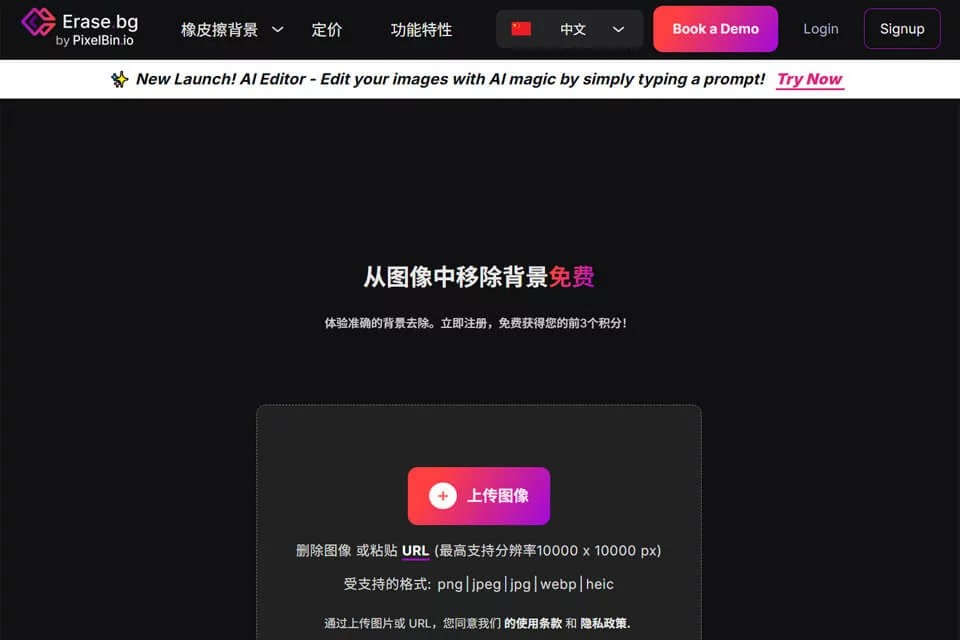
Erase.bg focuses on removing image backgrounds rather than providing a full-featured image editing suite. It uses artificial intelligence to identify the main objects in an image, helping users quickly obtain background-removed assets. It is suitable for photos of people, pets, and products.
The basic process is to upload an image, wait for automatic processing, and then download the result with a transparent or solid-color background. The workflow has few steps and suits users who need to complete basic background removal quickly.
02Key Features
The tool automatically removes image backgrounds and can generate images with transparent backgrounds or apply solid-color backgrounds. Common uses include preparing clean product images, extracting people or pets, and creating assets for posters, product detail pages, and social media graphics.
Available information indicates that Erase.bg also offers batch processing and API integration for larger-scale image processing workflows. The exact availability and usage conditions should be confirmed in the product's current documentation.
03Use Cases
E-commerce sellers can use it to process product images and product detail page assets, reducing the need to outline subjects manually. Designers and content creators can perform basic background removal first, then place the subject in posters, promotional graphics, or social media images.
Individuals can use it to process personal photos, pet photos, or images that need a different background color. For teams in real estate, media, and other fields that need to organize many images, batch processing and API capabilities may fit more naturally into existing workflows.
04Usage Considerations
The simpler the background and the clearer the subject's edges, the more likely automatic background removal is to produce a usable result. For images containing hair, pet fur, translucent objects, shadows, or colors that are similar between the subject and background, it is recommended to zoom in and inspect the edges after downloading.
Erase.bg is best suited to the specific task of removing backgrounds and cannot replace a complete image editing workflow. Before using it in formal production, confirm the current rules for batch processing, API integration, output dimensions, and image formats on the product page.
© Disclaimer: domains and linked content may change over time. AIEZZ does not control third-party websites. Review external content and risks independently.
User reviews0